
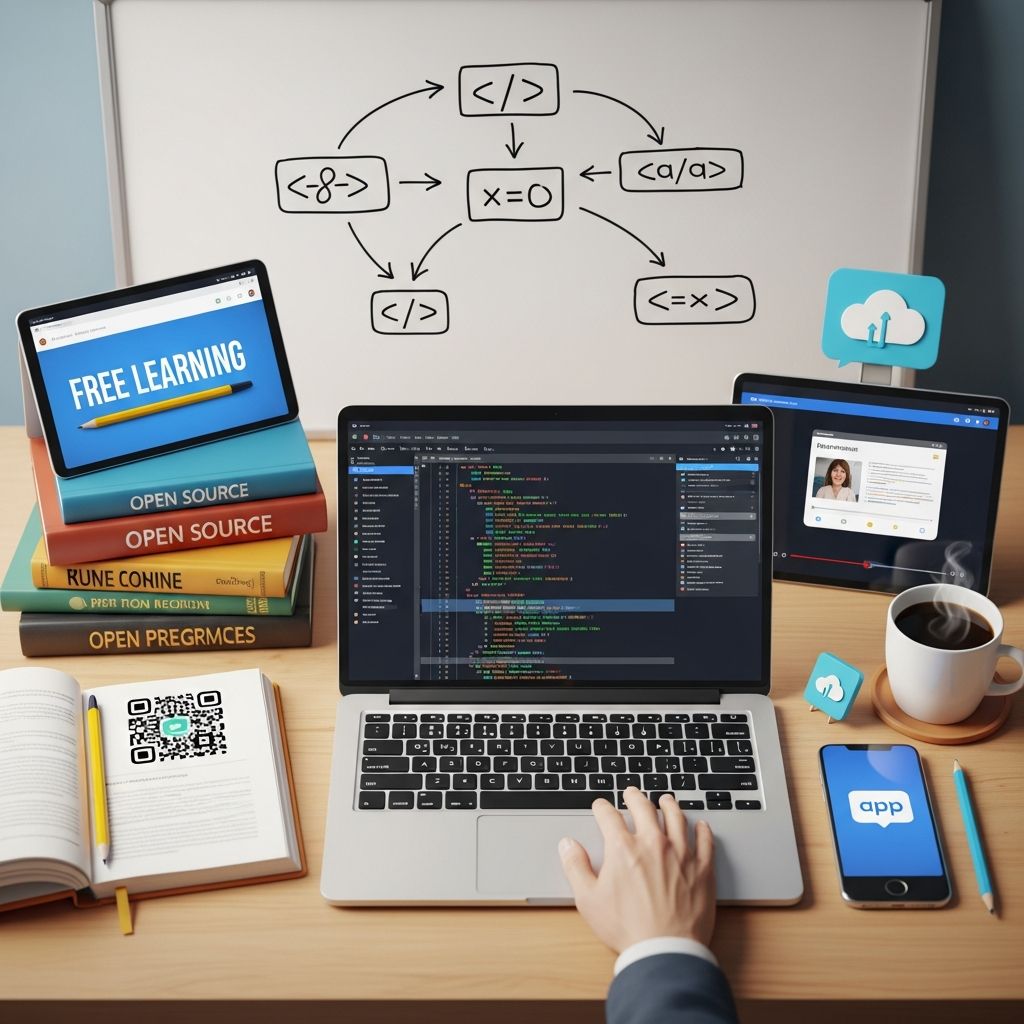
Starting Your Programming Education Without Financial Barriers
The prospect of learning to program can feel overwhelming, especially when you have no prior experience and worry about the cost of quality education. However, the digital landscape has transformed, making it entirely possible to acquire legitimate coding skills without spending any money. Whether you’re interested in web development, data analysis, or mobile applications, numerous platforms now offer comprehensive, zero-cost pathways for beginners to build foundational programming knowledge. The key to success lies in choosing the right starting point that matches your learning style and career aspirations.
Understanding Why Free Resources Work for Coding Education
Unlike many fields that require expensive textbooks and specialized materials, coding education has democratized rapidly. The barriers to entry are minimal—you need a computer and internet access, both of which you likely already have. Educational platforms invest in free offerings because they understand that beginners represent potential long-term users. Some learners will eventually purchase advanced courses, professional certifications, or enroll in specialized training, making the initial free courses a strategic investment by the platforms themselves.
Quality hasn’t been sacrificed in this transition to free education. Many courses on these platforms were created by industry professionals, university instructors, and experienced developers who are passionate about democratizing tech education. The interactive nature of modern learning platforms—where you write code directly in your browser and receive immediate feedback—often provides better learning outcomes than traditional classroom settings.
Exploring Comprehensive Platform Options
Interactive Browser-Based Learning Environments
One of the most effective ways to learn coding is through platforms that let you write and execute code without any setup. These interactive environments eliminate common beginner frustrations like installation errors or software compatibility issues. You can focus entirely on learning concepts rather than troubleshooting your computer setup.
These platforms typically follow a “learn by doing” methodology where lessons are interspersed with coding exercises. Rather than passively watching videos, you’re actively typing code, running it, and seeing results immediately. This hands-on approach dramatically improves retention and builds practical skills you can use right away.
University-Level Courses Available to Everyone
Several prestigious universities have made foundational programming courses freely available to the global audience. These aren’t watered-down versions—they’re actual courses taught to enrolled students, now made accessible online. The benefit of this approach is that you’re learning from academic instructors who understand both the theoretical foundations and practical applications of programming.
University courses often provide structure and progression that self-directed learning can lack. They typically cover not just “how to code” but “why you code this way,” building conceptual understanding alongside technical skills. The downside is that these courses often require more time commitment and may be less immediately engaging than industry-oriented platforms.
Programming Languages for Beginners: Which Should You Choose?
A common question for newcomers is which programming language to learn first. Different languages have different strengths, and your choice might depend on your ultimate career goals.
| Language | Best For | Difficulty | Job Market |
|---|---|---|---|
| Python | Data Science, Automation, General Programming | Beginner-Friendly | Very Strong |
| JavaScript | Web Development (Frontend) | Beginner-Friendly | Excellent |
| HTML/CSS | Web Development Foundation | Very Easy | Essential Foundation |
| PHP | Web Development (Backend) | Beginner-Friendly | Good |
| VBA | Business Automation, Excel Scripting | Easy | Specialized |
Python: The Beginner’s Favorite
Python consistently ranks as the top recommendation for beginners because its syntax closely resembles plain English. You can read Python code and understand what it does without extensive technical background. This accessibility means you spend less mental energy parsing syntax and more time understanding programming concepts.
Python’s versatility is another major advantage. Whether you want to build data science applications, create automation scripts, or develop machine learning models, Python is a viable choice. Its popularity in these emerging fields means learning Python opens doors to high-demand career opportunities.
JavaScript: Building for the Web
If your interest lies specifically in web development, JavaScript is essential. It’s the language that runs in web browsers and powers interactive website features. Unlike backend languages that require server infrastructure to test, JavaScript works immediately in your browser, making it gratifying for beginners who want to see immediate results.
Web Fundamentals: HTML and CSS
If web development intrigues you, starting with HTML and CSS makes sense before JavaScript. These languages control the structure and styling of web pages. They’re easier to learn than programming languages and build confidence before tackling the logic-based nature of JavaScript or backend languages.
Unique Learning Pathways for Different Goals
For Aspiring Web Developers
Web development offers multiple specializations. Frontend developers focus on what users see and interact with, requiring proficiency in HTML, CSS, and JavaScript. Backend developers build the server-side logic that powers applications, often using languages like PHP, Python, or Node.js. Full-stack developers work on both frontend and backend.
Many free courses build a complete pathway from HTML basics through JavaScript interactivity to backend server development. You can test your projects in real browsers and deploy them to the internet, making the learning tangible and portfolio-building.
For Data-Oriented Learners
Python dominates the data science space. Free courses in Python often include data manipulation libraries like Pandas and visualization tools. These courses typically progress from basic Python syntax to working with real datasets, teaching you to extract insights from data.
For Business Professionals
Not everyone needs to become a professional programmer. Business professionals often benefit from learning VBA (Visual Basic for Applications) to automate Excel workflows, or learning to write simple scripts in Python or Google Apps Script to streamline repetitive tasks. These targeted skills can dramatically increase productivity without requiring months of study.
Structuring Your Learning Journey
Setting Realistic Expectations
Learning to code requires consistent effort over weeks and months, not days. Most foundational courses take 10-50 hours of active learning. More importantly, the time you spend practicing after completing courses—building small projects, debugging errors, and reinforcing concepts—far exceeds the course duration.
Expect frustration. Programming involves solving problems systematically, and errors are normal. Debugging—finding and fixing problems in code—teaches critical thinking skills that are more valuable than memorizing syntax.
Creating a Study Schedule
Consistency beats intensity. Studying for 30 minutes daily is more effective than cramming for five hours once a week. Your brain needs time to consolidate new concepts. Daily practice, even if brief, helps maintain momentum and prevents knowledge decay.
Set specific weekly goals beyond just “complete X hours of coursework.” Better goals include “complete three coding challenges” or “build a small project combining concepts from this week.” These tangible deliverables give you concrete progress markers.
Building Projects Early
Many beginners make the mistake of completing entire courses before attempting projects. However, building projects—even simple ones—reinforces learning and builds confidence. Start with guided projects included in courses, then move to self-directed projects where you decide what to build.
Projects don’t need to be complex. Early projects might include a simple to-do list application, a personal website, or an automation script that solves a real problem in your life. These concrete deliverables are more motivating than abstract exercises and create portfolio pieces.
Overcoming Common Beginner Challenges
Technical Syntax Confusion
Beginning programmers often struggle with syntax—the precise punctuation and formatting required for code to work. A single semicolon in the wrong place breaks everything. This initially feels frustrating, but tools have improved dramatically. Most modern coding environments highlight syntax errors and suggest corrections, guiding you to solutions rather than leaving you stuck.
Feeling Overwhelmed by Scope
Programming encompasses enormous depth, and beginners sometimes feel discouraged recognizing how much they don’t know. Combat this by focusing on one narrow skill at a time. You don’t need to understand web servers, databases, and authentication simultaneously. Structured courses prevent this overwhelm by sequencing concepts logically.
Imposter Syndrome
Many beginners feel like “real programmers” understand things instantly, and they shouldn’t. This is false. Professional developers struggle with new concepts constantly and spend significant time debugging and researching solutions. Learning to code is learning to problem-solve effectively, not achieving instant mastery.
Transitioning from Courses to Independent Work
Building Your First Independent Project
After completing foundational material, create something you’ve never been explicitly taught. This might be combining concepts from different sections or solving a problem without step-by-step guidance. Struggle with your first independent project—that struggle is where real learning happens.
Developing a Learning Mindset
The transition from structured courses to independent coding requires adopting a growth mindset. You’ll encounter problems you don’t know how to solve. Professional developers handle this by researching solutions, reading documentation, and asking communities for help. These research and help-seeking skills are as important as programming skills themselves.
Contributing to Communities
Many programming communities welcome beginners. Stack Overflow, GitHub, and language-specific forums provide spaces to ask questions and learn from experienced developers. Engaging with communities accelerates learning and provides motivation through connection with others on similar journeys.
Frequently Asked Questions
Q: How long does it take to learn coding enough to get a job?
A: With consistent daily practice, most people develop job-ready skills in 6-12 months. However, this requires following through after initial courses with projects and continuous learning. Natural ability varies, and learning speed depends on your background, study intensity, and specific job target.
Q: Do I need a powerful computer to learn programming?
A: No. Browser-based platforms work on any device with internet connectivity. You can learn on older computers, tablets, or even Chromebooks. Advanced development work might eventually require a more powerful machine, but initial learning needs minimal hardware.
Q: Should I learn multiple languages or focus on one?
A: Focus on one language initially. After becoming comfortable with fundamentals through one language, learning additional languages becomes much easier because core concepts transfer. Many developers eventually learn multiple languages, but depth in one beats shallow knowledge of many.
Q: How do I know if I’m learning correctly?
A: You’re learning effectively if you can explain concepts to others, write simple programs without referring to courses, and solve problems you haven’t explicitly been taught how to solve. The ability to apply knowledge to new situations indicates genuine understanding.
Q: Can I really get a programming job without a degree?
A: Yes, absolutely. Many programmers entered the field through self-teaching, bootcamps, or alternative education. Employers prioritize demonstrated skills and portfolio projects over formal credentials. However, competition increases without a degree, so portfolio projects become more important.
Q: What should I do if I get stuck on a problem?
A: First, try debugging independently for 20-30 minutes—this develops problem-solving skills. Then, consult course materials or official documentation. If still stuck, search relevant communities or ask specific questions in forums, providing your code and exact error message. This systematic approach balances independence with seeking help appropriately.
References
- Codecademy: Learn to Code – for Free — Codecademy. Accessed December 2025. https://www.codecademy.com
- Learn to Code — For Free — Coding Courses for Busy People — freeCodeCamp. Accessed December 2025. https://www.freecodecamp.org
- Code.org: Free K–12 Curriculum for Computer Science and AI — Code.org. Accessed December 2025. https://code.org
- CS50’s Introduction to Computer Science — Harvard University. Accessed December 2025. https://cs50.harvard.edu
- The Odin Project — The Odin Project Community. Accessed December 2025. https://www.theodinproject.com

Medha Deb is an editor with a master's degree in Applied Linguistics from the University of Hyderabad. She believes that her qualification has helped her develop a deep understanding of language and its application in various contexts. Medha specializes in the areas of beauty, health, sports, and wellness and is committed to ensuring that the content on the website is…