
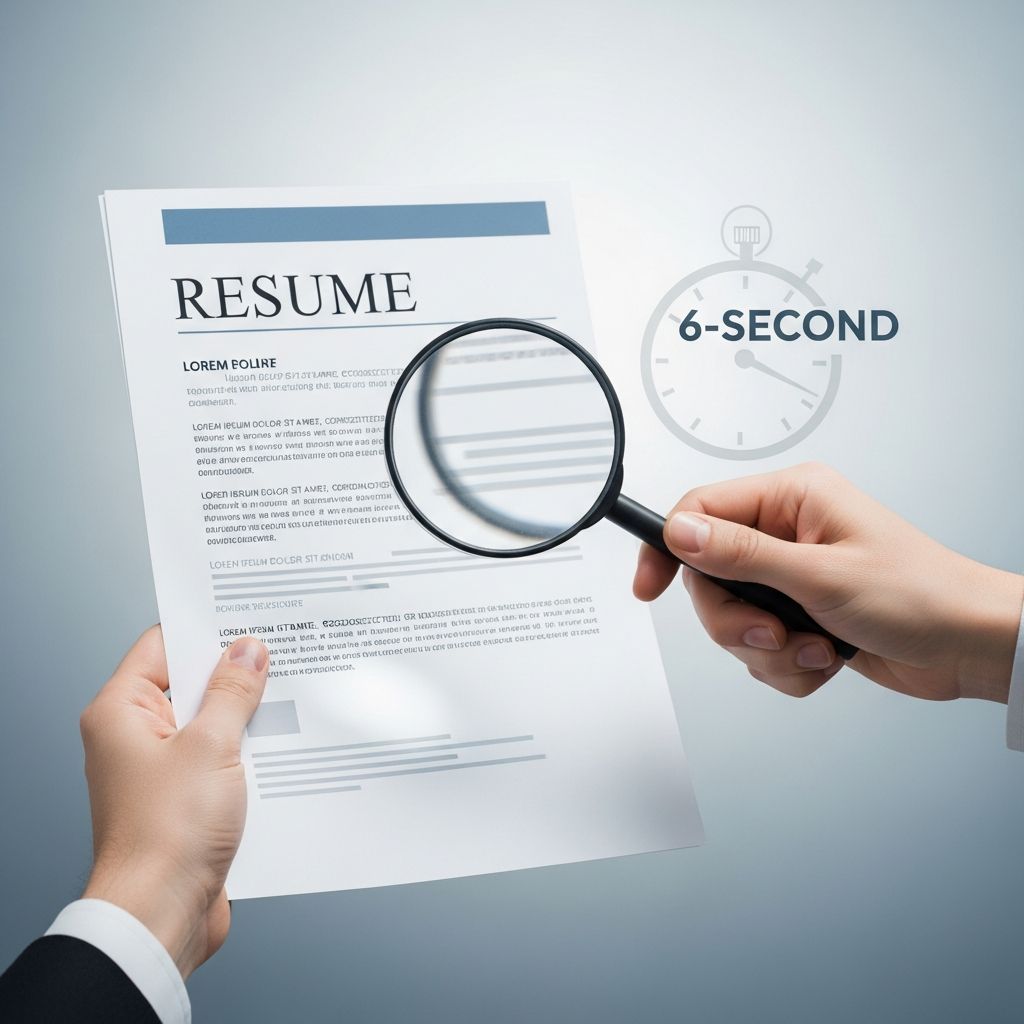
Most recruiters decide whether to keep or reject a resume in a matter of seconds. To stand out, your resume must communicate who you are, what you do, and why you fit almost instantly. This guide explains how that quick scan works and how to design a resume that passes it every time.
Why Recruiters Skim Resumes So Quickly
Recruiters and hiring managers often review dozens or even hundreds of resumes for a single opening. Many organizations now use applicant tracking systems (ATS) to pre-filter applications, leaving recruiters with a compressed list they must still scan rapidly.
The result is a two-stage review:
- Stage 1: Rapid scan – A few seconds to decide: keep reading or move on.
- Stage 2: Detailed review – More careful reading of promising resumes only.
Your objective is simple: design your resume so that the first glance makes it obvious that you are relevant, credible, and easy to evaluate.
The Recruiter’s Visual Path: What Gets Noticed First
When a recruiter opens your resume, their eyes typically follow a predictable path:
- Top section: name, job title, and contact details.
- Top third of the page: headline or summary.
- Most recent role in the experience section.
- Scanning for keywords that match the job description.
Design every part of your resume to support this natural pattern.
Make the Header Instantly Informative
The header is not just for your name. It should confirm your professional identity at a glance.
- Include: full name, target job title, email, phone, city/region, and one or two relevant links (e.g., LinkedIn, portfolio).
- Use a professional email: a variation of your name rather than nicknames.
- Keep it clean: avoid graphics, photos, or clutter that distract from the information.
Use the Top Third as Your “Billboard”
The information in the top third of the first page is prime real estate. Recruiters rely heavily on this portion to understand your fit.
- Place a short professional summary or headline near the top.
- Highlight core skills or areas of expertise that match the job posting.
- Avoid dense paragraphs – use brief sentences or bullets.
Choosing a Resume Structure That’s Easy to Scan
The structure of your resume shapes how quickly someone can understand your career story. For most people, a reverse-chronological format—starting with your most recent role—remains the clearest.
| Format | Best For | Scan Friendliness |
|---|---|---|
| Reverse-chronological | Most candidates with steady work history | High – recruiters instantly see current role and progression |
| Combination | Experienced candidates highlighting both skills and history | Medium – more complex, but still workable when cleanly designed |
| Functional | Career changers or nontraditional paths | Low to medium – can be harder to follow and sometimes viewed skeptically |
Essential Sections to Include
To support a fast scan, recruiters expect to find certain standard sections.
- Contact details
- Professional summary or headline
- Work experience
- Skills (technical and role-specific)
- Education
Optional sections such as certifications, projects, volunteer work, or languages can be added if they strengthen your case and you have space.
Formatting for Fast Reading and ATS Compatibility
Good formatting helps both humans and applicant tracking systems process your resume quickly. Clean, minimal layouts are a continuing trend in modern recruiting.
General Layout Guidelines
- Keep to one page for most candidates; a second page is acceptable for extensive experience.
- Use one-inch margins and consistent spacing to create white space.
- Choose a simple font such as Arial, Calibri, or similar, at 11–12 pt for body text.
- Use clear headings with slightly larger size (14–16 pt) and bold formatting.
- Save and send as PDF unless the employer specifies another format.
Bullet Points That Guide the Eye
Bullets help recruiters quickly pick out accomplishments instead of wading through paragraphs.
- Start each bullet with a strong action verb (“led,” “designed,” “implemented”).
- Limit each role to 2–6 concise bullets focused on results, not tasks.
- Use consistent structure and verb tenses: present tense for current roles, past for previous roles.
Design Choices That Can Hurt You
Visually impressive resumes can still fail the six-second test if they reduce clarity or break ATS parsing.
- Avoid heavy graphics, images, and complex columns.
- Skip text boxes and unusual fonts that may confuse ATS software.
- Do not rely on color alone to indicate structure; many resumes are reviewed on basic screens or printouts.
- Avoid dense blocks of text longer than 3–4 lines.
Writing a Summary That Hooks the Reader
A short, focused summary can convince a recruiter to keep reading. It should be a snapshot of your professional identity, not a generic statement.
Core Elements of a Strong Summary
- Who you are: your role level and field.
- What you deliver: your top 2–3 strengths or focus areas.
- Where you fit: alignment with the target industry or type of role.
Keep it to two or three brief sentences. Avoid buzzwords without evidence—your experience section must back up any claims.
Aligning the Summary with the Job Posting
One of the most effective ways to quickly signal fit is to echo critical language from the job description, as long as it accurately reflects your background.
- Identify key skills and responsibilities repeated in the posting.
- Integrate the most important terms naturally into your summary.
- Update your summary for each application to match the specific role.
Showcasing Work Experience in a Scan-Friendly Way
Your most recent roles are often the deciding factor in a recruiter’s first impression. Present them in a way that highlights results and relevance.
Standardizing Each Role’s Entry
For each position, include:
- Job title
- Company name
- Location (city, region)
- Dates of employment in a consistent format (e.g., “May 2021 – Present”).
Below this line, use bullet points to describe your most impactful work.
Focusing on Impact, Not Just Duties
Recruiters quickly differentiate between candidates who list responsibilities and those who show outcomes. Whenever possible, quantify your work.
- Replace vague phrases (“responsible for managing”) with specific actions (“led,” “implemented,” “increased”).
- Use numbers: percentages, revenue, time saved, volume handled, etc.
- Highlight achievements that match the employer’s priorities.
Handling Nonlinear Career Paths
If you have gaps, career changes, or freelance work, clarity becomes even more important.
- Group short contracts or similar freelance projects under a single heading.
- Use straightforward titles that reflect the nature of the work.
- Emphasize transferable skills that match the target role.
Using Skills and Keywords to Pass Both ATS and Human Review
Applicant tracking systems scan resumes for keywords to estimate how closely they match a job posting. Recruiters then skim for the same terms.
Choosing the Right Skills to List
- Extract required and preferred skills from the job description.
- Divide your skills into categories such as technical tools, methodologies, or industry knowledge.
- List only skills you can confidently demonstrate—exaggeration becomes obvious later in the process.
Integrating Keywords Naturally
Simply stuffing keywords into a skills list can look artificial and may not help if they are disconnected from your achievements.
- Use core keywords in both the skills section and relevant bullet points.
- Mirror phrasing from the posting where it is accurate, but keep the language natural.
- Remember that humans, not algorithms, make final decisions; clarity and honesty matter.
Common Mistakes That Fail the Six-Second Test
Many otherwise strong candidates are rejected quickly because their resumes create friction rather than clarity.
- Overlong documents: multiple pages with outdated or irrelevant roles crowding out what matters now.
- Unclear titles: creative or vague job titles that hide your real function.
- Poor organization: missing dates, inconsistent formatting, or no clear sections.
- Typos and errors: small mistakes that suggest lack of attention to detail.
- Generic content: the same resume used for every application, with no signs of tailoring.
A Quick Self-Check Before You Apply
Before sending your resume, perform a brief test to simulate a recruiter’s perspective. Print your resume or view it on a laptop screen and give yourself only a few seconds to scan.
Six-Second Clarity Checklist
- Is your target role or professional identity immediately obvious?
- Can you identify your most recent job and employer in under three seconds?
- Do key skills that match the job description stand out visually?
- Is the page easy to read, with enough white space and clear headings?
- Is there anything that looks distracting, outdated, or irrelevant?
If the answers are not clear to you, they will not be clear to a recruiter who has never met you. Revise until your story is unmistakable.
Frequently Asked Questions (FAQs)
How long should my resume be to pass a quick scan?
For most professionals, a one-page resume is ideal, especially early in your career. Candidates with extensive, relevant experience can use up to two pages, provided every line adds value.
Do I really need to tailor my resume for every job?
Yes. You do not need to rewrite everything, but you should adjust your summary, skills, and key bullet points to match each posting’s priorities. Tailored resumes are more likely to pass ATS filters and catch the recruiter’s attention.
Are graphical or highly designed resumes a good idea?
In most traditional industries, simple layouts work best. Highly graphical resumes can be hard for ATS systems to parse and may slow down scanning. In design-focused fields, a separate portfolio is often a better place to showcase visual creativity.
Should I include personal details like photos or marital status?
In many regions and industries, employers prefer that you omit photos and personal demographic details to reduce bias and focus on qualifications. Check local norms, but when in doubt, keep the resume professional and job-focused.
What is the best file format for submitting my resume?
Unless the employer specifies otherwise, PDF is generally safest because it preserves formatting across devices. Some online systems request a Word document for easier ATS parsing; in those cases, follow the instructions exactly.
References
- The Best Resume Format for 2025 — ResumeGenius. 2024-10-01. https://resumegenius.com/blog/resume-help/resume-format
- How to Make a Resume in 2025: Beginner’s Guide — Novorésumé. 2024-09-15. https://novoresume.com/career-blog/how-to-write-a-resume-guide
- 10 Resume Writing Tips To Help You Land a Position — Indeed Career Guide. 2024-03-05. https://www.indeed.com/career-advice/resumes-cover-letters/10-resume-writing-tips
- Current Resume Trends for 2025 — ResumeBuilder. 2024-08-20. https://www.resumebuilder.com/career-center/resume-trends/
- What’s the Best Resume Format in 2025? — Johnson & Johnson Careers. 2024-06-10. https://www.careers.jnj.com/en/employee-stories/career-tips/what-s-the-best-resume-format-in-2025/
- Create a Strong Resume — Harvard University, Mignone Center for Career Success. 2023-09-01. https://careerservices.fas.harvard.edu/resources/create-a-strong-resume/
- 16 Top Resume Tips to Help You Land a Job in 2026 — Coursera. 2024-11-12. https://www.coursera.org/articles/resume-tips

- Integrated M.A. in Applied Linguistics, University of Hyderabad
- 5+ years in editorial, instructional, SEO, and research-based writing
Sneha is a relationships and lifestyle writer with a strong foundation in applied linguistics and certified training in relationship coaching. She brings over five years of writing experience to theskillvault, crafting thoughtful, research-driven content that empowers readers to build healthier relationships, boost emotional well-being, and embrace holistic living. Her writing and insights reflect the belief that beauty, happiness, and wellness…