
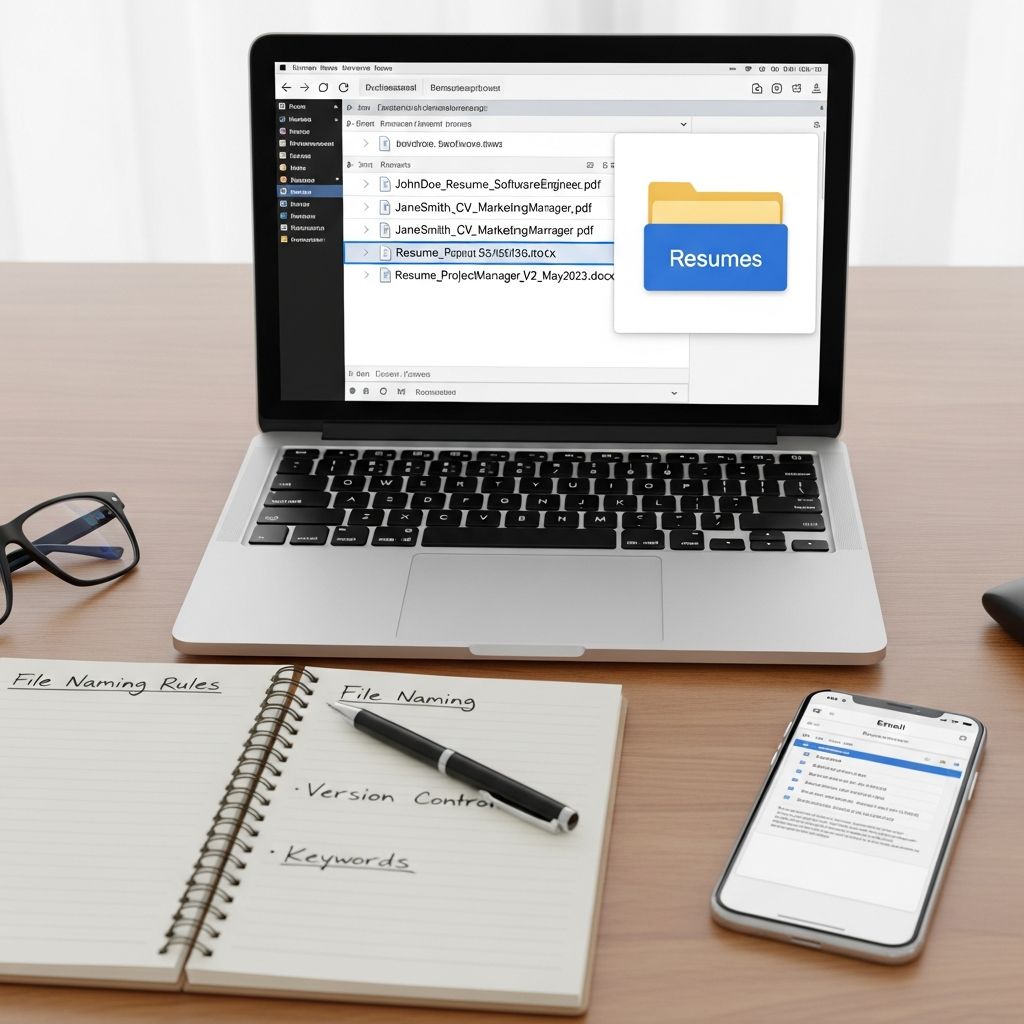
Understanding the Critical Role of Resume File Names
Your resume file name represents one of the first touchpoints between you and potential employers. While many job seekers invest considerable time perfecting their resume content, formatting, and design, the actual file name often receives minimal attention. This oversight can undermine your efforts before a hiring manager even opens your document. The file name serves multiple purposes in the modern job application process—it communicates professionalism, demonstrates attention to detail, and directly impacts how both Applicant Tracking Systems (ATS) and human recruiters perceive your application.
When a recruiter receives dozens or even hundreds of resumes for a single position, your file name becomes a critical identifier. A generic label like “Resume.pdf” or “Document_Final.docx” blends into the background noise of their inbox. Conversely, a thoughtfully constructed file name immediately signals that you understand professional standards and have taken the application process seriously. Additionally, since many employers rely on ATS software to filter and rank applications before human review, your file name’s compatibility with these systems can literally determine whether your resume makes it past the initial screening.
The Foundation: Including Your Identity in the File Name
The most fundamental principle of resume file naming involves clearly identifying yourself through the file name itself. Rather than creating ambiguity about whose resume an employer is reviewing, incorporate your full name as the primary component of your file name. This approach transforms a faceless document into a personal brand marker that immediately establishes ownership and accountability.
When including your name, prioritize clarity and usability. Present your name in the conventional format of first name followed by last name, as this mirrors how people naturally introduce themselves in professional contexts. For individuals with particularly common names, such as Michael Johnson or Sarah Smith, consider augmenting your file name with your middle initial or full middle name to create distinction among multiple candidates with identical first and last names. This strategic addition ensures that your resume stands apart in a recruiter’s database where multiple candidates might share your name.
The positioning of your name within the file name structure matters more than you might expect. Leading with your first and last name establishes immediate personal identification, whereas reversed name order (LastName_FirstName) creates unnecessary friction in the reading process. Humans naturally process information in the format they encounter it regularly, and reversing this convention slightly diminishes the professional polish of your submission.
Strategic Integration of Position-Specific Information
Beyond identifying yourself, your resume file name offers valuable real estate for communicating the specific role you seek. When applying for a particular position, incorporating the job title or a relevant keyword from the posting demonstrates that you have customized your application materials for that opportunity. This targeted approach contrasts sharply with submitting a generic resume to every opening, signaling to hiring managers that you have genuinely invested effort in pursuing their specific role.
Including position information serves a dual purpose. First, it immediately provides context to the hiring manager about which position you are pursuing, streamlining their organizational process. Second, it aligns your file name with keywords present in the job posting, which can positively influence how ATS systems evaluate and rank your submission. Many ATS platforms utilize keyword matching as a component of their evaluation algorithms, so incorporating relevant terminology in your file name—when combined with the same keywords throughout your actual resume—can amplify your application’s visibility.
However, position-specific naming requires strategic decision-making. If you are applying to multiple roles at the same organization or submitting applications across several similar positions, you may want to maintain a core file naming structure and modify only the position element for each application. This balanced approach prevents your computer’s file storage from becoming cluttered with dozens of nearly identical resume versions while still allowing customization for each opportunity.
Technical Specifications and Character Standards
While crafting a compelling file name, you must simultaneously observe technical constraints that ensure your file remains compatible across various platforms, software systems, and especially ATS platforms. The temptation to use creative characters, decorative symbols, or unconventional formatting can sabotage your application before it reaches a human decision-maker.
The safest approach involves restricting your file name to basic English alphabet characters (both uppercase and lowercase), numeric digits, hyphens, and underscores. These universally accepted characters function seamlessly across Windows, Mac, and Linux operating systems, ensuring that whoever receives your file can open and access it without technical difficulties. Special characters such as apostrophes, ampersands, asterisks, percentage signs, and dollar signs create compatibility problems that can prevent files from uploading properly, transferring between systems, or being processed by ATS software.
The debate between using hyphens versus underscores as word separators primarily comes down to consistency and ATS compatibility. Both characters function reliably, though some ATS systems interpret underscores as word separators more consistently than hyphens. Regardless of your choice, maintain consistent usage throughout all your application documents—resume, cover letter, reference list, and any portfolio materials. This uniformity reinforces your personal brand and demonstrates meticulous attention to detail.
Spaces in file names, while technically possible on most systems, should be avoided entirely. When uploaded to certain platforms or processed by ATS systems, spaces can be converted to special characters or encoding sequences that create compatibility issues. By substituting hyphens or underscores for spaces, you eliminate this potential problem while simultaneously improving readability.
Length, Clarity, and the Balance Between Brevity and Informativeness
An effective resume file name communicates necessary information without becoming unwieldy or difficult to read. The optimal length typically ranges from 30 to 50 characters, though this can vary depending on how many elements you choose to incorporate. A file name that extends beyond 60 characters begins to feel excessive and may even be truncated by certain file systems or applications, defeating its purpose.
The challenge lies in achieving maximum descriptiveness within minimal space. Rather than listing every relevant qualification or achievement in your file name, focus on the essential identifiers: your name, the target position, and the document type (resume). Additional elements like dates, version numbers, or descriptive adjectives only add clutter without providing meaningful value to hiring managers or ATS systems.
When choosing between brevity and comprehensiveness, prioritize clarity. A slightly longer file name that unmistakably communicates your identity and target position outperforms a cryptic abbreviation that requires decoding. For example, “JSmith_R.pdf” saves characters but sacrifices the immediate clarity that “Jennifer_Smith_Resume.pdf” provides.
Establishing and Maintaining Naming Consistency
Perhaps the most underrated aspect of professional resume file naming involves maintaining consistency across all application materials. Hiring managers and recruiters often receive multiple documents from individual candidates—resumes, cover letters, reference lists, and writing samples. When these documents feature wildly different naming conventions, they appear disorganized and suggest that little thought went into your overall application strategy.
Develop a core naming template that you replicate across all documents you submit. For instance, if you choose the format “FirstName_LastName_Position_Resume.pdf,” use a parallel structure for your cover letter: “FirstName_LastName_Position_CoverLetter.pdf.” This consistency creates a cohesive application package that subtly reinforces your attention to detail and professional standards.
Additionally, consistency helps you maintain an organized file structure on your personal computer. When you adopt a systematic naming convention and apply it to every opportunity you pursue, locating and updating the correct version becomes significantly easier. You can quickly scan your file directory and immediately identify which materials correspond to which opportunity.
Common Pitfalls That Undermine Your Professional Presentation
Understanding what to avoid can be just as important as knowing what to include. Certain naming practices, while perhaps seeming acceptable, actually communicate carelessness or lack of professional awareness to hiring managers and ATS systems.
Generic file names represent the most pervasive mistake in resume submissions. Names such as “Resume.pdf,” “MyResume.docx,” “JobApplication.pdf,” or “Document_Final.pdf” provide no distinguishing information and fail to differentiate your submission from those of other candidates. When a recruiter’s inbox contains five resumes all named “Resume.pdf,” they immediately become difficult to manage and easy to confuse. These generic labels also suggest that you have not invested effort into customizing your application, which creates a negative first impression before the actual content is evaluated.
Version numbering creates unnecessary complications. While maintaining “Resume_v2.pdf,” “Resume_v3.pdf,” or “Resume_Final_Updated_Final.pdf” makes sense during your personal editing process, these version indicators should never appear in the file name when submitting to employers. Version numbers serve only your internal organizational purposes and confuse hiring managers who cannot determine which iteration represents your current, polished submission. Similarly, including dates like “Resume_2025.pdf” or “Resume_Dec2024.pdf” communicates that your resume may be outdated without providing any genuine value.
Excessive capitalization or unusual formatting choices can also undermine your professionalism. File names written entirely in capital letters (“JOHN_SMITH_RESUME.PDF”) appear aggressive and dated. Conversely, all lowercase formatting (“john_smith_resume.pdf”) can seem too casual for professional contexts. The balanced approach of capitalizing the first letter of each word when using underscores—or using sentence case when using hyphens—projects polish and modern professionalism.
File Format Decisions and Their Implications
The file extension you choose (such as .pdf or .docx) represents another decision that influences how hiring managers and ATS systems process your resume. Unless the job posting explicitly requests a specific format, PDF stands as the universally recommended standard for resume submissions. PDFs preserve your formatting, fonts, and layout precisely as you designed them, regardless of what software or device the recipient uses to open the file. This consistency proves particularly valuable since ATS systems often struggle with the formatting variations that Word documents can introduce across different software versions.
When saving your resume as a PDF, ensure that all text remains fully selectable and searchable—some PDF creation methods can render text as images, which ATS systems cannot process. Additionally, verify that any hyperlinks within your document remain functional, as many modern resumes now include links to personal websites, portfolios, or LinkedIn profiles. These links enhance interactivity and demonstrate digital proficiency when they function correctly.
Word documents (.docx files) should only be submitted if the job posting specifically requests this format or if you are applying directly through an employer’s online portal that requires this file type. If you must use Word format, ensure compatibility by saving in the .docx format rather than older .doc versions, which can cause formatting issues in newer software.
Frequently Asked Questions About Resume File Naming
Q: What if the job posting provides specific file naming instructions?
A: Follow the employer’s instructions precisely, even if they diverge from standard best practices. When an employer specifies a particular naming convention, demonstrating that you can follow specific instructions becomes more important than applying general professional standards.
Q: Should I include my email address or phone number in the resume file name?
A: No. Including contact information in the file name serves no practical purpose since recruiters will find this information within the resume itself. Adding this information only makes the file name longer and less professional.
Q: How should I handle special characters in my name?
A: If your name contains accents, apostrophes, or other special characters, omit them in the file name. Use simplified versions of your name that can be represented with standard English alphabet characters. For example, “José García” becomes “Jose_Garcia” in your file name.
Q: Is it acceptable to use numbers in my file name?
A: Yes, numbers are perfectly acceptable and can be useful. Some professionals include a reference number provided by the employer or a numerical identifier if they share their name with other candidates. However, avoid random numbers that lack context or meaning.
Q: Should different versions of my resume have different file names?
A: When tailoring your resume for different positions, you can modify the position title in your file name (e.g., “John_Smith_Marketing_Manager_Resume.pdf” versus “John_Smith_Financial_Analyst_Resume.pdf”). However, maintain the same naming structure to preserve consistency and avoid confusion.
Q: What if I am using a professional title or credential in my name?
A: Credentials like MBA, CPA, or PhD can be included after your name if they are directly relevant to the position you are pursuing. For example, “Emily_Johnson_MBA_Resume.pdf” can strengthen your file name when the credential is industry-relevant.
Implementing Your Naming Strategy Across the Application Process
Once you have developed a strong resume file naming strategy, apply this approach consistently throughout your entire job search process. When uploading your resume to online application portals, sending it via email, or submitting through job boards, maintain the same professional naming convention. This consistency transforms your file name from a minor detail into a reinforcing element of your overall professional brand.
Consider creating a template or checklist for yourself that outlines your preferred naming format, the file type you will use, and any customization elements you will modify for different positions. This systematic approach prevents the accidental submission of poorly named files and ensures that every application you submit reflects your intended professional standards.
As you gather feedback from hiring managers, recruiters, or career coaches, ask specifically whether they noticed your file naming approach. Some feedback providers may not volunteer comments about such details, yet their observations can provide valuable perspective on whether your naming strategy achieves your intended effect.
The Lasting Impact of First Impressions
While your resume content ultimately determines whether you advance in the hiring process, the file name you choose shapes the initial impression before that content is even examined. By implementing professional, consistent, and strategically designed file names, you communicate to hiring managers and ATS systems that you understand professional standards and have invested genuine effort into your application. This small detail, multiplied across dozens of applications throughout your job search, can accumulate into a competitive advantage that distinguishes your candidacy from less detail-oriented competitors. Treat your resume file name as an extension of your personal brand and a reflection of the professionalism you will bring to the role.
References
- How to name resume file: Best Practices and Tips for 2025 — Magical API. 2025. https://magicalapi.com/blog/professional-resume-tips/how-to-name-your-resume-file-best-practices-and-tips/
- Resume File Name: How to Create Yours — Jobscan. 2025. https://www.jobscan.co/blog/writing-a-resume-pay-attention-to-the-file-name/
- The Definitive Guide to Choosing a Resume File Name — Indeed Career Guide. 2025. https://www.indeed.com/career-advice/resumes-cover-letters/resume-file-name
- What to Name a Resume File & Cover Letter — Zety. 2025. https://zety.com/blog/resume-cover-letter-name
- What to Name Your Cover Letter and Resume Files — Resume Worded. 2025. https://resumeworded.com/resume-file-name-cover-letter-filename-key-advice

- Integrated M.A. in Applied Linguistics, University of Hyderabad
- 5+ years in editorial, instructional, SEO, and research-based writing
Sneha is a relationships and lifestyle writer with a strong foundation in applied linguistics and certified training in relationship coaching. She brings over five years of writing experience to theskillvault, crafting thoughtful, research-driven content that empowers readers to build healthier relationships, boost emotional well-being, and embrace holistic living. Her writing and insights reflect the belief that beauty, happiness, and wellness…