
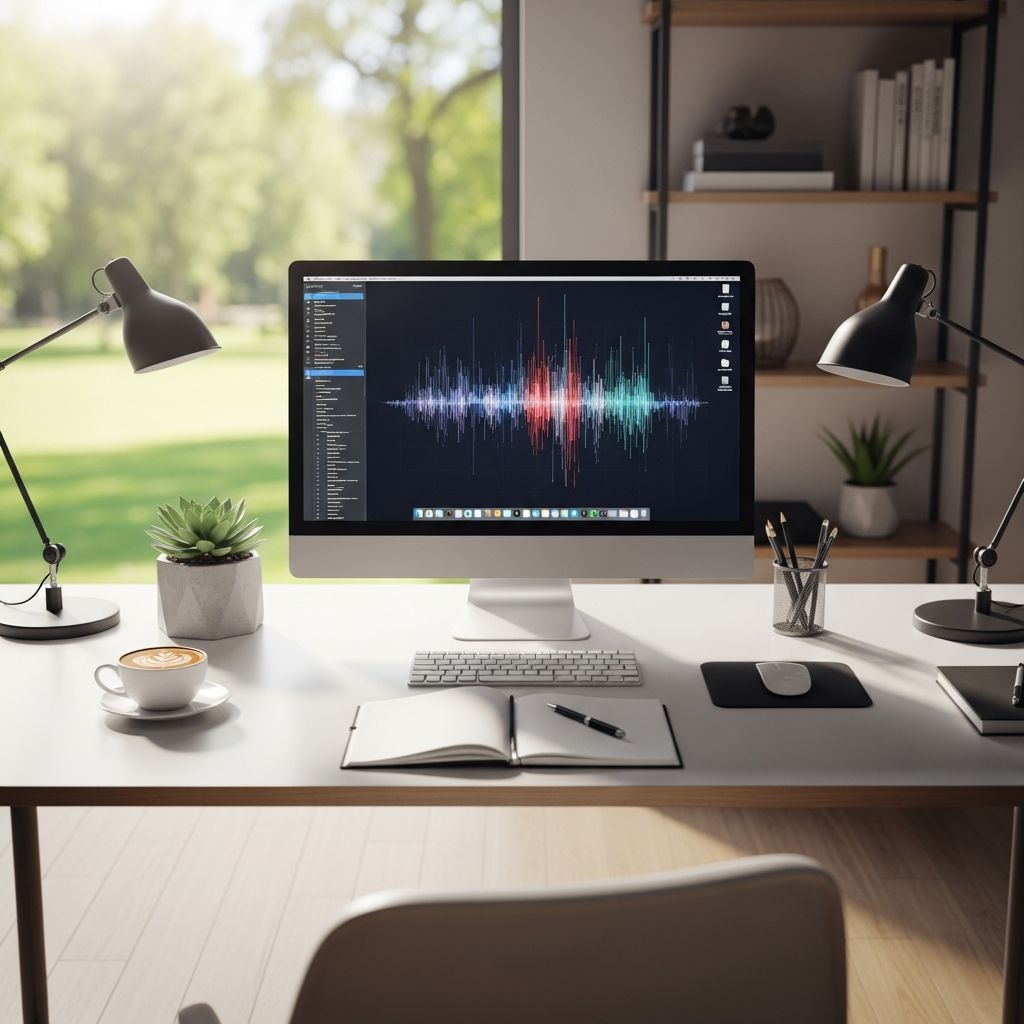
Your workstation is the command center of your daily output, yet many overlook its profound influence on performance. A poorly configured setup breeds fatigue, distraction, and errors, while an ergonomic one fosters sustained energy and sharp focus. This guide explores proven ways to refine your space for superior results.
Understanding Ergonomics in Modern Work Environments
Ergonomics applies scientific principles to design workspaces that align with human physiology, minimizing strain and maximizing efficiency. By fitting the environment to the user, it addresses posture, movement, and comfort to prevent issues like musculoskeletal disorders (MSDs). In today’s hybrid work landscape, where desks double as dining tables, proper setup is non-negotiable for long-term health and output.
Research from the Occupational Safety and Health Administration (OSHA) emphasizes that ergonomics reduces muscle fatigue and work-related MSDs, directly boosting productivity. A study involving workstation adjustments showed significant drops in pain frequency and discomfort, proving interventions yield measurable gains.
Core Components of an Effective Workstation
Building a high-performing setup starts with essential elements tailored to your body and tasks. Here’s how to prioritize:
- Adjustable Chair: Seek lumbar support that maintains the spine’s natural curve, with seat height allowing feet flat on the floor and knees at 90 degrees.
- Height-Adjustable Desk: Alternate between sitting and standing to combat sedentary risks; ideal height keeps elbows at 90-100 degrees when typing.
- Monitor Positioning: Top of screen at or slightly below eye level, about arm’s length away, to avert neck strain.
- Keyboard and Mouse: Elbows close to body, wrists straight; consider ergonomic models to cut repetitive motion risks.
- Footrest: For shorter users, elevates feet to reduce lower back pressure.
These adjustments create a neutral posture baseline, where joints and muscles operate without excess tension. Oregon OSHA notes such improvements enhance worker efficiency and satisfaction.
Health Gains from Ergonomic Adjustments
Discomfort isn’t just annoying—it’s a productivity killer. Poor setups contribute to back pain, neck strain, and carpal tunnel, leading to frequent breaks and absenteeism. Ergonomic designs counteract this by promoting proper alignment.
| Common Issue | Ergonomic Fix | Health Benefit |
|---|---|---|
| Back Pain | Lumbar-supported chair, sit-stand desk | Reduces MSD risk by supporting spinal curve |
| Neck Strain | Monitor arm at eye level | Prevents forward head posture |
| Wrist Fatigue | Ergonomic keyboard/mouse | Lowers repetitive strain injury rates |
| Leg Circulation | Footrest or standing option | Improves blood flow, cuts fatigue |
CDC findings via sit-stand desks reveal a 54% reduction in neck and back pain after cutting sitting time by 66 minutes daily. Overall, ergonomic workplaces see 32% fewer sick days, per the Human Factors and Ergonomics Society.
Direct Links to Heightened Productivity
Comfort translates to output. When free from aches, workers sustain attention longer, make fewer errors, and innovate more freely. FMGI reports ergonomic designs boost productivity by aligning with natural movements, reducing distractions.
Key metrics include:
- 11% Productivity Rise: From supportive furniture, as cited by OSHA-linked studies.
- 56% Error Reduction: Washington State Labor & Industries data on 4,000 users.
- 40% More Task Time: Due to efficient layouts minimizing unnecessary motions.
Business.com highlights how optimized posture frees cognitive resources for problem-solving, echoing findings from the Indian Journal of Occupational & Environmental Medicine. Employees report higher energy, fewer breaks, and better-quality work.
Customizing for Individual and Team Needs
One-size-fits-all fails in diverse teams. Personalization—adjusting heights, adding privacy screens, or modular layouts—amps engagement. For collaborative roles, rearrangeable furniture sparks interaction; for focused tasks, noise barriers preserve concentration.
This approach signals value, fostering loyalty. Companies investing here see higher morale and retention, with ergonomic interventions cutting lost workdays by 88% and turnover by 87%, per the Chartered Institute of Ergonomics & Human Factors.
Financial Justification: ROI of Ergonomic Investments
Upfront costs deter some, but returns are compelling. Initial outlays for chairs or desks recoup via lower absenteeism, healthcare claims, and comp time. Comfort Global’s analysis shows a 1:1.78 cost-benefit ratio, payback in under five months.
McClure Ergonomics notes firms reallocating staff due to productivity surges, slashing overhead. Oregon OSHA affirms reduced MSD risks lead to efficient, satisfied workers.
Practical Steps to Revamp Your Space
- Assess Current Setup: Sit for 10 minutes; note pain points like hunching or reaching.
- Measure Key Distances: Monitor 20-30 inches away, keyboard allowing relaxed shoulders.
- Incorporate Movement: Set reminders for posture checks and position changes every 30 minutes.
- Add Accessories: Document holders, wrist rests, cable organizers for clutter-free flow.
- Test and Iterate: Track focus and energy over a week; tweak as needed.
Automated tools now offer virtual assessments, taking ergonomics further.
Building a Supportive Organizational Culture
Ergonomics extends beyond gear—it’s cultural. Leaders prioritizing it demonstrate care, boosting positivity and unity. Employees feeling valued work harder, support peers, and align with goals. This yields revenue growth and cost cuts, making it ethically and economically sound.
Frequently Asked Questions (FAQs)
What is the quickest ergonomic win for my desk?
Raise your monitor to eye level with books or a stand—cuts neck strain instantly.
How often should I switch between sitting and standing?
Aim for 20-30 minute intervals; CDC data shows this halves upper body pain.
Are ergonomic chairs worth the extra cost?
Yes—productivity gains and health savings yield ROI in months.
Can ergonomics help remote workers?
Absolutely; tailored home setups match office benefits, reducing hybrid fatigue.
What if my employer won’t invest?
Start with low-cost fixes like footrests or posture apps; advocate with ROI data.
References
- Ergonomic Furniture’s Impact on Workplace Productivity — FMGI. 2023. https://fmgi.com/ergonomic-furnitures-impact-on-workplace-productivity/
- 5 Ways an Ergonomically Designed Workstation Can Improve Your Productivity — Business.com. 2023. https://www.business.com/articles/5-ways-an-ergonomically-designed-workstation-can-improve-your-productivity/
- The Power of Ergonomics: Crafting Your Ideal Workstation — Vision Care Direct. 2023. https://visioncaredirect.com/the-power-of-ergonomics-crafting-your-ideal-workstation-for-health-and-productivity
- How Ergonomics Increases Productivity — McClure Ergonomics. 2023. https://mcclureergonomics.com/how-ergonomics-increases-productivity/
- What is Ergonomics? Its Impact on Comfort and Productivity — Comfort Global. 2023. https://www.comfort.global/what-is-ergonomics
- Effect of an Ergonomic Intervention Involving Workstation Adjustments — PMC (NCBI). 2021-04-07. https://pmc.ncbi.nlm.nih.gov/articles/PMC8010160/
- Ergonomics – Overview — OSHA. 2023. http://www.osha.gov/ergonomics
- The Advantages of Ergonomics — Oregon OSHA. 2023. https://osha.oregon.gov/OSHAPubs/ergo/ergoadvantages.pdf

- Integrated M.A. in Applied Linguistics, University of Hyderabad
- 5+ years in editorial, instructional, SEO, and research-based writing
Sneha is a relationships and lifestyle writer with a strong foundation in applied linguistics and certified training in relationship coaching. She brings over five years of writing experience to theskillvault, crafting thoughtful, research-driven content that empowers readers to build healthier relationships, boost emotional well-being, and embrace holistic living. Her writing and insights reflect the belief that beauty, happiness, and wellness…