
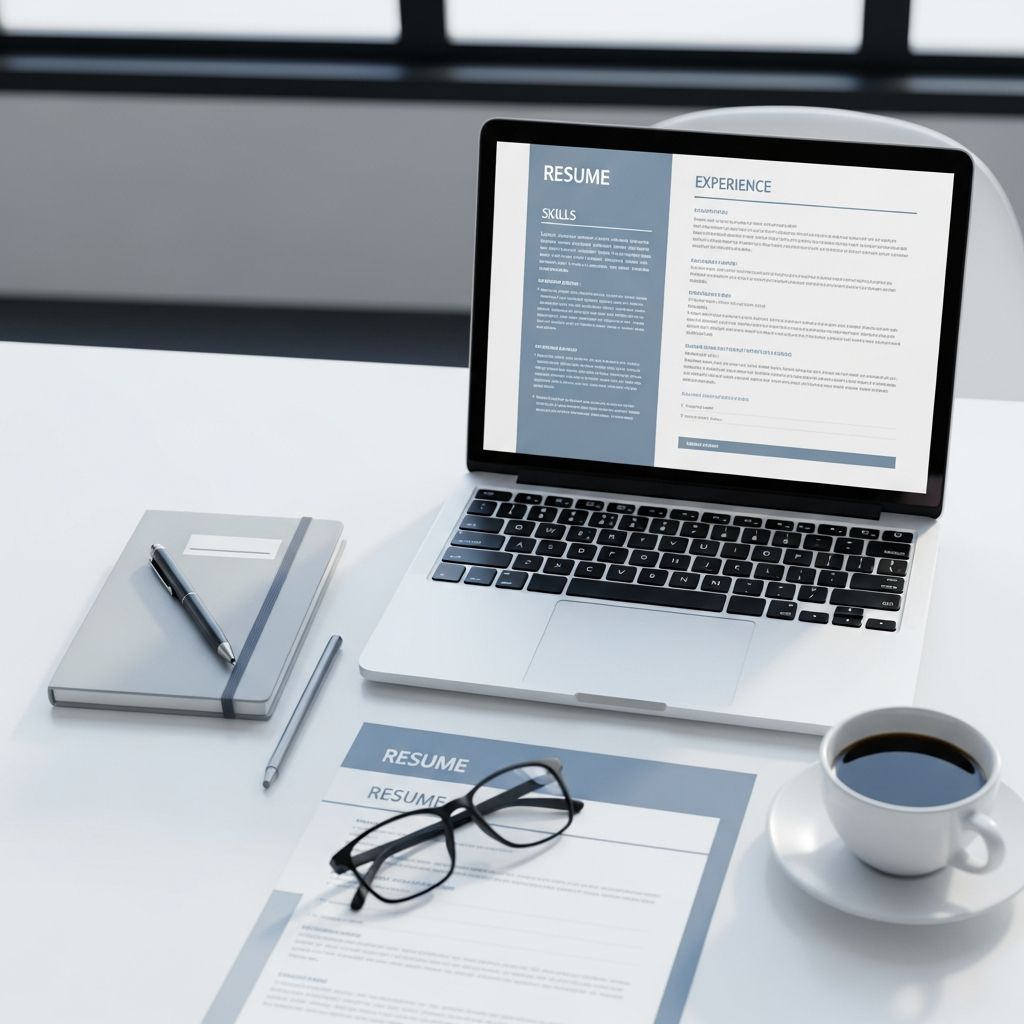
Your resume has one job: convince a hiring manager in a few seconds that you’re worth an interview. To do that, it must be easy to scan, tailored to the role, and formatted so both humans and applicant tracking systems (ATS) can read it clearly.
This guide walks you through every part of building a modern resume, from choosing a format to writing bullet points that show measurable impact.
1. Choose the Right Resume Format
The structure you choose affects how quickly a recruiter can spot what matters. Research and major employers still favor the reverse-chronological resume for most candidates.
Common Resume Formats
| Format | Best For | Key Advantages | Watch Out For |
|---|---|---|---|
| Reverse-chronological | Most professionals with consistent experience | Familiar to recruiters, ATS-friendly, easy to skim recent roles first | Less ideal if you have large career gaps or frequent job changes |
| Functional (skills-based) | People with very limited work history or big career changes | Highlights skills over dates and job titles | Often viewed as harder to trust because timelines are less clear |
| Hybrid (combination) | Experienced candidates pivoting fields or with mixed backgrounds | Lets you showcase skills and give chronological context | Can become cluttered or too long if not edited carefully |
Quick Format Rules
- Use clear headings and generous white space.
- Stick to one or two professional fonts (e.g., Calibri, Arial, Garamond).
- Keep font size around 10–12 pt for body text, 14–18 pt for your name.
- Aim for one page if you have under 10 years of experience; two pages only if your background truly needs it.
2. Start With Precise Contact Information
Contact details should be simple and professional. They do not need to take up much space, but errors here can cost you interviews.
- Name: Use the version you use professionally.
- Phone: A reliable mobile number with voicemail set up.
- Email: Professional address, ideally some version of your name.
- Location: City and state/region only; full address is optional in many countries.
- Links (optional): LinkedIn, portfolio, or professional website.
Avoid including sensitive information such as date of birth, marital status, or national ID unless explicitly required by local norms or law.
3. Craft a Strong Profile: Summary or Objective
A short section at the top of your resume can frame your experience and guide how the rest of the document is read. Many career centers and hiring teams recommend a brief summary for most experienced candidates.
When to Use a Resume Summary
- You have at least a year or two of relevant work experience.
- You want to connect several roles into a clear narrative.
- You are targeting a specific type of job and can highlight matching strengths.
Your summary should:
- Be 2–4 concise sentences.
- Mention your role or field and years of experience.
- Highlight 2–3 top skills or focus areas.
- Include one or two measurable achievements where possible.
When to Use a Career Objective
- You are a recent graduate or have very limited professional experience.
- You are making a major career change and need to explain your direction.
An objective focuses on your goals and how you hope to contribute, rather than on a long work history.
4. Build a Results-Focused Experience Section
The experience section is where hiring managers spend most of their time. It should show how you created value, not just the tasks you performed.
How to Structure Each Role
- List roles in reverse-chronological order (most recent first).
- For each position, include:
- Job title
- Employer name
- Location (city, state or country)
- Dates of employment (month and year, or year only, used consistently)
Under each role, add short bullet points focused on outcomes and evidence.
Write Bullets That Show Impact
Strong bullet points:
- Begin with an action verb (e.g., led, designed, improved).
- Describe what you did, how you did it, and why it mattered.
- Include data or specific results when available (percentages, time saved, revenue generated, etc.).
A simple formula often recommended by recruiters and career experts is:
Accomplished X, as measured by Y, by doing Z.
For older roles, you can use fewer bullet points and focus on highlights instead of exhaustive details.
Experience Tips for Special Situations
- Career changers: Emphasize transferable skills (communication, analysis, leadership) and relevant projects or training.
- Students or new grads: You can treat internships, significant volunteer work, major class projects, or campus leadership roles like experience entries.
- Employment gaps: Use a clear timeline but highlight continuous learning, courses, or freelance work during gaps.
5. Showcase Skills Strategically
A clear skills section helps hiring teams and ATS quickly see whether you meet core requirements.
Types of Skills to Include
- Technical skills: Software, tools, programming languages, equipment, or domain-specific techniques.
- Soft skills: Interpersonal strengths such as communication, teamwork, or problem-solving.
- Transferable skills: Abilities that apply in many jobs, like project management, data analysis, or writing.
How to Organize Your Skills Section
- Review the job posting and highlight repeated or emphasized skills.
- List only skills you can confidently demonstrate if asked.
- Group related skills together (e.g., “Data & Analytics,” “Design Tools,” “Languages”).
- Prioritize the most relevant skills for the specific role at the top.
6. Present Education and Credentials Clearly
Education can be a major selling point early in your career and remains important later for credibility.
What to Include
- Degree name, major or concentration.
- Institution and location.
- Graduation date or expected graduation date.
- Honors, distinctions, or thesis topics if they add value.
When you are a recent graduate, you can also add:
- Relevant coursework.
- Academic projects that relate closely to the target role.
- Scholarships or major academic awards.
Professional licenses and certifications (for example, in engineering, teaching, accounting, or information security) may warrant their own subsection if important for the role.
7. Make Your Resume ATS-Friendly
Many organizations use applicant tracking systems to store and screen applications. To avoid being filtered out before a human sees your resume, keep the formatting simple and the language aligned with the job description.
ATS-Friendly Practices
- Use standard section headings like “Experience,” “Education,” and “Skills.”
- Avoid placing critical text in images, text boxes, or graphics; ATS may not read them reliably.
- Include relevant keywords from the posting naturally within bullets and your skills list.
- Use a common file type such as PDF or DOCX, following employer instructions.
8. Design for Readability and Professionalism
Recruiters often skim dozens of resumes in a sitting. Clean, minimal layouts are consistently recommended by career services and hiring experts.
Layout and Design Checklist
- Keep margins roughly 0.5–1 inch to maintain white space.
- Align text consistently; left alignment is easiest to scan.
- Use bold text for headings and job titles, not for entire paragraphs.
- Limit the use of color; subtle accents are fine, but contrast must remain high for readability.
- Stick to a consistent date format throughout (for example, “Jan 2023 – May 2025”).
9. Tailor Your Resume to Each Job
Generic resumes are easy to overlook. Customization shows that you understand the role and the organization’s needs.
Fast Ways to Customize
- Read the job posting carefully and note the 5–10 most important responsibilities or requirements.
- Mirror the employer’s key terms where they accurately describe your experience.
- Reorder bullet points so the most relevant achievements appear first.
- Adjust your summary to mention the specific role or domain.
10. Proofread and Get Feedback
Typos and formatting inconsistencies can create doubt about your attention to detail. Career offices and hiring managers repeatedly emphasize revision as a critical final step.
Final Review Steps
- Print or export your resume and review it away from your screen.
- Check for consistent punctuation, capitalization, and spacing.
- Verify all dates, job titles, company names, and links.
- Read each bullet aloud to catch awkward phrasing or repetition.
- Ask a mentor, career counselor, or trusted colleague for feedback.
Frequently Asked Questions (FAQs)
How long should my resume be?
For most job seekers, especially those with fewer than 10 years of experience, a one-page resume is recommended by many university career centers and employers. Senior professionals with extensive, directly relevant experience may reasonably use two pages, but every line should earn its place.
Do I need a different resume for every job?
You do not need to rebuild your resume from scratch each time, but you should adjust it for each application. This means emphasizing the experiences and skills that match that specific posting and updating your summary to reflect the role you are pursuing.
Should I include a photo on my resume?
In many countries and industries, especially in North America and parts of Europe, adding a photo is discouraged because it introduces unnecessary bias and takes up space that could show your qualifications. Only include a photo if it is customary in your location or specified by the employer.
Can I use creative designs or graphics?
A visually distinctive layout can help in creative fields, but clarity and readability come first. Overly complex designs may confuse ATS and make it harder for a busy recruiter to locate key information. If you apply online, consider a straightforward version for the initial screening and a more stylized version for networking or portfolios.
What if I have little or no experience?
If you are just starting out, focus on:
- Internships, part-time work, or freelance projects.
- Volunteer roles and campus activities that show responsibility.
- Coursework and projects aligned with the role.
- Skills you have built through training, competitions, or certifications.
Even without a long job history, you can still demonstrate initiative, reliability, and the ability to learn quickly.
References
- The Best Resume Format for 2025 (Templates & Examples) — ResumeGenius. 2024-10-15. https://resumegenius.com/blog/resume-help/resume-format
- How to Make a Resume in 2025: Beginner’s Guide — Novorésumé. 2024-06-05. https://novoresume.com/career-blog/how-to-write-a-resume-guide
- How To Make Your Resume Comprehensive (With Examples) — Indeed Career Guide. 2023-09-12. https://www.indeed.com/career-advice/resumes-cover-letters/how-to-make-a-resume-with-examples
- Create a Strong Resume — Mignone Center for Career Success, Harvard University. 2023-08-01. https://careerservices.fas.harvard.edu/resources/create-a-strong-resume/
- Resume Guide — Syracuse University College of Law, Office of Career Services. 2022-09-01. https://law.syracuse.edu/wp-content/uploads/Resume-Guide.pdf
- Current Resume Trends for 2025 — ResumeBuilder. 2024-11-10. https://www.resumebuilder.com/career-center/resume-trends/
- 16 Top Resume Tips to Help You Land a Job in 2026 — Coursera Career Academy. 2024-04-19. https://www.coursera.org/articles/resume-tips

- Integrated M.A. in Applied Linguistics, University of Hyderabad
- 5+ years in editorial, instructional, SEO, and research-based writing
Sneha is a relationships and lifestyle writer with a strong foundation in applied linguistics and certified training in relationship coaching. She brings over five years of writing experience to theskillvault, crafting thoughtful, research-driven content that empowers readers to build healthier relationships, boost emotional well-being, and embrace holistic living. Her writing and insights reflect the belief that beauty, happiness, and wellness…