
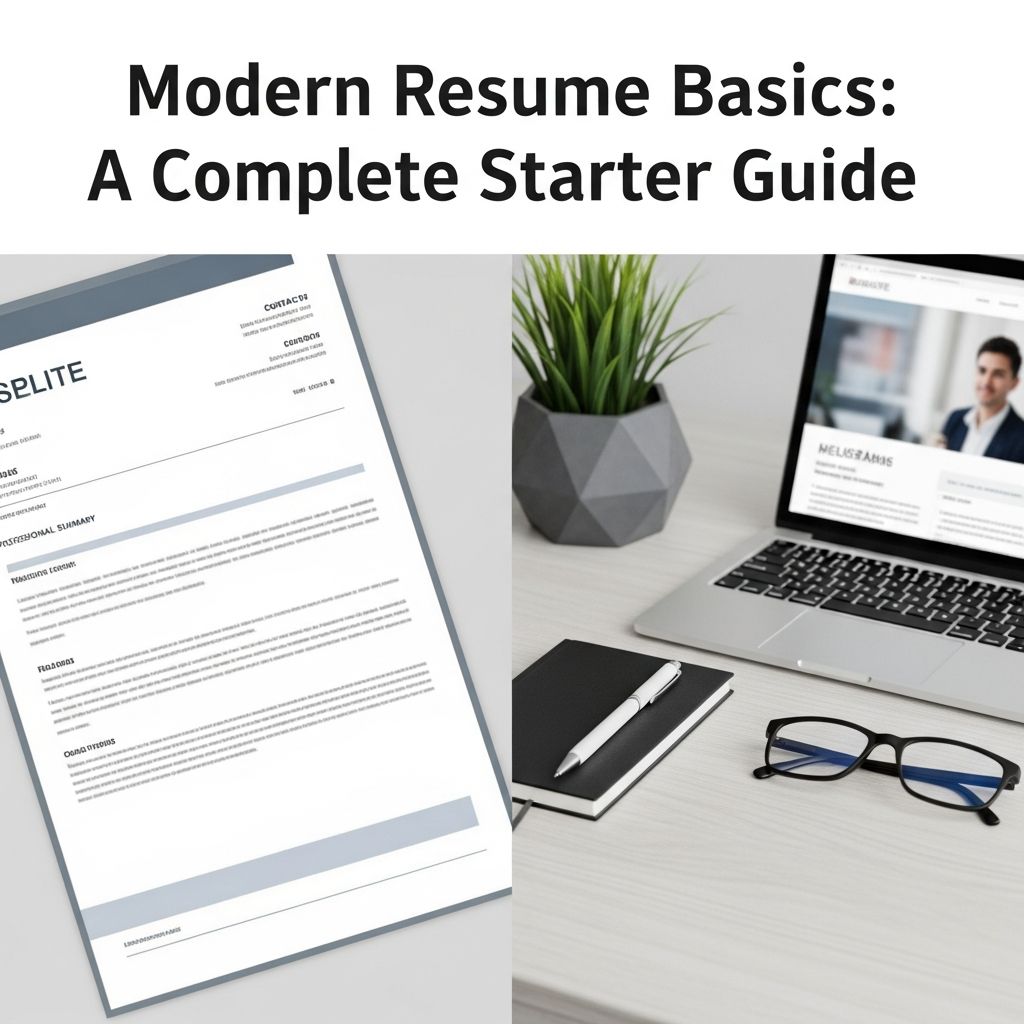
Your resume is often the first real impression you make on an employer. In a few seconds, a hiring manager or applicant tracking system (ATS) decides whether you are worth a closer look. This guide walks you through the fundamentals of building a resume that is clear, modern, and tailored to the job you want.
What a Resume Is (and Is Not)
A resume is a concise, factual snapshot of your professional story designed to show why you are qualified for a specific role. It is not an exhaustive autobiography, a list of everything you have ever done, or a creative writing exercise.
The strongest resumes focus on three goals:
- Clarity: The layout is clean, easy to skim, and logically organized.
- Relevance: Every line supports the role you are targeting.
- Impact: Achievements are quantified whenever possible to show real results.
Choosing the Right Resume Format
Your format controls how your story is presented. Most candidates will use one of three common formats.
| Format | Best For | Main Advantage | Potential Drawback |
|---|---|---|---|
| Reverse-chronological | Most professionals, especially with steady work history | Familiar to employers; highlights recent experience first | Less ideal for large employment gaps |
| Functional (skills-based) | Career changers or those with non-linear paths | Spotlights skills over job titles | Some recruiters are skeptical; can mask gaps |
| Combination | Experienced candidates with strong skills and history | Marries a strong skills section with detailed experience | Can become lengthy or cluttered if not edited |
In most cases, a reverse-chronological format is the safest and most effective choice because it is widely preferred and easy to scan.
Essential Sections Every Resume Needs
Regardless of your field, a strong resume for most roles includes these core sections:
- Contact details
- Professional summary or objective
- Work experience
- Skills
- Education
Depending on your background, you may also add optional sections like certifications, projects, or volunteer work.
Contact Information
The contact block belongs at the top of the page and must be accurate and professional.
- Full name
- City and state or region (full address is optional)
- Professional email (avoid nicknames)
- Phone number with voicemail set up
- Relevant links such as LinkedIn or a portfolio, when appropriate
In many countries, you should not add a headshot, birthdate, or marital status; these details can create legal or bias concerns and are typically unnecessary.
Professional Summary or Objective
This 2 6 sentence section sits near the top and frames the rest of your resume.
- Use a summary if you have experience: emphasize your main strengths, years in the field, and top achievements.
- Use an objective if you are a student, recent graduate, or changing careers: focus on where you are heading and the value you want to bring.
Keep this section tailored. Mention the job title you are targeting and a few skills or results that line up with the posting.
Work Experience
The experience section is often the most important part of your resume. Employers want to see how you have applied your skills in real situations.
For each role, include:
- Job title
- Company name
- Location
- Dates of employment (month and year are usually sufficient)
Under each role, add 3 6 bullet points that focus on achievements rather than basic duties. Use strong action verbs like led, improved, created, or implemented. Numbers make your contributions more concrete and persuasive to employers. For example, you might quantify:
- Revenue or cost changes
- Time saved or efficiency gains
- Customer satisfaction improvements
- Volume of work handled (e.g., number of clients or projects)
Stick to bullet points rather than long paragraphs—this supports quick scanning and helps highlight your most impressive results.
Skills Section
The skills area is your chance to showcase your technical abilities and core professional strengths. Many ATS tools scan this section to match keywords from the job description.
Organize skills into short lists such as:
- Technical skills: tools, software, programming languages, platforms
- Core competencies: project management, customer service, data analysis
- Relevant soft skills: collaboration, communication, problem-solving
Match your skills to what appears in the job posting, but only include skills you actually have. Overloading this section with every skill you can think of can hurt credibility and clutter the page.
Education
Education details help employers understand your academic background and any specialized training.
- List your highest level of education first.
- Include degree, institution, location, and graduation date (or expected date).
- Add honors, significant projects, or relevant coursework if you are a recent graduate.
If you have extensive work experience, keep this section concise and place it after your experience and skills.
Optional Sections That Strengthen Your Resume
Once you have the essentials, optional sections can help you stand out when used selectively.
- Certifications and licenses: especially important for regulated fields (e.g., healthcare, finance, engineering).
- Projects: ideal for students, career changers, or technical roles to demonstrate hands-on work.
- Volunteer experience: valuable when it builds leadership, community involvement, or role-related skills.
- Awards and recognition: use when they directly support your professional story.
- Professional associations: show engagement with your industry and continued learning.
Modern Formatting Guidelines
Good content can be overlooked if the presentation is confusing or dated. Modern resumes follow a few widely accepted formatting practices.
Length and Layout
- One page is the norm if you have less than about ten years of experience.
- Two pages may be appropriate for senior-level professionals, academics, or those with extensive relevant history.
- Use clear headings and consistent spacing so the reader can quickly find each section.
- Leave adequate white space by using sensible margins; crowded pages are harder to read.
Fonts and Styling
- Choose a professional, easy-to-read font such as a standard serif or sans-serif typeface.
- Keep body text around 11–12 pt and headings slightly larger for hierarchy.
- Use bold and italics sparingly to highlight job titles or key achievements, not entire paragraphs.
- Consistently apply the same style to similar elements (all headings, all dates, etc.).
File Type
Unless an employer asks for a different format, sending your resume as a PDF helps preserve your layout across devices. Some online forms require a Word document; in those cases, follow the instructions exactly.
How to Tailor Your Resume for Each Job
One of the most common mistakes is using the same generic resume for every application. Hiring managers and ATS systems expect to see alignment between your resume and the specific job posting.
To tailor efficiently:
- Study the job description: highlight the key responsibilities and required skills.
- Mirror critical keywords in your skills and experience sections where they truthfully fit.
- Prioritize relevant achievements: move the most relevant roles and bullet points higher on the page.
- Remove unrelated details: you do not need to show every task you have ever done.
Tailoring helps you pass automated screenings while also signaling to human reviewers that you understand what the role requires.
Writing Strong Bullet Points
Your bullet points should do more than restate your job description. They need to show how you performed and what changed because of your work.
Use a simple structure for bullet points:
- Start with an action verb (e.g., managed, designed, improved, reduced).
- Describe the task or project.
- End with a result or metric when possible (e.g., time saved, revenue gained, errors reduced).
A practical way to think about this is: accomplished X, measured by Y, by doing Z. This formula helps keep your bullets focused on impact rather than generic responsibilities.
Common Resume Mistakes to Avoid
Even strong candidates lose opportunities because of avoidable resume issues. Watch for these problems:
- Spelling and grammar errors: they signal carelessness. Proofread and consider asking someone else to review your document.
- Dense paragraphs: long blocks of text are difficult to skim. Use concise bullet points instead.
- Overly creative layouts: complex designs, multiple columns, or heavy graphics can confuse ATS and distract from your content.
- Irrelevant personal details: hobbies, unrelated side jobs, or personal data can waste valuable space if they do not support your candidacy.
- Inconsistent formatting: changing fonts, misaligned dates, or uneven spacing make the resume look less polished.
Making Your Resume ATS-Friendly
Many employers use ATS software to scan resumes and identify candidates who match the job requirements. To improve your chances of passing this initial screen:
- Use standard section headings like “Experience” and “Education.”
- Avoid placing text inside images, shapes, or unusual columns.
- Include keywords from the job posting naturally throughout your resume.
- Stick with simple bullet points and a straightforward layout.
Once your resume passes the ATS, these same practices also help human reviewers quickly understand your qualifications.
Final Review Checklist
Before you submit your resume for any role, run through this quick checklist:
- Is the resume tailored to a specific job posting?
- Can a reader understand your background in under 30 seconds?
- Do your bullet points emphasize results and not just duties?
- Are there any spelling, grammar, or formatting errors?
- Does every section contribute to your target role?
Frequently Asked Questions (FAQs)
Q: How long should my resume be?
Most early and mid-career professionals should keep the resume to one page. Two pages can be appropriate if you have substantial, directly relevant experience or are applying for senior or specialized roles.
Q: Do I need a different resume for every job?
You do not need to rewrite your resume from scratch each time, but you should adapt it for each application by adjusting your summary, rearranging bullets, and emphasizing the skills and achievements most relevant to that specific job.
Q: Should I include jobs that are not related to my target role?
Include roles that demonstrate transferable skills, reliability, and progression. If a job is unrelated and you are short on space, it may be better to remove it or reduce it to a brief line.
Q: Is a cover letter still necessary?
Many employers still expect a cover letter, and it remains a valuable opportunity to explain your fit, highlight key experiences, and address any concerns such as gaps or a career change. Unless a posting clearly says not to include one, sending a tailored cover letter is usually beneficial.
Q: How often should I update my resume?
Update your resume whenever you gain new responsibilities, complete a major project, earn certifications, or change roles. Keeping it current makes it easier to apply quickly when new opportunities appear.
References
- The Best Resume Format for 2025 — ResumeGenius. 2025-01-10. https://resumegenius.com/blog/resume-help/resume-format
- How to Make a Resume in 2025 | Beginner’s Guide — Novorésumé. 2025-03-05. https://novoresume.com/career-blog/how-to-write-a-resume-guide
- 10 Resume Writing Tips To Help You Land a Position — Indeed Career Guide. 2022-08-18. https://www.indeed.com/career-advice/resumes-cover-letters/10-resume-writing-tips
- Current Resume Trends for 2025 — ResumeBuilder. 2025-02-12. https://www.resumebuilder.com/career-center/resume-trends/
- Create a Strong Resume — Harvard University, Mignone Center for Career Success. 2023-09-01. https://careerservices.fas.harvard.edu/resources/create-a-strong-resume/
- 16 Top Resume Tips to Help You Land a Job in 2026 — Coursera Career Academy. 2024-11-07. https://www.coursera.org/articles/resume-tips

- Integrated M.A. in Applied Linguistics, University of Hyderabad
- 5+ years in editorial, instructional, SEO, and research-based writing
Sneha is a relationships and lifestyle writer with a strong foundation in applied linguistics and certified training in relationship coaching. She brings over five years of writing experience to theskillvault, crafting thoughtful, research-driven content that empowers readers to build healthier relationships, boost emotional well-being, and embrace holistic living. Her writing and insights reflect the belief that beauty, happiness, and wellness…