
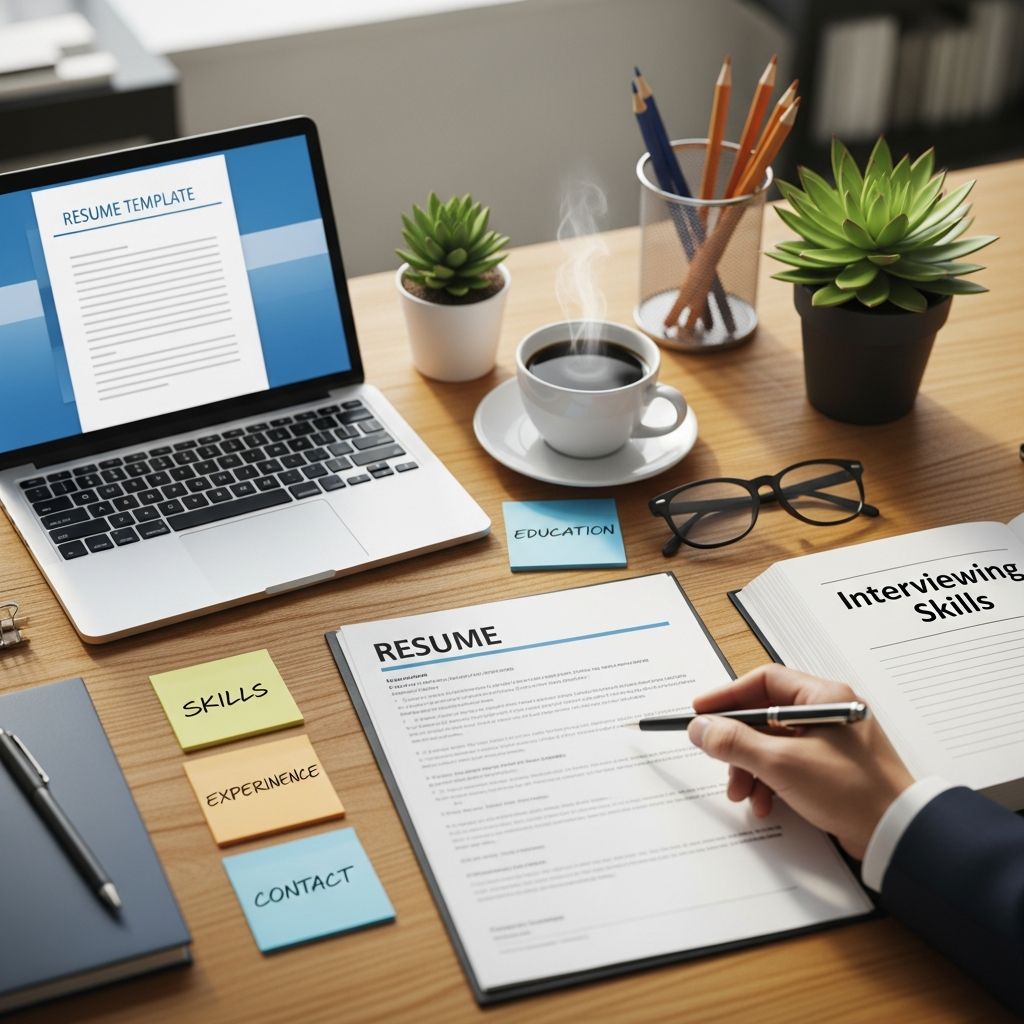
Writing a resume as a high school or college student can feel intimidating, especially when you think you “don’t have any experience.” The good news is that you already have more to offer than you realize: courses, projects, part-time jobs, volunteer work, and activities all count as experience on a strong student resume.
This guide walks you through how to turn your academic and campus life into a polished, one-page resume that employers and admissions committees can quickly understand.
Why Every Student Needs a Resume (Even Without Experience)
A resume is a concise summary of your education, skills, and experiences that shows how you can contribute to an employer or program. Even if you are still in school, you need a resume for:
- Internship and co-op applications
- Part-time or summer jobs
- Scholarships, fellowships, and awards
- Research assistant or teaching assistant roles
- Graduate school or professional program applications
Recruiters often scan student resumes in 30–60 seconds, so clarity, organization, and relevance matter more than length or fancy design.
Core Building Blocks of a Student Resume
Most effective student resumes include the following key sections.
| Section | Purpose | Is it required? |
|---|---|---|
| Contact Information | Helps employers reach you easily. | Always |
| Education | Highlights your school, degree, and academic strengths. | Always for students |
| Experience | Demonstrates how you apply skills in real situations. | Strongly recommended |
| Skills | Shows tools, languages, and abilities you can use on day one. | Always |
| Activities & Involvement | Shows leadership, initiative, and interests beyond class. | Recommended |
| Honors & Awards | Signals strong performance or recognition. | Optional |
Step 1: Format Your Resume for Easy Skimming
Recruiters and hiring managers prefer a clean, consistent format that is easy to scan quickly.
- Length: Keep it to one page for high school, undergrad, and most master’s students.
- Font: Use a professional, readable font (e.g., Calibri, Arial, Times New Roman) around 10–12 pt.
- Margins: Use roughly 0.5–1 inch margins on all sides for balance and readability.
- File type: Submit as a PDF unless the employer specifically requests another format.
- Consistency: Align dates, locations, and headings in a uniform style throughout the document.
Step 2: Write Clear Contact Information
Place your contact details at the very top of the page, clearly visible.
- Full name (slightly larger font than the rest)
- Phone number with voicemail set up
- Professional email (e.g., firstname.lastname@domain.com)
- City and state (street address is optional)
- LinkedIn URL and/or portfolio link (optional but recommended)
Avoid including personal details like age, photo, marital status, or religion; these are not needed and, in some regions, discouraged.
Step 3: Put Education Front and Center
As a student, your education section will usually appear right after your contact information, because it is often your strongest qualification.
- School name and location
- Degree (e.g., B.A. in Psychology, High School Diploma)
- Expected graduation date
- Major(s), minor(s), or concentration(s)
- GPA if it is a strength and appropriate for your field (commonly included for students).
You can add a short list of relevant coursework below your degree, especially if you lack work history and the courses relate directly to the opportunity.
Step 4: Turn Your Experiences into Strong Bullet Points
Any situation where you practiced skills can count as experience:
- Paid jobs (on-campus or off-campus)
- Internships or co-ops
- Class projects and research
- Student organizations or clubs
- Leadership roles
- Volunteering or community service
List experiences in reverse chronological order (most recent first) and use concise bullet points rather than long paragraphs.
How to Write Impactful Bullets
Career centers often recommend a simple formula for strong resume bullets: Action verb + Task + Result or Purpose.
- Start with a power verb: Coordinated, Analyzed, Designed, Led, Tutored, Organized, Developed.
- Describe what you did: the specific responsibility or project.
- Show impact: why it mattered or what changed because you did it.
Whenever possible, include numbers to make your contributions concrete (e.g., “tutored 5 students,” “increased attendance by 20%”).
Step 5: Build a Focused Skills Section
A dedicated skills section tells employers what you are capable of doing from day one.
- Technical skills: software, programming languages, lab techniques, design tools, data tools.
- Language skills: list only non-native languages with your level of proficiency (e.g., Conversational, Fluent).
- Transferable skills: communication, teamwork, problem solving, leadership—ideally supported somewhere else on your resume.
Avoid long lists of generic buzzwords; prioritize skills that match the job posting or program description and that you can prove with an example.
Step 6: Showcase Activities, Leadership, and Volunteering
Employers value involvement outside the classroom because it signals initiative, time management, and collaboration.
- Student clubs and organizations
- Sports teams
- Student government roles
- Community service and outreach
- Mentoring or peer tutoring
Instead of listing only positions, add a few concise bullets for your most significant roles to highlight what you accomplished or contributed.
Step 7: Add Honors, Awards, and Projects Strategically
Use extra sections to highlight achievements that make you stand out.
- Honors & Awards: dean’s list, scholarships, competition wins, honor societies.
- Projects: capstone projects, design work, research assignments, hackathons.
- Certifications: relevant industry certificates, software training, or licenses.
Place these sections near the top if they are major strengths (for example, a major competition win or a high-profile research project).
Step 8: Tailor Your Resume to Each Opportunity
Using the same generic resume for every opening is one of the most common mistakes students make. Career centers consistently recommend tailoring your resume to each role by emphasizing the specific skills and experiences that match the posting.[10]
- Study the description: Identify the key qualifications and responsibilities.
- Mirror relevant keywords: Use the same language where appropriate so your resume aligns with employer expectations.[10]
- Reorder sections: Move your most relevant experience or coursework closer to the top.
- Swap examples: Highlight projects or roles that best demonstrate the requested skills.
Step 9: Avoid Common Student Resume Mistakes
Universities and career centers see the same errors repeatedly on student resumes.
- Using first-person pronouns like “I” or “my” in bullets.
- Including unrelated personal information (age, photo, relationship status).
- Long paragraphs instead of short, skimmable bullets.
- Spelling and grammar mistakes due to lack of proofreading.
- Overly decorative templates that are hard to read or confuse applicant tracking systems.
- Listing every single job or activity, instead of focusing on the most relevant ones.
Ask a career advisor, mentor, or friend to review your resume; a second set of eyes often catches issues you may miss.
Step 10: Create a Master Resume and Keep It Updated
Many university career guides recommend maintaining a “master resume” that contains everything you have done: all jobs, activities, projects, and achievements.
- Update it at least once per semester with new experiences.
- Record details while they are fresh (dates, tools used, quantifiable results).
- For each application, copy the most relevant items into a shorter, tailored version.
This saves time and ensures you do not forget accomplishments later.
Student Resume Quick Checklist
Use this checklist after drafting your resume to make sure it meets common standards from university career centers and writing labs.
- One full page or less, with balanced white space
- Professional, readable font with consistent headings
- Contact information clearly visible at the top
- Education section includes institution, degree, location, and dates
- Experiences listed in reverse chronological order
- Bullet points start with action verbs and highlight results
- Skills section aligned with the opportunity you want
- No spelling, grammar, or formatting errors
- No unnecessary personal data or photos
Frequently Asked Questions About Student Resumes
Q1: What if I truly have no work experience?
Focus on academic projects, volunteer work, student organizations, and coursework. Universities emphasize that employers value transferable skills—like communication, teamwork, and problem solving—even when they come from non-paid experiences.
Q2: Should my resume be different for internships and full-time jobs?
The overall structure can stay the same, but you should adjust which experiences and skills you emphasize. For internships, highlight coursework, projects, and potential; for full-time roles, stress any practical or leadership experience you have.[10]
Q3: Do I include high school information in college?
First- and second-year college students often include high school details, especially if they show leadership or strong academic performance. As you gain more university-level experience, you can gradually remove high school entries and focus on recent achievements.
Q4: Is it okay to use a resume template I find online?
Simple, clean templates that use standard fonts and clear headings are fine. Career centers caution against overly graphic designs or complicated layouts that may confuse applicant tracking systems or make your information hard to scan quickly.
Q5: How often should I update my student resume?
Update it whenever you complete a major project, change roles, receive an award, or finish a term. Many career advisors suggest reviewing your resume at least once a semester so you can capture new experiences while details are fresh.
References
- Writing the Resume — Purdue University Center for Career Opportunities. 2023-08-15. https://www.cco.purdue.edu/Students/ResumesAndCVs/
- UNC Resume Guide for Students — University of North Carolina at Chapel Hill, University Career Services. 2023-09-01. https://careers.unc.edu/resource/unc-resume-guide-for-students/
- Resume Writing Tips — The Writing Center, University of Wisconsin–Madison. 2022-10-10. https://writing.wisc.edu/handbook/resume/
- CREATE A STRONG RESUME — Harvard University, Mignone Center for Career Success. 2024-01-05. https://careerservices.fas.harvard.edu/resources/create-a-strong-resume/
- Building a college resume: What every student should include — University of Cincinnati News. 2025-09-06. https://www.uc.edu/news/articles/2025/09/college-resume.html
- How to Write a Resume — The Career Center, University of Illinois Urbana-Champaign. 2023-03-20. https://www.careercenter.illinois.edu/howtoresume
- Write a Resume/CV — University of Pennsylvania Career Services. 2024-02-12. https://careerservices.upenn.edu/channels/resume/

- Integrated M.A. in Applied Linguistics, University of Hyderabad
- 5+ years in editorial, instructional, SEO, and research-based writing
Sneha is a relationships and lifestyle writer with a strong foundation in applied linguistics and certified training in relationship coaching. She brings over five years of writing experience to theskillvault, crafting thoughtful, research-driven content that empowers readers to build healthier relationships, boost emotional well-being, and embrace holistic living. Her writing and insights reflect the belief that beauty, happiness, and wellness…