
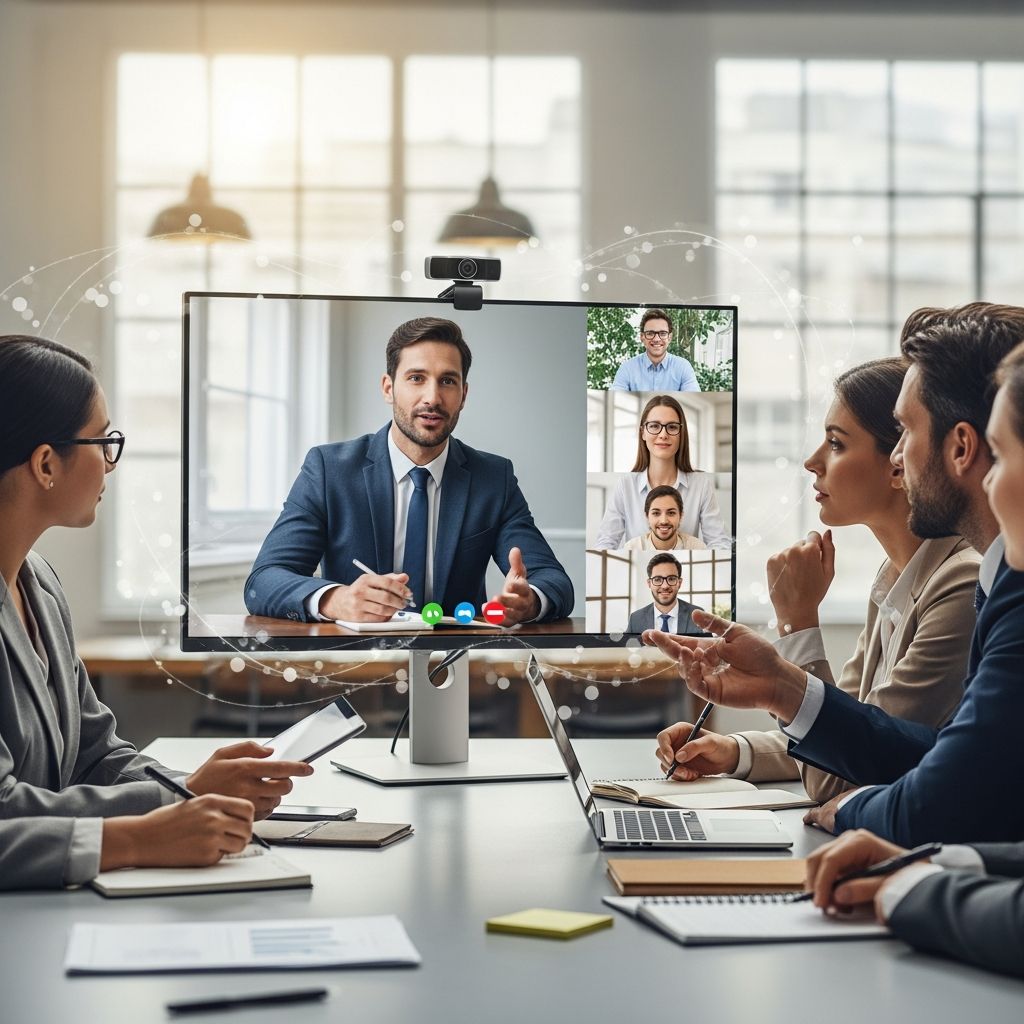
The Evolution of Video Communication in Modern Career Development
Video has become an indispensable tool in the professional landscape. Whether you’re interviewing for your dream job, presenting quarterly results to stakeholders, or collaborating with remote teams, the ability to communicate effectively through video separates high performers from the rest. In today’s digital-first workplace, video competency is no longer optional—it’s a fundamental career skill that can significantly impact your trajectory and influence within your organization.
The shift toward video-based communication accelerated dramatically in recent years, forcing professionals to quickly adapt. Those who mastered this medium discovered new opportunities for visibility, leadership, and professional growth. Understanding how to present yourself and your ideas through video can transform how colleagues perceive your capabilities, confidence, and professionalism.
Understanding Your Video Communication Context
Before pressing record, the most crucial step is determining the specific context of your video communication. Different scenarios demand different approaches, energy levels, and presentation styles. A casual team update requires vastly different preparation than a formal client pitch or a recorded interview response.
Start by identifying your primary objective. Are you trying to educate, persuade, inspire, or inform? Understanding this distinction shapes every decision you make—from your backdrop and lighting to your word choice and pacing. Next, consider your audience composition. Are you speaking to immediate colleagues who know your work well, or external stakeholders encountering you for the first time? This matters significantly because first impressions through video tend to stick longer than in-person meetings, where people have multiple cues to form opinions about your credibility and competence.
The platform where your video will appear also influences your strategy. A professional video for LinkedIn demands different tonality than an internal Slack message or a YouTube presentation. Each platform has cultural norms and viewing behaviors that you should respect and leverage.
Preparation: The Foundation of Compelling Video Performance
The difference between a mediocre and exceptional video communication often comes down to preparation. Many professionals underestimate how much work happens before the camera ever turns on. A well-prepared presenter can deliver complex information clearly and confidently, while an unprepared one will appear scattered and uncertain regardless of technical quality.
Structuring Your Message Architecture
Begin with a clear structural outline rather than a full script. Writing word-for-word scripts often sounds robotic and disconnected when delivered on camera. Instead, map out your key points in sequence, noting the logical flow from introduction to conclusion. Identify three to five core messages you want your viewer to remember after the video ends. If someone forgets everything except these messages, will you have accomplished your goal? This filtering process ensures focus and prevents information overload.
Within your outline, mark transition points where you’ll shift between topics. These transitions should feel natural and conversational. Consider visual elements that could support each point—a data visualization, a relevant image, or on-screen text that reinforces your message. Visual reinforcement helps viewers retain information and keeps their attention engaged throughout your video.
Developing Authentic Delivery
Record yourself delivering your outline a few times. This practice accomplishes multiple things simultaneously. First, it helps you identify awkward phrasing or unclear explanations that you’ll smooth out through repetition. Second, it builds your confidence with the material, which translates directly to the camera as authenticity and authority. Third, it reveals timing—how long your content actually takes to deliver. Many professionals are surprised to discover their video is either significantly longer or shorter than intended.
As you practice, pay attention to your natural speech patterns. Where do you naturally pause? Where do you emphasize certain words? These authentic delivery patterns should be preserved in your final recording rather than replaced with an artificial, overly polished cadence. Audiences respond to genuine communication far more positively than to performances that feel manufactured or excessively formal.
Technical Execution and Visual Presentation
While perfect technical quality matters less than strong content, poor production values create unnecessary barriers to your message’s reception. People unconsciously interpret low-quality video as a reflection of low-quality thinking or preparation.
Lighting and Camera Setup
Position your primary light source in front of you rather than behind you. Natural window light is excellent and often underutilized—position yourself facing a window for soft, flattering illumination. If using artificial lighting, avoid harsh overhead lights that create unflattering shadows. Your goal is even, shadow-minimizing light across your face. Position your camera at approximately eye level or slightly above, creating a natural sightline that feels like you’re speaking directly to the viewer rather than looking down or up at them.
Choose a background that reinforces your professional credibility. A blurred background works fine, but a background showing a bookshelf, professional office, or relevant context adds dimension and credibility. Avoid chaotic backgrounds that distract from your message. Consistency in your video background across multiple professional videos creates a recognizable personal brand.
Audio Quality Considerations
Audio quality often matters more than video quality in determining whether people watch your entire video. Fuzzy or hollow-sounding audio causes viewers to disengage quickly. Use an external microphone whenever possible, even a basic one positioned six to twelve inches from your mouth. If using your device’s built-in microphone, position yourself as close as practical to minimize background noise.
Record in a quiet environment. Close unnecessary windows, silence notifications, and if possible, choose rooms with soft furnishings that absorb sound rather than hard surfaces that create echoes. Monitor your audio levels during recording to ensure you’re not clipping or creating distortion.
Delivery Techniques That Enhance Professional Impact
How you present yourself on camera significantly influences how your message is received. This extends beyond what you say to include body language, pacing, and emotional tone.
Eye Contact and Presence
Look at the camera lens, not at yourself on the screen. This creates the illusion of direct eye contact with your viewer, which is crucial for building connection and trust. Position a small image of the viewer or a photo of someone you trust just above or below your camera lens. This mental trick helps you maintain authentic-feeling eye contact while addressing the camera.
Sit or stand up straight, projecting confidence through your physical posture. Slouching or appearing overly rigid both undermine your credibility. A neutral, alert posture communicates that you’re present and engaged in the conversation, even though it’s one-directional.
Pacing and Energy Modulation
Video demands slightly more energy and animation than in-person conversation because the camera can flatten personality and enthusiasm. This doesn’t mean you should be hyperactive or inauthentic; rather, be intentionally aware of your baseline energy level and bring it up incrementally for video. Use hand gestures naturally to emphasize points, but avoid excessive movement that distracts from your message.
Vary your pacing rather than speaking at a uniform tempo. Rapid-fire delivery suggests nervousness, while overly slow speech can seem condescending or like you’re speaking to someone with limited comprehension. Pause strategically after important points, allowing viewers to absorb what you’ve said. These moments of silence feel longer to the speaker than to the viewer and create natural rhythm in your delivery.
Platform-Specific Video Strategies
Different professional platforms have distinct cultures and viewing behaviors that should influence your video approach.
| Platform | Video Format | Optimal Length | Tone |
|---|---|---|---|
| Vertical or horizontal | 30 seconds to 3 minutes | Professional yet personable | |
| Zoom/Teams Meetings | Horizontal, full screen | 5 to 15 minutes | Collaborative and clear |
| Email or Slack | Compact, embedded | 15 to 90 seconds | Direct and actionable |
| Interview or Portfolio | Horizontal, polished | 2 to 5 minutes | Polished and persuasive |
Video Interview Performance Strategies
Video interviews represent high-stakes communication opportunities where first impressions are magnified. The camera can feel intimidating, but strategic preparation transforms it into an advantage.
Before a recorded interview response, watch the interviewer’s question multiple times. Note any nuanced follow-up questions they ask. This helps you understand not just the surface question but the deeper competency or behavior they’re trying to assess. Structure your answer using the STAR method (Situation, Task, Action, Result) for behavioral questions, which provides narrative structure that’s engaging to watch.
Record a practice response to yourself, then review it critically. How do you appear? Did you answer the question directly or ramble? Was your energy appropriate for the role? Did you sound prepared without sounding rehearsed? These reflections inform your final delivery, where you’ll feel more confident because you’ve already worked through potential issues.
When recording your actual response, maintain a conversational tone as if you’re speaking directly to the interviewer across a table. Avoid looking at your notes or glancing sideways; commit to looking at the camera. Reference specific examples and achievements that showcase your capability for the role.
Enhancing Professional Videos with Supporting Elements
Supplementary elements transform basic videos into polished professional communication tools.
Captions and Text Overlays
Many viewers watch professional videos without sound initially, particularly on social media or in office environments. Captions ensure your message remains clear and accessible regardless of audio. Beyond accessibility, captions make key phrases visually prominent, improving information retention. Use text overlays to highlight important statistics, define terminology, or reinforce transitions between topics.
Call-to-Action Clarity
Every professional video should include a clear next step for your viewer. This might be visiting a company website, scheduling a meeting, reviewing attached materials, or submitting a response. Explicitly state what you want the viewer to do after watching, preferably near the end of your video. Ambiguous videos often result in no action, regardless of their quality.
Post-Production and Performance Analysis
After recording, review your video with fresh eyes before distributing it. Many professionals notice delivery issues, phrasing problems, or technical glitches only during playback. If something bothers you during review, it will likely bother viewers too. Don’t hesitate to re-record sections that don’t meet your standards.
Track engagement metrics if your platform provides them. How long do viewers watch before dropping off? Where do they pause or replay? This data reveals whether your content structure is effective or whether certain sections lose audience interest. Use these insights to refine your approach in future professional videos.
Frequently Asked Questions
Q: How much should I script versus improvise in professional videos?
A: Develop a detailed outline with key points and transitions, but avoid word-for-word scripts. Practice delivering your outline multiple times until it feels natural and conversational. This approach maintains structure and clarity while preserving authentic delivery that resonates with viewers.
Q: What should I do if I make a mistake while recording?
A: Pause, take a breath, and restart that section. Most editing software allows you to easily cut out and replace flawed segments. Don’t attempt to power through mistakes; clean, confident delivery matters far more than false perfection achieved by ignoring errors.
Q: How can I appear more confident on camera if I’m naturally nervous?
A: Preparation is your confidence-building tool. The more thoroughly you prepare, practice, and review your content, the more natural and confident you’ll feel during recording. Practice recording multiple times until the material feels comfortable, then your genuine confidence will shine through regardless of initial nervousness.
Q: Should I use professional video editing software or simpler tools?
A: Start with whatever tool you already know and can access easily. Many professionals achieve excellent results with built-in phone editing tools, free software like iMovie, or accessible online platforms. Advanced features matter less than clear, well-paced content. As you create more videos, you can invest in more sophisticated tools if needed.
Q: How often should I refresh my professional video content?
A: Update your professional videos annually or whenever significant career changes occur. Technology, fashion, and communication norms evolve, so videos from several years ago may feel dated. However, a high-quality video remains effective for 12 to 24 months before needing refreshing.
References
- Best Practices for Creating Engaging Video Content — Blink Jar Media. 2024. https://www.blinkjarmedia.com/blog/best-practices-for-creating-engaging-video-content
- 13 Top Tips to Create a Winning Video Content Strategy — StoryChief. 2024. https://storychief.io/blog/video-content-creation-tips
- Your Guide to Video Content Creation in 2025 — Storykit. 2025. https://storykit.io/blog/video-content-creation
- A Guide to Video Marketing & Why It’s Essential in 2025 — Adobe Express Learn. 2025. https://www.adobe.com/express/learn/blog/video-marketing
- Video Production Best Practices — Columbia University Center for Teaching and Learning. 2024. https://ctl.columbia.edu/resources-and-technology/teaching-with-technology/diy-video/video-best-practices/

Medha Deb is an editor with a master's degree in Applied Linguistics from the University of Hyderabad. She believes that her qualification has helped her develop a deep understanding of language and its application in various contexts. Medha specializes in the areas of beauty, health, sports, and wellness and is committed to ensuring that the content on the website is…