
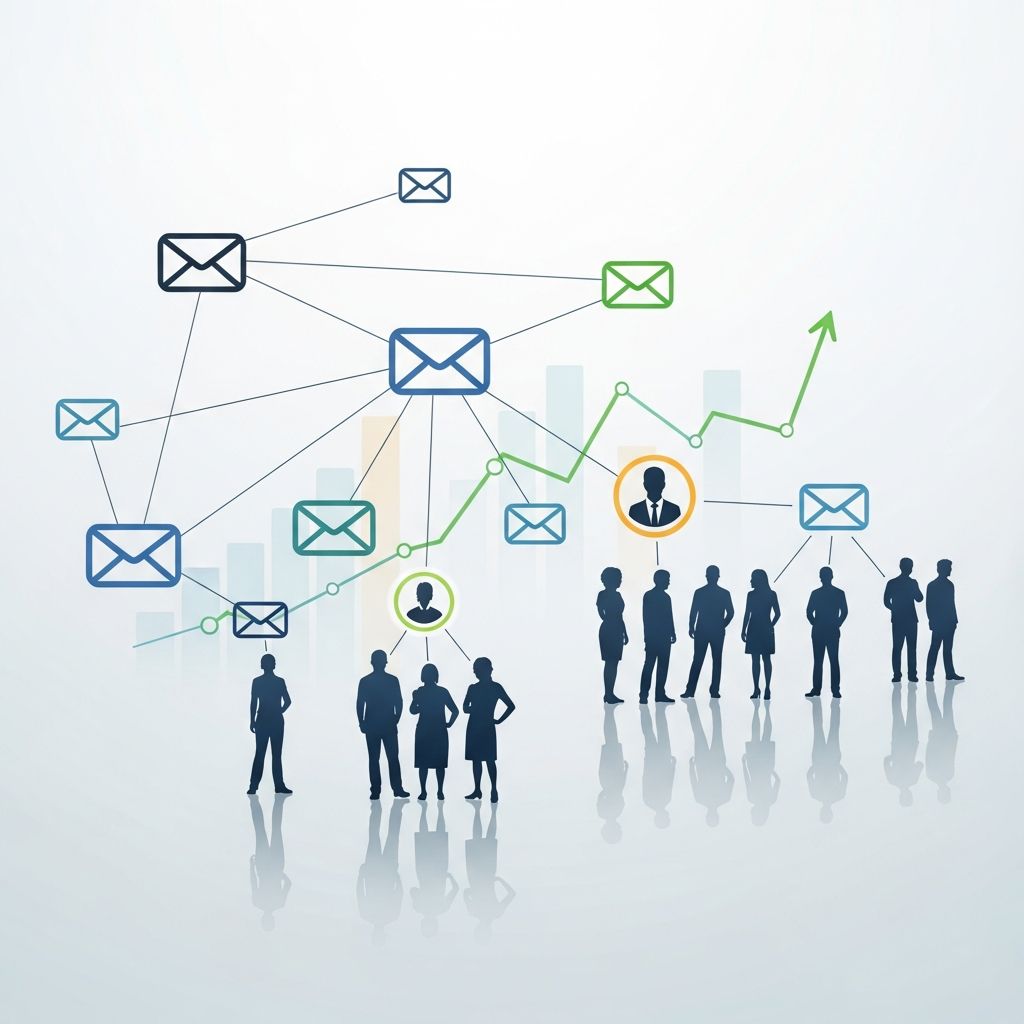
Mail merge has evolved from a simple way to insert names into emails into a powerful engine for personalized, automated, and scalable outreach. Today’s tools let sales, marketing, and customer success teams send thousands of emails that still feel like they were written one-to-one, while automation handles the heavy lifting behind the scenes.
In this guide, you’ll learn what modern mail merge can do, how it fits into email automation, and how to design campaigns that get replies instead of spam complaints.
What Mail Merge Means in Modern Email Outreach
Traditional mail merge simply pulled basic data like a first name or company into a template. Modern mail merge extends that idea by combining:
- Dynamic fields for detailed personalization (role, industry, use case, last product used, and more).
- Automation rules that send sequences based on time or behavior (opens, clicks, replies).
- Integrations with CRMs and other tools so your contact data and activity stay in sync.
This combination turns mail merge from a formatting trick into the backbone of a repeatable, data-driven outreach process that can run almost 24/7.
Key Capabilities of a Modern Mail Merge Tool
Although every platform differs, most modern mail merge systems include a core set of features that support reliable, scalable outreach.
1. Flexible Personalization With Merge Fields
At the heart of mail merge is the ability to personalize messages at scale. A robust setup usually supports:
- Standard fields: first name, last name, company, job title, location.
- Custom fields: plan type, last purchase date, product interest, lead score, or any attribute from your CRM.
- Fallback values: default text when a field is missing so messages never look broken.
Used well, this goes beyond “Hi <First Name>” and lets you reference specific pains, goals, or events without manually rewriting every email.
2. Automated Email Sequences
Instead of sending one-off messages, mail merge tools let you design multi-step sequences that run automatically.
- Time-based steps (e.g., send step 2 three days after step 1).
- Behavior-based triggers (e.g., pause if someone replies or books a meeting).
- Branching logic based on engagement (open, click, no activity).
This type of automation reduces repetitive work while consistently nurturing leads over days or weeks.
3. List Management, Segmentation, and Targeting
Effective mail merge depends on sending the right message to the right segment. Modern platforms usually include:
- List imports and sync from spreadsheets, CRMs, or signup forms.
- Segment filters such as industry, lifecycle stage, geography, or behavior.
- Automatic suppression for unsubscribes, bounces, and people who replied.
Segmentation improves engagement and helps prevent spam complaints by keeping your outreach relevant and expected.
4. Analytics and Reporting
To improve outreach, you need data. Mail merge tools usually provide:
- Open, click, reply, and bounce rates by campaign.
- Best-performing subjects and templates.
- Team- or user-level performance for sales leaders.
More advanced setups also expose revenue attribution and pipeline impact when integrated with a CRM or marketing automation platform.
5. Deliverability and Sending Controls
High-volume mail merge can create deliverability risk if not managed carefully. Tools help reduce that risk by offering:
- Sending limits per inbox to keep volume realistic.
- Randomized sending windows to avoid obvious batch patterns.
- Domain and IP health monitoring in more advanced platforms.
Combined with best practices around consent and content, these features keep messages landing in the inbox rather than the spam folder.
Why Mail Merge and Email Automation Matter for Growth
There are overlapping benefits between mail merge and broader email marketing automation. Together, they create a scalable engine for growth across the customer lifecycle.
| Benefit | How Mail Merge Contributes | Impact on Business |
|---|---|---|
| Time savings | Automates repetitive outreach tasks while personalizing each email. | Small teams can contact far more prospects without hiring additional staff. |
| Higher relevance | Uses fields and segments to tailor messaging to each contact’s context. | Boosts open, click, and reply rates while improving customer experience. |
| Better alignment | Syncs contact and activity data with CRM and sales tools. | Marketing and sales work from the same view of the customer journey. |
| Improved ROI | Combines low-cost email with targeted, automated campaigns. | Email continues to deliver one of the highest returns per dollar spent. |
Common Use Cases for Mail Merge in Outreach
Mail merge is useful across many touchpoints, from first contact to long-term retention.
Prospecting and Cold Outreach
Sales teams rely on mail merge to scale cold outbound while keeping messages personalized and relevant.
- Account-based outreach with fields referencing company size, technology stack, or recent news.
- Persona-based angles for marketers, founders, or operations leaders without rewriting entire sequences.
- Automated follow-ups that politely check in when there is no reply after a few days.
This approach keeps reps focused on conversations and discovery, not copying and pasting email drafts all day.
Lead Nurturing and Education
Marketing and sales development teams use mail merge to send nurturing streams that educate and qualify leads.
- Onboarding series for new trial users.
- Educational drips for leads not yet ready to buy.
- Follow-ups after events, webinars, or content downloads.
Because messages are personalized and triggered by behavior, they feel relevant rather than generic, which improves engagement and helps prepare leads for sales conversations.
Customer Retention and Expansion
Customer success teams can also tap into mail merge capabilities.
- Proactive check-ins for high-value accounts at key milestones.
- Targeted upsell or cross-sell messages based on current plan or product usage.
- Reactivation campaigns for inactive users or at-risk customers.
When these messages reference each customer’s specific context, they feel like thoughtful outreach rather than mass marketing.
Setting Up a High-Performing Mail Merge Campaign
Whether you are launching your first campaign or refining an existing one, following a structured process helps maximize results.
Step 1: Define the Goal and Audience
Start with a single clear outcome, such as “book discovery calls,” “reactivate inactive trials,” or “drive demo requests.” Once the goal is defined:
- Choose a specific audience segment rather than your entire list.
- Document what that audience cares about, struggles with, and wants to achieve.
- Identify which contact fields and behaviors you’ll need for personalization.
Step 2: Prepare and Clean Your Data
Mail merge’s effectiveness depends on data quality. Before importing contacts:
- Normalize names (proper casing), company names, and phone numbers.
- Remove invalid or duplicate addresses to reduce bounce rates.
- Confirm you have appropriate consent where required by law.
Many marketing automation and CRM platforms provide tools for managing and cleaning contact data, which can feed directly into your mail merge campaigns.
Step 3: Design Your Email Templates
Effective mail merge templates are simple, specific, and clearly connected to the recipient’s context.
- Write short subject lines that highlight value or relevance rather than gimmicks.
- Use plain, conversational language that looks like it came from an individual.
- Insert merge fields where they truly add value, not just because you can.
- Include a single, clear next step (reply, book a call, confirm details).
Plan several follow-up steps in advance so the sequence doesn’t hinge on a single email.
Step 4: Configure Sequence Logic and Timing
Once templates are ready, configure the automation rules around them.
- Set delays between steps (e.g., 2–4 business days) to avoid overwhelming inboxes.
- Specify stop conditions (e.g., stop sending if the contact replies or clicks a booking link).
- Choose business hours for sending in the recipient’s time zone, if possible.
Thoughtful timing and logic make sequences feel considerate, not aggressive.
Step 5: Test, Launch, and Iterate
Before going live at full scale:
- Send internal tests to verify that all merge fields render correctly.
- Run a small pilot segment to check engagement and deliverability.
- Monitor early metrics closely and adjust copy, timing, or segments as needed.
Over time, use A/B testing for subject lines, value propositions, and call-to-action phrasing to continually improve your campaigns.
Best Practices for Responsible and Effective Mail Merge
With great scale comes great responsibility. To protect your sender reputation and brand, keep these principles in mind.
- Prioritize relevance over volume: sending fewer, more targeted messages often outperforms blasting large lists.
- Respect privacy and consent: follow applicable regulations (such as CAN-SPAM, GDPR, or other regional laws) and provide clear opt-out options.
- Keep content helpful: even prospecting emails should offer value—insight, a resource, or a concrete suggestion.
- Align with sales and marketing: share learnings and templates so teams present a consistent, coherent story across channels.
- Document processes: create internal playbooks for data prep, template writing, and follow-up rules so success can be repeated.
Frequently Asked Questions (FAQs)
Q: How is modern mail merge different from basic email blasts?
A: Basic blasts send the same message to everyone, often with minimal personalization. Modern mail merge combines detailed merge fields, segmentation, and automation rules so that each recipient receives a message that reflects their profile, interests, and actions.
Q: Can mail merge work alongside full marketing automation platforms?
A: Yes. Many teams use a dedicated outreach tool for sales sequences while connecting it to a broader marketing automation or CRM platform. This lets you centralize data and reporting while using specialized tools for each stage of the funnel.
Q: Is mail merge only useful for cold email?
A: No. While it is powerful for outbound prospecting, mail merge is equally useful for onboarding new users, re-engaging inactive customers, following up after events, and coordinating account-based marketing campaigns.
Q: How can I avoid deliverability issues with mail merge?
A: Focus on clean data, realistic sending volumes, relevant targeting, and clear opt-out options. Use sending limits, domain authentication, and gradual warm-up of new inboxes where possible, and avoid misleading or spammy content.
Q: What metrics should I track to measure success?
A: At a minimum, monitor open, click, reply, unsubscribe, and bounce rates. More mature teams also track meetings booked, opportunities created, and revenue influenced, often by connecting mail merge activity to CRM records and marketing reports.
References
- The 15 benefits of having email automation workflows — Avidly. 2022-02-10. https://www.avidlyagency.com/blog/benefits-of-having-email-automation-workflows
- What is Email Marketing Automation? Key Benefits & Features — Klaviyo. 2024-03-15. https://www.klaviyo.com/solutions/marketing-automation/email-marketing
- 12 Massive Benefits of Marketing Automation — Encharge.io. 2023-06-01. https://encharge.io/benefits-of-marketing-automation/
- Benefits of marketing automation — alignment, efficiency, and ROI — Adobe Business. 2023-09-20. https://business.adobe.com/blog/basics/marketing-automation-benefits
- What Is Email Automation? Benefits, Examples, and Best Practices — Tidio. 2024-01-05. https://www.tidio.com/blog/email-automation/
- A Guide to Email Marketing Automation — Business News Daily. 2023-08-18. https://www.businessnewsdaily.com/16296-email-marketing-automation-guide.html
- A Guide to Email Marketing Automation: Definition, Tools & Strategy — Emarsys. 2023-05-12. https://emarsys.com/learn/blog/email-marketing-automation/
- 15 Email Marketing Benefits For Businesses [2025] — Moosend. 2025-01-02. https://moosend.com/blog/email-marketing-benefits/

- Integrated M.A. in Applied Linguistics, University of Hyderabad
- 5+ years in editorial, instructional, SEO, and research-based writing
Sneha is a relationships and lifestyle writer with a strong foundation in applied linguistics and certified training in relationship coaching. She brings over five years of writing experience to theskillvault, crafting thoughtful, research-driven content that empowers readers to build healthier relationships, boost emotional well-being, and embrace holistic living. Her writing and insights reflect the belief that beauty, happiness, and wellness…