
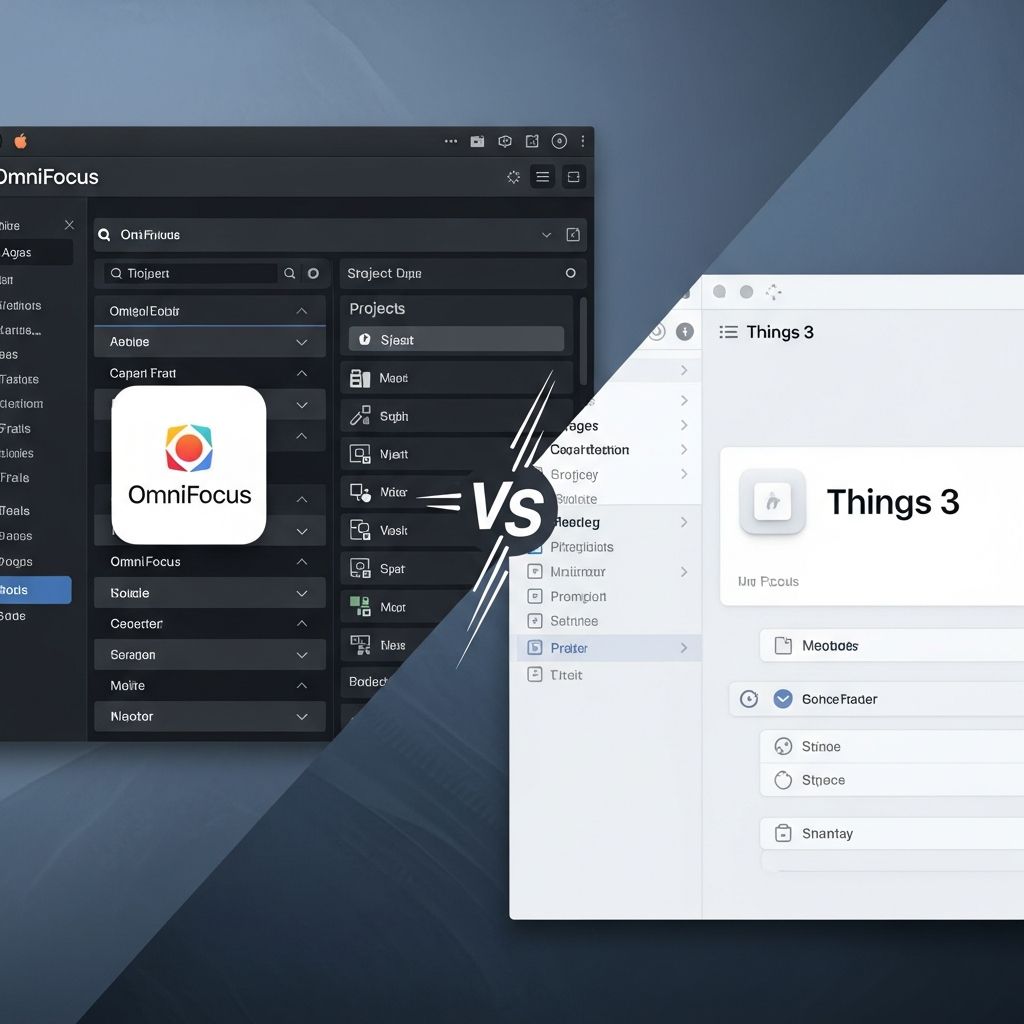
Task management apps have evolved into essential tools for professionals, students, and anyone juggling multiple responsibilities on Apple ecosystems. Among premium options for Mac and iOS, OmniFocus and Things 3 stand out for their robust support of Getting Things Done (GTD) methodologies, seamless cross-device syncing, and polished interfaces. This comprehensive guide dives deep into their strengths, weaknesses, and ideal use cases to help you decide which app aligns with your workflow in 2026.
Core Philosophies: Power vs Simplicity
OmniFocus, developed by Omni Group, embraces complexity to deliver unparalleled flexibility. It caters to power users who need advanced organization like contexts, tags, defer dates, and custom perspectives—features rooted in David Allen’s GTD framework. In contrast, Things 3 from Cultured Code prioritizes minimalism, offering an elegant, distraction-free experience that focuses on projects, areas, and headings without overwhelming options.
Both apps shine on Mac and iOS, with native designs that leverage Apple’s Human Interface Guidelines. OmniFocus provides deeper customization, such as forecast views predicting workloads and custom filters, while Things 3 excels in quick task entry and visual appeal.
User Interface and Onboarding Experience
Things 3 wins for intuitiveness right out of the gate. Its sidebar organizes tasks into Today, Upcoming, Anytime, and Someday views, with a clean canvas for projects and areas. New users can start adding tasks via a lightning-fast inbox without tutorials. The app’s typography, animations, and color-coding create a satisfying, almost gamified feel.
OmniFocus requires more setup. The interface features a dual-pane layout for planning and review, with perspectives accessible via a toolbar. While powerful, the learning curve is steeper—expect 30-60 minutes to configure perspectives like “Next Actions” or “Waiting For.” However, once mastered, it reveals efficiencies unmatched by simpler apps.
- Things 3 Pros: Effortless navigation, beautiful design, zero configuration needed.
- OmniFocus Pros: Highly configurable views, keyboard-driven workflows.
- Shared Strength: Full keyboard shortcuts and Quick Entry (Cmd+Space).
Task Organization and GTD Implementation
| Feature | OmniFocus | Things 3 |
|---|---|---|
| Projects & Subtasks | Sequential/Parallel projects, nested actions | Projects with headings, checklists |
| Contexts/Tags | Robust contexts + tags, on-hold flags | Simple tags only |
| Defer & Due Dates | Defer until/until dates, repeating tasks | Deadlines, evenings, anytime |
| Review System | Built-in weekly review perspective | Logbook for completed tasks |
OmniFocus’s project types enforce GTD discipline: sequential projects require completion in order, while parallel ones show all available actions. Contexts (e.g., @Computer, @Errands) help filter tasks by location or tool, a staple missing in Things 3, which relies solely on tags.
Things 3 organizes via Areas (life domains like Work, Personal) and projects within them. Headings act as lightweight subtasks, and the When scheduler intelligently suggests deadlines. Both handle recurring tasks well, but OmniFocus offers more granular repeat options (e.g., every 2nd Tuesday).
Input and Capture Methods
Rapid task entry defines productivity apps. Both support global Quick Entry:
- Things 3: Cmd+Space opens a popover; add project, tags, date in one line.
- OmniFocus: Clip-to-Inbox via share sheet, email, or URL schemes; processes via inbox review.
OmniFocus edges ahead with Mail integration—forward emails to create tasks—and Apple Shortcuts support for automation. Things 3 integrates smoothly with Safari and Notes but lacks OmniFocus’s clipping versatility.
Views, Forecasts, and Dashboards
OmniFocus’s killer feature is Perspectives: saved searches like “Work Today” or “High Energy Tasks.” Forecast view aggregates due/deferred items chronologically, preventing overload. Custom bars and scripting allow infinite personalization.
Things 3 counters with Today (auto-populated), Upcoming (calendar integration), and Evening review. The Logbook archives completions beautifully, motivating progress tracking. No true forecast, but Upcoming simulates it effectively for most users.
Collaboration and Sharing
Neither is team-oriented like Asana or ClickUp, focusing on personal GTD. Things 3 allows sharing projects via links (view-only). OmniFocus supports shared databases for families/teams (paid add-on), with real-time sync. For solo use, both suffice; teams may need supplements like Connecteam.
Pricing and Platforms in 2026
| Aspect | OmniFocus | Things 3 |
|---|---|---|
| Mac | $99 one-time (Pro) | $49.99 one-time |
| iPad/iPhone | $29.99/$9.99 one-time | $19.99 each one-time |
| Vision Pro | Native support | Native support |
| Sync | Omni Sync Server (free) | iCloud (free) |
| Updates | Annual fee after year 1 | Lifetime |
Things 3’s one-time purchase model is cheaper long-term (~$90 full suite). OmniFocus Pro totals ~$140 upfront, with $50/year maintenance for updates/sync. Both offer trials; no subscriptions, unlike competitors like Todoist.
Integrations and Ecosystem Fit
OmniFocus integrates with Calendar, Reminders, URL schemes, JavaScript plugins, and third-parties via Zapier. Things 3 sticks to Apple ecosystem: Calendar, Reminders, Share Sheets. For Mac power users, OmniFocus pairs with Alfred or Keyboard Maestro.
Performance, Sync, and Battery Life
On M-series Macs and iOS 18+, both are buttery smooth. OmniFocus’s database can bloat with heavy use (recommend regular archiving). Things 3 stays lightweight. iCloud sync is instant; Omni Sync equally reliable. Battery impact minimal compared to web apps.
Real-World Workflows: Case Studies
Freelancer Scenario: Use Things 3 for client projects under Areas (e.g., “Client X”), tagging by urgency. Quick, visual progress tracking.
Executive GTD: OmniFocus for contexts (@Calls, @Office), deferring non-urgent items, weekly reviews via custom perspective.
Student: Things 3’s Today view handles assignments; OmniFocus for complex group projects with dependencies.
Pros and Cons Summary
Things 3
- Pros: Stunning UI, fast input, affordable lifetime license, joyful to use.
- Cons: Lacks advanced GTD (no contexts), limited customization, no true collaboration.
OmniFocus
- Pros: Ultimate GTD power, perspectives/forecasts, extensive integrations.
- Cons: Steep learning curve, higher cost, busier interface.
Frequently Asked Questions (FAQs)
What is the main difference between OmniFocus and Things 3?
OmniFocus offers advanced GTD features like contexts and custom perspectives for power users, while Things 3 emphasizes a simple, beautiful interface for straightforward task management.
Which app is cheaper in the long run?
Things 3, with one-time purchases totaling around $90 for full Mac/iOS suite, versus OmniFocus’s $140+ upfront plus annual fees.
Do they support Apple Vision Pro?
Yes, both have native spatial apps leveraging visionOS for immersive task review.
Can I use either for team collaboration?
Limited; Things 3 offers view-only shares, OmniFocus has paid shared databases. For teams, consider Connecteam or Monday.com.
Which has better iOS app?
Both excellent, but Things 3 feels more native and fluid on iPhone; OmniFocus packs more features like voice input.
Final Verdict: Choose Your Productivity Champion
If you crave simplicity and beauty without sacrificing core functionality, Things 3 is your match—perfect for most users in 2026. For rigorous GTD practitioners needing every bell and whistle, OmniFocus delivers unmatched depth. Test both trials to see what resonates. Pair with apps like Timing for tracking or Alfred for launches to supercharge your Mac workflow.
References
- 15 Best Productivity Apps for Mac and iOS in 2026 — Connecteam. 2026. https://connecteam.com/best-productivity-apps-mac/
- 10 Best Productivity Apps for Mac to Supercharge Your Workflow in 2026 — Xnapper. 2026. https://xnapper.com/blog/best-productivity-apps-mac

- Integrated M.A. in Applied Linguistics, University of Hyderabad
- 5+ years in editorial, instructional, SEO, and research-based writing
Sneha is a relationships and lifestyle writer with a strong foundation in applied linguistics and certified training in relationship coaching. She brings over five years of writing experience to theskillvault, crafting thoughtful, research-driven content that empowers readers to build healthier relationships, boost emotional well-being, and embrace holistic living. Her writing and insights reflect the belief that beauty, happiness, and wellness…