
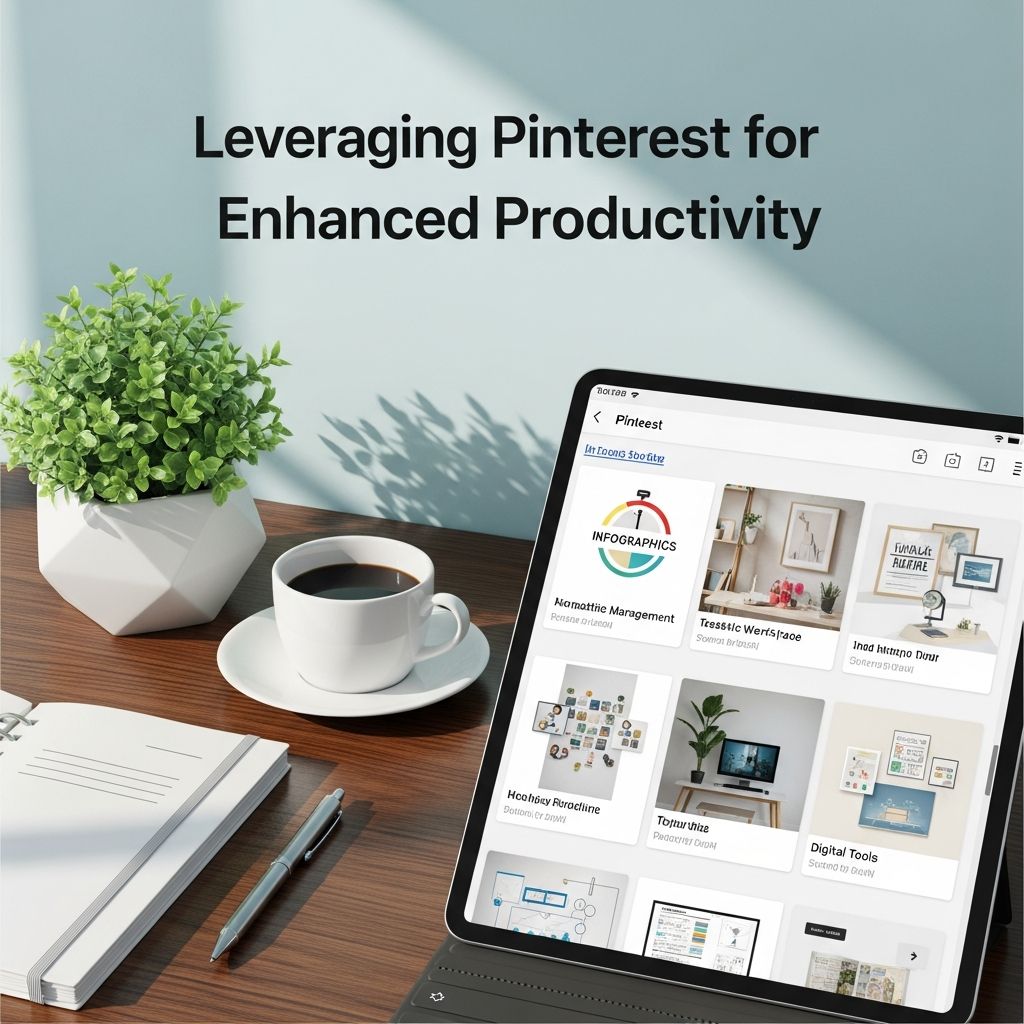
Maximizing Your Output Through Strategic Pinterest Integration
In an increasingly digital world, professionals and entrepreneurs are constantly seeking ways to optimize their workflows and accomplish more in less time. Pinterest, often dismissed as merely a social platform for inspiration boards, has evolved into a powerful productivity asset when leveraged correctly. By combining Pinterest with strategic tools and methodologies, you can create a comprehensive system that enhances organization, streamlines content creation, and automates repetitive tasks. This approach allows you to focus on high-value activities while maintaining consistency across your digital presence.
Building a Visual Content Creation Foundation
The cornerstone of effective Pinterest productivity is establishing a robust visual content creation process. Rather than approaching design as an isolated task, integrating design tools directly into your workflow ensures consistency and saves considerable time throughout your content calendar. This foundation becomes the backbone upon which all other productivity gains depend.
Modern design platforms have democratized the creation process, removing the need for extensive technical knowledge or expensive software. These tools offer pre-built templates specifically formatted for Pinterest dimensions, allowing you to maintain brand consistency while working efficiently. By establishing a library of customizable templates that align with your brand guidelines, you can reduce the time spent on formatting and design decisions, allowing you to focus on content strategy instead.
The key advantage of this approach is scalability. Once you’ve created a set of templates, duplicating and modifying them for new content becomes a matter of minutes rather than hours. This efficiency multiplier becomes increasingly valuable as your content output requirements grow, whether you’re managing personal projects, client accounts, or organizational initiatives.
Implementing Systematic Content Organization Methods
Organization serves as the backbone of sustainable productivity. Without clear systems for managing pins, boards, keywords, and analytics, even the most well-intentioned efforts become chaotic and inefficient. Establishing structured organizational protocols ensures that information remains accessible and actionable throughout your workflow.
Project management platforms designed for collaborative work provide an excellent foundation for Pinterest organization. These systems allow you to create dedicated workspaces for different projects or clients, consolidating everything from keyword research and competitor analysis to branding guidelines and performance metrics. Rather than scattering information across multiple email threads, documents, and browser tabs, centralizing these resources in a single platform dramatically reduces context-switching and decision fatigue.
Consider implementing the following organizational structure:
- Establish separate projects for each client or content initiative
- Create standardized task templates for recurring activities
- Maintain centralized repositories for brand assets and guidelines
- Document keyword strategies and board performance benchmarks
- Store analytics reports and competitive intelligence in accessible locations
This systematic approach ensures that team members, clients, or future collaborators can quickly understand your strategies and processes without requiring extensive explanation. The investment in organizational infrastructure pays dividends through reduced miscommunication, fewer duplicate efforts, and faster onboarding for new team members.
Automating Pin Distribution and Scheduling
Manual pin posting represents one of the most time-consuming and unsustainable aspects of Pinterest management. Logging in repeatedly throughout the day to post individual pins not only consumes valuable hours but also introduces inconsistency and burnout risk. Strategic automation transforms this landscape by enabling intelligent distribution at scale.
Specialized scheduling platforms have been specifically engineered to understand Pinterest’s algorithm and optimal posting patterns. These tools analyze when your target audience is most active and distribute your content accordingly, often at times when you’re not actively working. This capability ensures consistent visibility without requiring constant manual intervention.
Advanced scheduling solutions offer sophisticated features that extend beyond simple time-based posting:
| Feature | Benefit | Productivity Impact |
|---|---|---|
| Batch Scheduling | Prepare weeks of content in single sessions | Frees 5-10 hours weekly for strategic work |
| Intelligent Timing | Pins post when audience engagement peaks | Increases reach and click-through rates automatically |
| Content Recycling | Automatically reshare high-performing pins | Extends content lifespan without additional creation |
| Multi-Account Management | Control multiple Pinterest accounts from one dashboard | Eliminates context-switching between platforms |
| Analytics Integration | Track performance metrics directly within scheduler | Enables data-driven decisions without external tools |
These platforms represent a strategic investment in long-term productivity. While they involve financial commitment, the time and energy savings typically exceed the cost within weeks for active Pinterest users. The ability to manage multiple client accounts simultaneously without burnout becomes particularly valuable for Pinterest consultants and social media managers.
Centralizing File Management and Client Collaboration
Fragmented file management creates friction throughout your workflow and multiplies the risk of errors or miscommunication. When design assets, contracts, analytics reports, and brand guidelines live in different locations, locating necessary information becomes a bottleneck that interrupts your focus and productivity.
Cloud-based storage solutions that integrate with other productivity tools create a unified ecosystem where all resources remain accessible and organized. This centralization provides multiple benefits beyond simple file storage: it enables seamless collaboration, maintains version control, and creates an audit trail of changes and decisions.
Implement a comprehensive file structure that includes:
- Client contracts and agreement documents
- Brand guidelines and visual asset libraries
- Keyword research and competitive analysis documentation
- Monthly and quarterly performance reports
- Approved pin templates and design specifications
- Content calendars and posting schedules
- Meeting notes and strategic recommendations
By standardizing this structure across all clients or projects, you create immediate familiarity that reduces the time required to navigate files and locate information. New team members can quickly locate resources they need, and clients can independently access reports and assets without requiring your assistance.
Crafting Hybrid Productivity Workflows
The most effective productivity systems often combine digital and analog elements, leveraging the strengths of each approach. While digital tools excel at organization, automation, and analysis, analog methods like handwritten notes and physical planning tools can enhance creativity and improve information retention.
Consider implementing a hybrid approach that incorporates:
- Hand-written brainstorming sessions to generate pin concepts and content ideas
- Digital organization systems to maintain accessibility and searchability
- Visual planning boards to maintain strategic overview of campaigns
- Automated digital reminders and notifications for deadlines and milestones
This combination approach addresses a common limitation of purely digital workflows: decision fatigue. By reducing the number of digital decisions required throughout your day, you preserve mental energy for strategic thinking and creative work. The deliberate act of writing by hand can also improve memory retention and idea generation compared to purely digital note-taking methods.
Optimizing Your Environmental Setup for Focus
Productivity extends beyond tools and systems to encompass your physical and digital environment. Creating a workspace that minimizes distractions while promoting sustained focus multiplies the effectiveness of your organizational systems and automated tools.
Environmental optimization includes both physical and psychological elements. A well-organized desk reduces visual clutter that taxes your cognitive resources. Appropriate lighting reduces eye strain that causes fatigue and reduces productivity over extended work sessions. Even subtle elements like background music or ambient sound can influence your ability to maintain focus on detailed work like pin creation or keyword research.
Implement these environmental improvements:
- Designate a specific workspace exclusively for Pinterest management tasks
- Minimize visual clutter by storing supplies and documents out of direct sight
- Ensure adequate lighting to reduce eye strain during extended design or editing work
- Utilize focus applications that gamify productivity and reduce digital distractions
- Incorporate elements that align with your aesthetic preferences to increase workspace appeal
The relationship between environmental quality and productivity may seem secondary compared to tools and systems, but research in workplace design demonstrates measurable impacts on output quality and sustained focus duration.
Implementing Analytics-Driven Decision Making
Productivity isn’t merely about working faster; it’s about working more effectively toward meaningful outcomes. Analytics provide the data foundation necessary to make strategic decisions about where to invest your time and creative energy.
Modern scheduling and management platforms provide detailed performance metrics that illuminate what’s working and what requires adjustment. Rather than continuing strategies that underperform, analytics enable rapid iteration and optimization. This data-driven approach ensures that your productivity efforts translate into actual business or engagement results, not just increased activity.
Key metrics to monitor include engagement rates, click-through performance, audience growth trajectory, and traffic driven to destination websites or landing pages. By regularly reviewing these metrics, you identify which content types, posting times, and board combinations yield the strongest returns on your time investment.
Scaling Your Productivity System
As your Pinterest presence grows or as you take on additional projects or clients, your original productivity system may become overwhelmed. Strategic scaling ensures that growth doesn’t create chaos or require you to abandon the systems that made initial success possible.
Scaling involves both tool evolution and process refinement. What worked effectively when managing a single account may require adjustment when managing five accounts simultaneously. Similarly, tools that served you well during early growth phases may need replacement with more sophisticated solutions as complexity increases.
Plan for scalability by building flexibility into your systems from the beginning. Choose tools that accommodate growth without requiring complete process overhaul. Document your procedures clearly so they can be consistently applied across expanded teams or projects. Regularly evaluate whether your current tools and systems can accommodate anticipated growth, and upgrade proactively rather than reactively when capacity is exceeded.
Frequently Asked Questions
Q: How much time can I save using Pinterest scheduling tools?
A: Most users report saving 5-10 hours weekly by batch scheduling content and automating pin distribution. The exact savings depend on your current posting frequency and account complexity.
Q: Do I need multiple tools or can one platform handle everything?
A: While specialized Pinterest scheduling platforms are most powerful, some users successfully combine Pinterest’s native tools with general project management and design platforms. Specialized tools typically offer superior features and efficiency.
Q: Is manual pinning completely obsolete?
A: While automated scheduling handles the bulk of distribution, incorporating some manual engagement and real-time pinning in response to trends remains valuable for authentic community connection and algorithm favor.
Q: How do I prevent automation from creating repetitive, low-quality content?
A: Focus your effort on creating high-quality content in advance, then use automation to distribute it at optimal times. Quality source material matters more than automation itself.
Q: What’s the learning curve for implementing these productivity systems?
A: Most professionals can establish functional systems within 2-3 weeks. Full optimization typically requires 4-6 weeks as you identify what works best for your specific goals and workflow.
References
- 5 Essential Pinterest Manager Tools to Simplify Your Workflow — Kathryn Moorhouse. 2025. https://kathrynmoorhouse.com/pinterest-manager-tools/
- Productivity for the Pinterest Era: Aesthetic Workflows That Actually Work — Lifeat.io. 2025. https://lifeat.io/blog/productivity-for-the-pinterest-era-aesthetic-workflows-that-actually-work
- Maximize Productivity with Instagram and Pinterest Scheduler Tools — Ocoya Blog. October 30, 2025. https://blog.ocoya.com/blog/maximize-productivity-scheduler-tools
- 7 Time-Saving Pinterest Tools That I Love — Meagan Williamson. 2025. https://meaganwilliamson.com/pinterest-tools/

- Integrated M.A. in Applied Linguistics, University of Hyderabad
- 5+ years in editorial, instructional, SEO, and research-based writing
Sneha is a relationships and lifestyle writer with a strong foundation in applied linguistics and certified training in relationship coaching. She brings over five years of writing experience to theskillvault, crafting thoughtful, research-driven content that empowers readers to build healthier relationships, boost emotional well-being, and embrace holistic living. Her writing and insights reflect the belief that beauty, happiness, and wellness…