
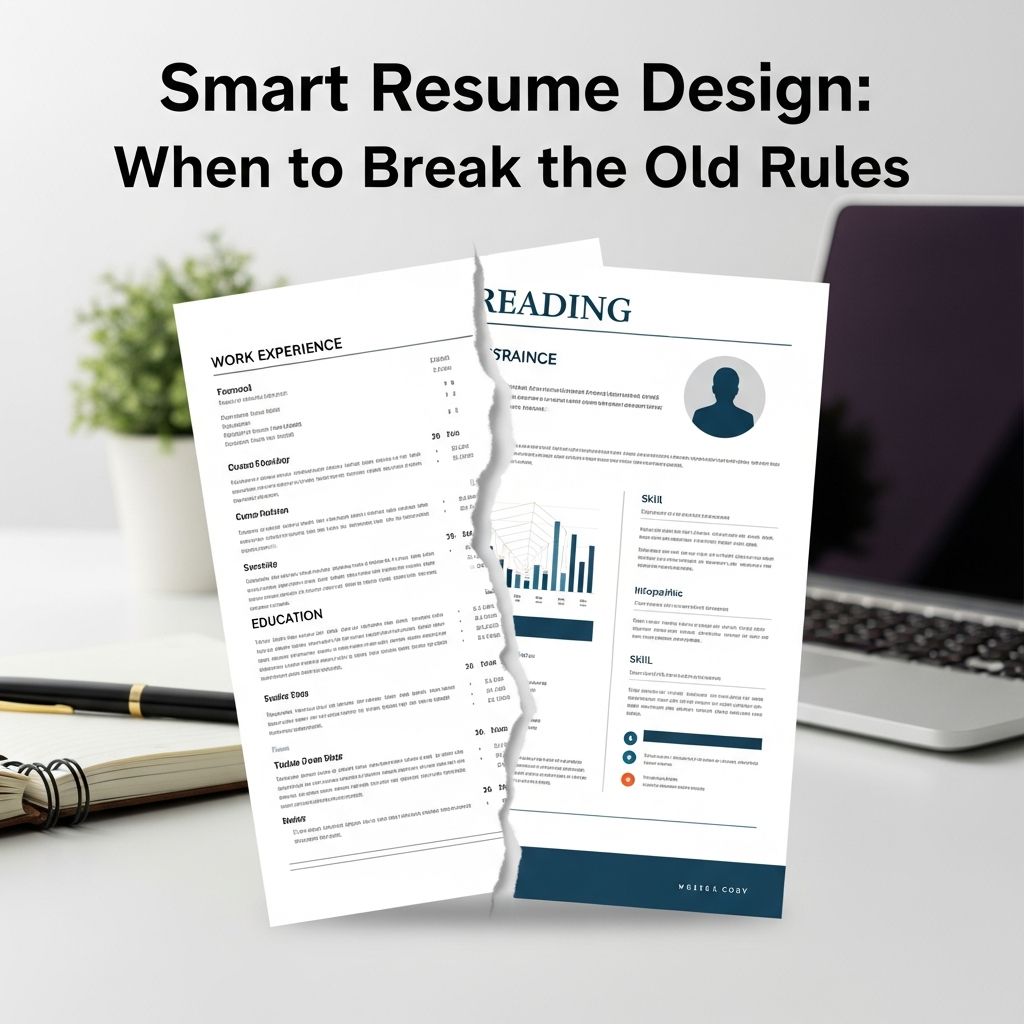
Resume advice can feel like a maze of conflicting rules: keep it strictly one page, never use color, always follow the standard template. Yet the job market, hiring technology, and recruiter expectations have changed dramatically. To stand out now, you need to understand which rules still matter and which you can break on purpose.
This guide walks you through modern resume design with a focus on strategy over tradition. You will learn how to build a resume that is professional, easy to scan, and tailored to your goals—while bending the rules just enough to showcase who you are.
Why Traditional Resume Rules Are Changing
For decades, resumes were built for one audience: a human recruiter reading paper applications or basic email attachments. Today, your resume is usually screened by an Applicant Tracking System (ATS) first, and only a fraction reach a human reviewer. At the same time, hiring has become more competitive and more digital, which means your resume must satisfy both software and people.
- Hiring technology has evolved: Many organizations use ATS platforms to filter and rank applications based on keywords, structure, and formatting.
- Recruiters skim, not read: Eye-tracking research shows recruiters typically scan a resume in just a few seconds, focusing on headings, job titles, and measurable outcomes.
- Career paths are less linear: Portfolio careers, career changes, and nontraditional experience make rigid templates less useful.
The result: some long-standing rules are now outdated, while others—like clarity and honesty—matter more than ever.
Core Principles You Should Almost Never Break
Before exploring where you can experiment, anchor your resume in a few principles that still hold up across industries.
- Accuracy and honesty: Never exaggerate qualifications, degrees, or dates. Background checks and reference calls will quickly uncover inconsistencies.
- Readability first: Clean layouts outperform complex designs for both ATS and humans. Major hiring surveys consistently find that recruiters prefer resumes that are simple and easy to skim.
- Relevance over completeness: You are not writing a life biography; you are curating evidence that you can succeed in a specific role.
- Professional tone: Even when you get creative with design, your language should remain concise, specific, and free of slang.
Think of these as guardrails: as long as you respect them, you have room to break other rules strategically.
Old Rules You Can Question—and How to Bend Them
Below are common resume “rules” that many job seekers still follow automatically, even though they can safely be updated or broken when done thoughtfully.
Rule 1: “Your Resume Must Always Be One Page”
One page can be ideal for students or early-career professionals, but it is not a universal law. Many HR professionals and career centers now accept 1–2 pages as the norm, especially for experienced candidates.
- Good reasons to stick to one page:
- You have under 7–8 years of experience.
- Your work history is fairly straightforward.
- You are applying to roles with high applicant volume where quick scanning is critical.
- Good reasons to go to two pages:
- You have a decade or more of relevant experience.
- You have extensive publications, projects, or leadership roles.
- You are applying for senior, technical, or academic positions that expect more detail.
How to break this rule well: Use two pages only if every section adds clear value. Avoid padding with minor jobs, generic bullet points, or unrelated details just to fill space.
Rule 2: “Never Use Color or Design Elements”
For years, candidates were told to avoid color, icons, and any design beyond simple black text. That advice came from a valid concern: many ATS tools struggle with heavy graphics or unusual formatting. But hiring trends now support minimal, purposeful use of design as long as you respect ATS constraints.
- Consider subtle design elements like:
- A single accent color for headings.
- Thoughtful spacing, alignment, and font hierarchy.
- Bold or italic styling to highlight results and job titles.
- Avoid:
- Complex graphics, charts embedded as images, and text boxes.
- Multiple columns that may confuse older ATS systems.
- Heavy background colors that reduce legibility when printed.
How to break this rule well: Keep your core text in a standard, ATS-friendly format (such as a single-column PDF with selectable text). Use visual elements only to improve the reader’s ability to scan your content—not as decoration.
Rule 3: “List Every Job in Chronological Order”
Traditional resumes emphasize a strict reverse-chronological list of roles. That approach still works for many people, but it is not the only option. Modern formats prioritize relevance over strict chronology.
The table below compares three common approaches:
| Format | Best For | Key Advantage | Potential Drawback |
|---|---|---|---|
| Chronological | Steady, linear career paths | Simple, familiar to recruiters | Less flexible for career changers |
| Hybrid / Combination | Career changers, multi-skilled professionals | Highlights skills and experience together | Can be longer if not curated carefully |
| Skill-Forward (Modified Functional) | Nontraditional paths, project-based work | Emphasizes capabilities over titles | May raise questions if work history is vague |
How to break this rule well: If you use a hybrid or skill-forward format, still include clear dates and employers in a separate work history section to maintain transparency.
Rule 4: “Only Paid Jobs Belong on a Resume”
Historically, unpaid experience was often downplayed. Today, hiring managers often value projects, volunteering, internships, and leadership roles that clearly demonstrate skills—even if they were not paid positions.
- Include unpaid experience when it shows relevant skills (e.g., managing budgets, leading teams, organizing events, coding, or research).
- Describe outcomes the same way you would for paid roles: with action verbs and measurable results.
How to break this rule well: Integrate unpaid experiences into your main sections when they are your strongest evidence of fit, rather than hiding them in a catch-all area at the bottom.
Rule 5: “Your Resume Should Sound Formal and Generic”
Some older advice encouraged stiff language and vague phrases like “responsible for” or “duties included.” Modern hiring guidance strongly favors clear, specific, achievement-focused language.
- Start bullet points with strong action verbs (e.g., “led,” “designed,” “implemented,” “analyzed”).
- Quantify impact when possible (e.g., “reduced processing time by 30%” or “trained 15 new team members”).
- Avoid generic buzzwords that do not show evidence (e.g., “hard worker,” “team player”) unless you back them up with examples.
How to break this rule well: Use professional but natural language that reflects your voice. Aim for clarity and evidence, not formality for its own sake.
Designing a Resume That Works for Both ATS and Humans
Any decision to break a rule should be filtered through one question: Will this make it easier or harder for humans and software to understand my value?
ATS-Friendly Design Basics
- Use standard fonts: Common system fonts (e.g., Arial, Calibri, Times New Roman) are safer for parsing than decorative typefaces.
- Avoid placing text inside images: ATS tools usually cannot read content that is embedded in graphics.
- Use clear headings: Labels like “Experience,” “Education,” and “Skills” help both systems and people navigate your resume.
- Include relevant keywords: Reflect core terms from the job description—especially required skills and tools—without keyword stuffing.
Human-Friendly Visual Hierarchy
Once your resume passes an ATS scan, design choices influence whether a recruiter quickly sees your strengths. Eye-tracking research shows they focus on prominent headings, left-aligned content, and the top third of the page.
- Top-load key information: Include a concise summary and core skills near the top.
- Use bullet points strategically: Limit them to the most impactful achievements rather than listing every task.
- Make dates and locations easy to find: Consistent placement (e.g., right-aligned) improves scanability.
Situations Where Breaking Resume Rules Helps You
Rule-breaking is most effective when it solves a specific problem in your career story. Here are common scenarios and how design choices can work in your favor.
If You Are Changing Careers
When your past job titles do not match your target role, a traditional chronological format may bury your relevant strengths.
- Create a summary section that names your target role and connects your past experience to it.
- Add a selected skills or qualifications section near the top that mirrors the job description.
- Pull relevant projects, coursework, or volunteer work into your main experience section rather than isolating them.
If You Have Employment Gaps
Old advice suggested you hide gaps at all costs. A more modern approach is to address them with context and substance.
- Use a hybrid format that emphasizes skills and accomplishments over month-by-month timelines.
- Include meaningful activities during gaps (e.g., caregiving, study, freelancing, community leadership) when they built relevant skills.
- Be prepared to explain gaps briefly and factually in interviews or a cover letter, rather than relying on formatting alone.
If You Work in a Creative or Visual Field
In design, marketing, or content-heavy roles, a visually thoughtful resume can signpost your aesthetic sense and attention to detail. Still, you do not want design to overshadow legibility.
- Maintain a clean, ATS-friendly version for online applications.
- Create a more visual version (or portfolio site) for networking, referrals, and interviews.
- Use design to highlight hierarchy—headings, key metrics, and role titles—rather than to decorate every element.
Checklist: Smart Ways to Break Resume Rules
Use this quick checklist to evaluate whether you are bending rules with intention instead of by accident.
- Does every design choice make the resume clearer, not just prettier?
- Have you used action verbs and metrics wherever possible?
- Is your format appropriate for your industry and level (e.g., more conservative for law, more flexible for creative roles)?
- Can someone understand your core strengths by scanning the top third of your first page?
- Have you removed outdated elements such as full mailing address, objective statements, or long lists of unrelated jobs?
Frequently Asked Questions (FAQs)
Q: Is it okay to send different versions of my resume to different employers?
Yes. Tailoring your resume to each role—by emphasizing the most relevant skills and achievements—is widely recommended by career services and hiring professionals. Just make sure all versions are accurate and consistent with your LinkedIn profile and application forms.
Q: Will a creative resume design hurt my chances with ATS systems?
It can, if the design relies on text inside images, unusual columns, or heavy graphics. To reduce risk, keep an ATS-safe version that uses plain text, clear headings, and standard fonts, and reserve highly visual layouts for networking and portfolio use.
Q: Do recruiters still care about cover letters if my resume is strong?
Many hiring managers still use cover letters to understand motivation and communication style, especially in competitive or writing-heavy roles. When the application allows it, a concise, targeted cover letter can strengthen your case even if your resume already fits well.
Q: How often should I redesign my resume?
You do not need a complete redesign every time you apply, but you should review and refresh it at least once or twice a year, or whenever you change roles. Update your accomplishments, keywords, and top sections so that your current goals are obvious at a glance.
Q: Is it unprofessional to include a personal interests section?
A short, relevant interests section can be helpful if it reinforces your brand (for example, leadership in community organizations or technical hobbies related to your field). Keep it brief and avoid sensitive topics like politics or religion unless they are central to the role or organization.
References
- Understanding Applicant Tracking Systems — U.S. Office of Personnel Management. 2023-04-18. https://www.opm.gov/policy-data-oversight/hiring-information/competitive-hiring/applicant-tracking-systems/
- Resumes and Cover Letters — Harvard University, Office of Career Services. 2024-01-10. https://ocs.fas.harvard.edu/resumes-cvs-cover-letters
- Resumes and CVs — Massachusetts Institute of Technology Career Advising & Professional Development. 2023-09-01. https://capd.mit.edu/resources/resumes-and-cvs/
- Recruitment, Hiring, and Onboarding — Society for Human Resource Management (SHRM). 2023-05-05. https://www.shrm.org/resourcesandtools/tools-and-samples/toolkits/pages/recruitment-and-hiring.aspx

Medha Deb is an editor with a master's degree in Applied Linguistics from the University of Hyderabad. She believes that her qualification has helped her develop a deep understanding of language and its application in various contexts. Medha specializes in the areas of beauty, health, sports, and wellness and is committed to ensuring that the content on the website is…