
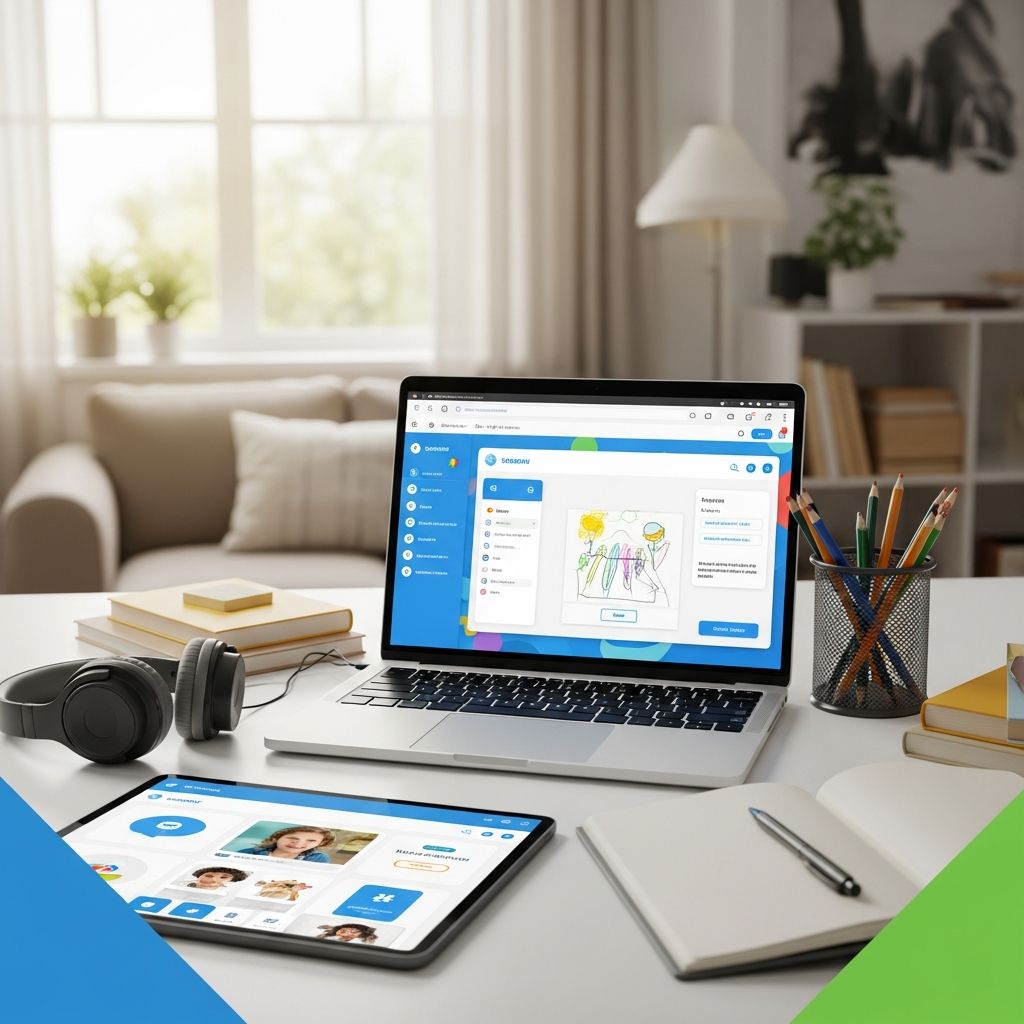
Seesaw has emerged as a cornerstone platform for educators navigating the challenges of remote and hybrid learning environments. This versatile edtech tool empowers teachers to deliver dynamic content, monitor student progress, and bridge the gap between classroom and home. By integrating multimedia features like video recordings, drawings, and quizzes, Seesaw transforms passive assignments into interactive experiences that keep students motivated and accountable. In this comprehensive guide, we delve into proven strategies for harnessing Seesaw’s capabilities to enhance remote instruction, drawing from real-world educator insights and platform functionalities.
Building Interactive Lessons That Captivate Students
One of the most effective ways to engage remote learners is by designing activities that encourage creativity and active participation. Seesaw’s Creative Canvas template allows teachers to craft open-ended tasks where students can respond using photos, videos, voice notes, drawings, and text. For instance, instead of a traditional worksheet, assign a project where students record themselves explaining a science concept or illustrate a historical event with annotations.
This approach not only boosts comprehension but also accommodates diverse learning styles. Audio elements make complex ideas accessible, particularly for English language learners or students with reading challenges. Educators report that such multimedia integration leads to higher completion rates and deeper understanding, as students feel ownership over their work.
- Use the draw+record tool for step-by-step math explanations.
- Incorporate emojis and prompts in text instructions to add visual appeal.
- Embed links to external resources like videos for guided exploration.
Start simple: Create a weekly ‘Creative Challenge’ where students document a home experiment or personal reflection. Over time, these activities build digital literacy skills essential for 21st-century learners.
Differentiating Instruction to Meet Every Student’s Needs
Remote teaching demands personalization, and Seesaw excels at differentiation without overwhelming teachers. By duplicating assignments and modifying them for specific groups, educators can tailor content to individual readiness levels. For example, provide a base activity like a video-based quiz for the whole class, then create simplified versions with fewer questions or added audio support for struggling students.
Assign these customized tasks selectively by changing the default ‘All Students’ setting to targeted groups. This method ensures equity, allowing advanced learners to tackle extensions while supporting those needing scaffolding. Teachers like Kelsey L. highlight how Seesaw guides precise interventions, promoting access for all.
| Student Group | Base Activity | Differentiated Version |
|---|---|---|
| Standard | 10-question quiz on fractions | Video watch + 10 questions |
| Advanced | Quiz + extension problem | Quiz + real-world application project |
| Support | Simplified prompts with audio | 5 questions + voice-recorded hints |
Track effectiveness through Seesaw’s analytics, adjusting future lessons based on completion data and feedback.
Streamlining Assessments for Real-Time Insights
Formative assessment is simplified with Seesaw’s **Assessment** template, which supports auto-graded quizzes alongside open responses. Teachers can mix multiple-choice questions with creative uploads, providing immediate feedback via comments, voice notes, or annotations. This dual approach yields quantitative data and qualitative demonstrations of understanding.
In remote settings, where live check-ins are limited, these tools help identify gaps early. Students submit work directly from their devices, and portfolios accumulate evidence of growth over time. As one kindergarten teacher notes, it reveals precise support needs, boosting achievement.
- Auto-grade math drills for efficiency.
- Request video explanations for conceptual mastery.
- Annotate submissions with praise or tips to encourage persistence.
92% of users report time savings, freeing educators for high-impact teaching.
Enhancing Family Partnerships Through Seamless Communication
Seesaw’s strength lies in its family-facing features, turning parents into active partners. Student portfolios are automatically shareable, showcasing progress via text, video, and audio. Teachers approve posts before publishing, maintaining privacy while building trust.
Send announcements, word problems, or skill demonstrations directly to feeds. Parents view updates on any device, responding with questions or celebrations. This loop strengthens home-school connections, vital in remote scenarios. Tips include adding QR codes to physical books for audio readings, extending learning beyond screens.
Proactively communicate: Post weekly overviews and celebrate milestones to foster community.
Creating Digital Portfolios for Long-Term Progress Tracking
Compile student work into evolving digital portfolios that document journeys from start to finish. Each entry—whether a drawing, recording, or quiz—serves as a milestone. Media specialists praise this for visualizing yearly growth, informing reports and IEPs.
Encourage reflection by prompting students to revisit and annotate past work. Export portfolios for conferences or transitions, providing concrete evidence to stakeholders.
- Curate entries monthly to highlight key skills.
- Include self-assessments for metacognition.
- Share progress snapshots with families quarterly.
Advanced Tips and Best Practices for Seesaw Mastery
Beyond basics, insert pre-filled text boxes in activities to guide responses, reducing cognitive load. Build community by featuring student work in class feeds, sparking peer inspiration. For physical education, capture videos of home exercises to monitor form remotely.
Plan ahead with bulk activity creation and scheduling. Leverage the library of 100+ student use cases for inspiration, from writer’s workshop voiceovers to skill demos. Train families via quick tutorials to maximize engagement.
Frequently Asked Questions (FAQs)
What devices work best with Seesaw for remote teaching?
Seesaw is optimized for tablets, smartphones, and computers via app or web browser, ensuring accessibility across iOS, Android, and desktop.
How do I ensure student privacy on Seesaw?
Teachers control post approvals, and data complies with COPPA and FERPA standards. Use class codes for secure joining.
Can Seesaw handle large classes in remote settings?
Yes, it scales effortlessly for hundreds of students with group assignments and analytics dashboards.
Is training required to start using Seesaw?
Intuitive design means quick onboarding; free resources like help centers and videos accelerate proficiency.
How does Seesaw support non-English speaking families?
Multilingual interfaces, voice features, and translation tools make it inclusive for diverse households.
Overcoming Common Challenges in Remote Seesaw Implementation
Initial hurdles like tech access can be addressed by hybrid options (printable PDFs) and device loans. Bandwidth issues? Prioritize low-data activities like voice notes. Consistent routines—daily check-ins—combat motivation dips. Measure success via engagement metrics and surveys, iterating based on feedback.
Integrate with tools like Google Classroom for workflows. Professional development webinars keep skills sharp amid updates.
References
- Experience 5 Powerful Ways to Use Seesaw: 1. Joyful Instruction — Seesaw YouTube Channel. 2023. https://www.youtube.com/watch?v=fdWRy4jElRQ
- How to Use the Seesaw App in the Classroom — Teach Starter. 2023-10-15. https://teachstarter.com/us/blog/how-to-use-the-seesaw-app-in-the-classroom-us/
- 7 Ways Seesaw Helps Educators Become Teaching Experts — Seesaw Blog. 2023. https://seesaw.com/blog/7-ways-seesaw-helps-educators-become-teaching-experts/
- Easy and Powerful Ways to Create, Assign, and Manage Activities on Seesaw — Seesaw Blog. 2023. https://seesaw.com/blog/easy-and-powerful-ways-to-create-assign-and-manage-activities-on-seesaw/
- 5 Great Seesaw Tips and Tricks — The Southern Teach. 2022-08-20. https://thesouthernteach.com/blog/seesaw/
- 100 Ways Students Use Seesaw — BITS AND PIECES. 2019-04-24. https://thebnp.org/2019/04/24/100-ways-students-use-seesaw/

Medha Deb is an editor with a master's degree in Applied Linguistics from the University of Hyderabad. She believes that her qualification has helped her develop a deep understanding of language and its application in various contexts. Medha specializes in the areas of beauty, health, sports, and wellness and is committed to ensuring that the content on the website is…