
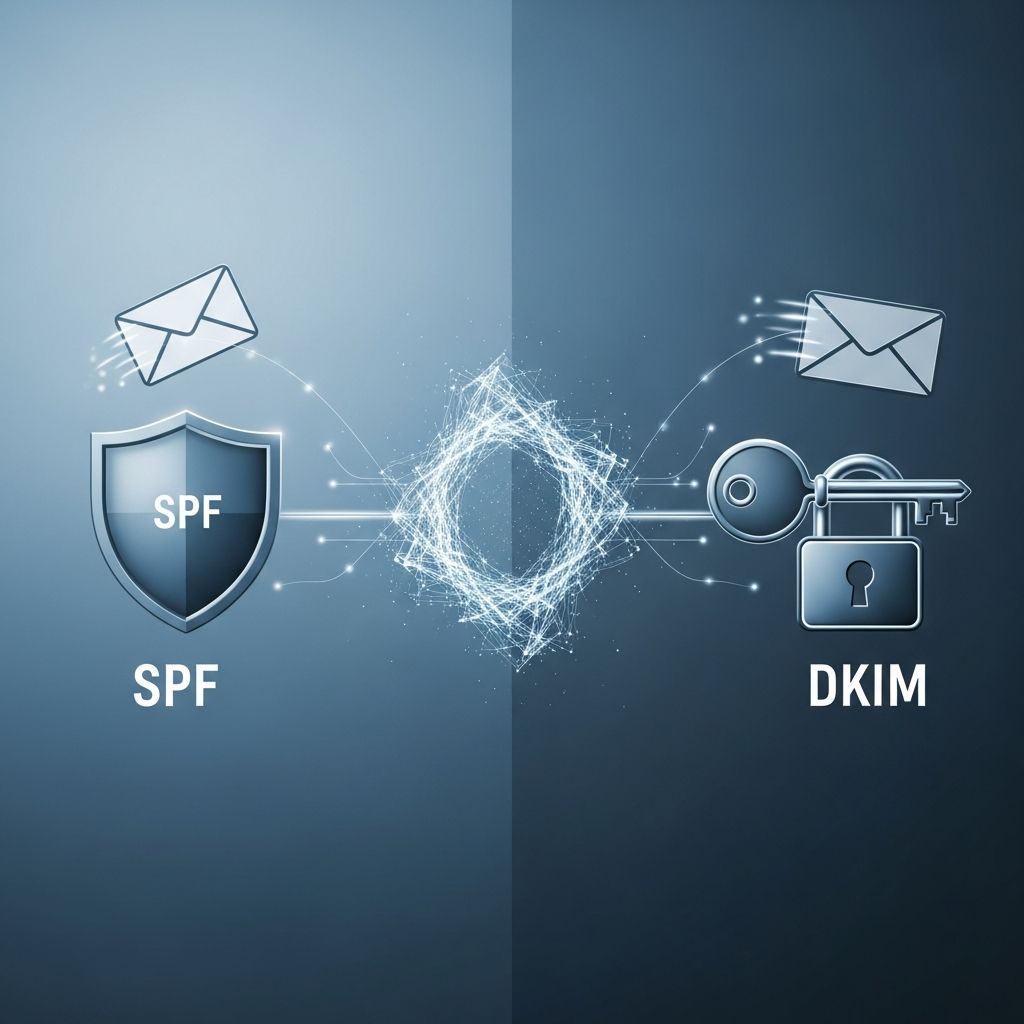
Why Email Authentication Matters More Than Ever
Every day, billions of emails are sent across the internet, and a significant portion of them are attempts to impersonate legitimate senders. Phishing, spoofing, and business email compromise attacks rely on the fact that email, by design, is an open and trusting protocol. Without safeguards, it’s easy for attackers to send messages that appear to come from your domain, your bank, or your CEO.
That’s where email authentication steps in. SPF and DKIM are two of the foundational technologies that allow receiving mail servers to answer a simple but critical question: Can we trust that this email actually came from who it claims to? They don’t do the same job, and they don’t protect against the same threats. Understanding how each works—and where they fall short—is essential for anyone responsible for a domain’s email.
What SPF Actually Does (and Doesn’t Do)
Sender Policy Framework, or SPF, is a DNS-based mechanism that defines which mail servers are allowed to send email on behalf of a domain. When a receiving server gets a message, it checks the domain in the Return-Path (also called the MAIL FROM or envelope sender) and looks up that domain’s SPF record in DNS.
The SPF record is a simple list of authorized IP addresses or hostnames. If the sending server’s IP is on that list, SPF passes. If not, it fails. This is a powerful way to stop unauthorized servers from sending mail that appears to come from your domain.
How SPF Works in Practice
- A domain owner publishes an SPF record in DNS, for example:
v=spf1 ip4:192.0.2.1 include:mailgun.net -all. - When an email is sent, the receiving server extracts the domain from the
Return-Pathaddress. - The server queries DNS for that domain’s SPF record and checks whether the sending IP is authorized.
- Based on the result, the server may accept, reject, or flag the message as suspicious.
Strengths of SPF
- Simple to implement: SPF is relatively straightforward to set up. It only requires adding a TXT record to your DNS zone.
- Clear authorization: It gives domain owners a direct way to say, “Only these servers can send mail for us.”
- Reduces basic spoofing: SPF makes it much harder for attackers to send mail from random servers while pretending to be your domain.
- Improves sender reputation: Consistently passing SPF signals to mailbox providers that you’re a legitimate sender, which can help with deliverability.
Where SPF Falls Short
- Only checks the Return-Path: SPF validates the envelope sender, not the
From:address that users actually see. An attacker can send from a domain they control (which passes SPF) but set the visibleFrom:toceo@yourcompany.com. - Breaks with forwarding: When an email is forwarded, the forwarding server often becomes the new sender. If that server’s IP isn’t in the original domain’s SPF record, SPF fails, even though the message is legitimate.
- IP-based limitations: SPF relies on IP addresses, which can change (e.g., cloud services, third-party senders). If the SPF record isn’t kept up to date, legitimate mail can be rejected.
- No content protection: SPF says nothing about whether the message body or headers have been altered in transit. It only answers, “Was this sent from an approved server?”
What DKIM Adds to the Equation
DomainKeys Identified Mail, or DKIM, takes a different approach. Instead of focusing on which server sent the message, DKIM focuses on the message itself. It uses public-key cryptography to attach a digital signature to specific parts of the email (headers and sometimes the body).
When a message is sent, the sending server generates a cryptographic hash of selected headers and the body, then signs that hash with a private key. The signature is added to the email as a header. The receiving server retrieves the corresponding public key from DNS and uses it to verify that the signature matches the content.
How DKIM Works Step by Step
- The sending domain generates a public/private key pair and publishes the public key in DNS as a TXT record.
- When an email is sent, the server selects which headers and body to sign, computes a hash, and signs it with the private key.
- The signature is added to the email as a
DKIM-Signatureheader. - The receiving server looks up the public key in DNS, recalculates the hash, and verifies the signature.
- If the signature is valid, DKIM passes; if not, it fails.
Strengths of DKIM
- Message integrity: DKIM proves that the signed parts of the message haven’t been altered since it was signed. If an attacker modifies the subject, body, or any signed header, the signature breaks.
- Domain-based trust: The signature is tied to a domain, so it helps prove that the message was authorized by that domain, not just sent from an approved server.
- Better forwarding behavior: Since the signature travels with the message, DKIM can survive forwarding as long as the content isn’t changed (e.g., no added footers or modifications).
- Stronger against tampering: Cryptographic signatures are much harder to forge than SPF’s IP-based checks, making DKIM a stronger signal of authenticity.
Limitations of DKIM
- Complexity: Setting up DKIM requires generating and managing cryptographic keys, which can be more involved than SPF for some teams.
- Breaks on content changes: If an intermediary (like a mailing list or security gateway) modifies the body or signed headers, the signature may no longer match, causing DKIM to fail even for legitimate messages.
- Doesn’t define authorized senders: DKIM doesn’t say which servers can send mail; it only says that a message was signed by a particular domain. An attacker with access to a legitimate mail server can still send signed, malicious messages.
- No policy enforcement: DKIM tells the receiver whether the signature is valid, but it doesn’t specify what to do with failed messages. That’s where DMARC comes in.
SPF vs DKIM: A Practical Comparison
SPF and DKIM are often discussed together because they complement each other. They answer different questions and protect against different types of abuse. Here’s a clear breakdown of how they differ in practice:
| Aspect | SPF | DKIM |
|---|---|---|
| What it validates | Whether the sending server is authorized for the domain in the Return-Path | Whether the message content and headers were signed by the domain and haven’t been altered |
| What it protects against | Unauthorized servers sending mail from your domain | Message tampering and spoofing of signed headers |
| What it doesn’t protect against | From-header spoofing, content tampering, forwarding issues | Unauthorized servers (if they can sign), policy enforcement |
| Primary mechanism | DNS TXT record listing authorized IPs | DNS TXT record with public key and message signature |
| Impact of forwarding | Often breaks SPF because the forwarding server’s IP isn’t in the SPF record | Usually survives forwarding if the message isn’t modified |
| Encryption used | No encryption; simple IP matching | Public-key cryptography (RSA or ECDSA) |
Why You Need Both SPF and DKIM
Using SPF alone leaves you vulnerable to attacks that exploit the gap between the Return-Path and the visible From: address. An attacker can send from a domain they control (passing SPF) while setting the From: to your CEO’s address. SPF won’t catch that.
Using DKIM alone is better, but it doesn’t prevent unauthorized servers from sending mail on your behalf. If an attacker compromises a legitimate mail server or gains access to your sending infrastructure, they can still send DKIM-signed messages that appear to come from your domain.
Together, SPF and DKIM create a much stronger defense:
- SPF ensures that only approved servers can send mail for your domain.
- DKIM ensures that the message content hasn’t been altered and that it was authorized by your domain.
- When combined with DMARC, they enable domain alignment, so mailbox providers can confidently decide whether to accept, quarantine, or reject messages that fail authentication.
Where DMARC Fits In
SPF and DKIM are powerful, but they don’t tell receiving servers what to do when authentication fails. That’s the role of DMARC (Domain-based Message Authentication, Reporting, and Conformance).
DMARC builds on SPF and DKIM by:
- Defining a policy (none, quarantine, reject) for messages that fail SPF, DKIM, or both.
- Requiring domain alignment: the domain in the
From:header must match the domain used in SPF or DKIM. - Providing detailed reports about authentication results, so domain owners can monitor for spoofing attempts and misconfigurations.
In practice, DMARC is what turns SPF and DKIM from “nice to have” into a robust anti-spoofing system. Without DMARC, many mailbox providers may still accept messages that fail SPF or DKIM, especially if they come from a domain with a good reputation.
Common Misconceptions About SPF and DKIM
Several myths persist about SPF and DKIM that can lead to poor configurations or a false sense of security:
- “SPF protects the From address.” SPF only checks the
Return-Pathdomain, not the visibleFrom:address. DMARC is needed to align these. - “If SPF passes, the email is safe.” SPF passing only means the server is authorized; it doesn’t guarantee the content is legitimate or that the
From:address is correct. - “DKIM prevents all spoofing.” DKIM prevents tampering and proves domain authorization, but it doesn’t stop an attacker who has access to a legitimate sending system.
- “One is enough.” Relying on only SPF or only DKIM leaves significant gaps. Both are needed for comprehensive protection.
Best Practices for Implementing SPF and DKIM
To get the most out of SPF and DKIM, follow these practical guidelines:
- Start with SPF: Define all legitimate sending sources (your mail servers, marketing platforms, transactional email services) and publish a tight SPF record.
- Enable DKIM for all sending domains: Generate strong keys (2048-bit RSA or better), sign important headers, and rotate keys periodically.
- Use DMARC with a clear policy: Start with
p=noneto monitor, then move top=quarantineand eventuallyp=rejectas you gain confidence. - Monitor authentication reports: Use DMARC reports to identify legitimate sources that are failing SPF or DKIM and fix misconfigurations.
- Keep records up to date: When you add or change email services, update SPF and DKIM records promptly.
- Test thoroughly: Use email authentication checkers to verify that SPF, DKIM, and DMARC are working correctly before enforcing strict policies.
Frequently Asked Questions
Can I use SPF without DKIM?
Yes, SPF can be used on its own, but it only protects against unauthorized servers sending from your domain. Without DKIM, there’s no protection against message tampering, and SPF alone is vulnerable to From: header spoofing. For strong security, both SPF and DKIM should be implemented.
Can I use DKIM without SPF?
Technically, yes. DKIM can be used independently to sign messages and prove domain authorization. However, SPF helps prevent unauthorized servers from sending mail in the first place. Using both together, along with DMARC, provides the strongest protection against spoofing and phishing.
Why does SPF fail when emails are forwarded?
When an email is forwarded, the forwarding server often becomes the new sender. SPF checks whether that server’s IP is authorized in the original domain’s SPF record. If the forwarding server isn’t listed, SPF fails, even though the message is legitimate. DKIM is more resilient to forwarding because the signature travels with the message.
Does DKIM prevent spam?
DKIM itself doesn’t filter spam. It only verifies that a message was signed by a domain and that the signed content hasn’t been altered. However, mailbox providers use DKIM (along with SPF and DMARC) as a strong signal of legitimacy, which can help reduce the chances of legitimate mail being marked as spam.
How do SPF and DKIM affect email deliverability?
Properly configured SPF and DKIM improve deliverability by signaling to mailbox providers that you’re a legitimate sender. Messages that fail SPF or DKIM are more likely to be marked as spam or rejected, especially if DMARC is in place. Consistently passing authentication helps build and maintain a good sender reputation.
References
- Sender Policy Framework (SPF) for Authorizing Use of Domains in Email, Version 1 — IETF RFC 7208. 2014-04. https://datatracker.ietf.org/doc/rfc7208/
- DomainKeys Identified Mail (DKIM) Signatures — IETF RFC 6376. 2011-09. https://datatracker.ietf.org/doc/rfc6376/
- Domain-based Message Authentication, Reporting, and Conformance (DMARC) — IETF RFC 7489. 2015-03. https://datatracker.ietf.org/doc/rfc7489/

Medha Deb is an editor with a master's degree in Applied Linguistics from the University of Hyderabad. She believes that her qualification has helped her develop a deep understanding of language and its application in various contexts. Medha specializes in the areas of beauty, health, sports, and wellness and is committed to ensuring that the content on the website is…