
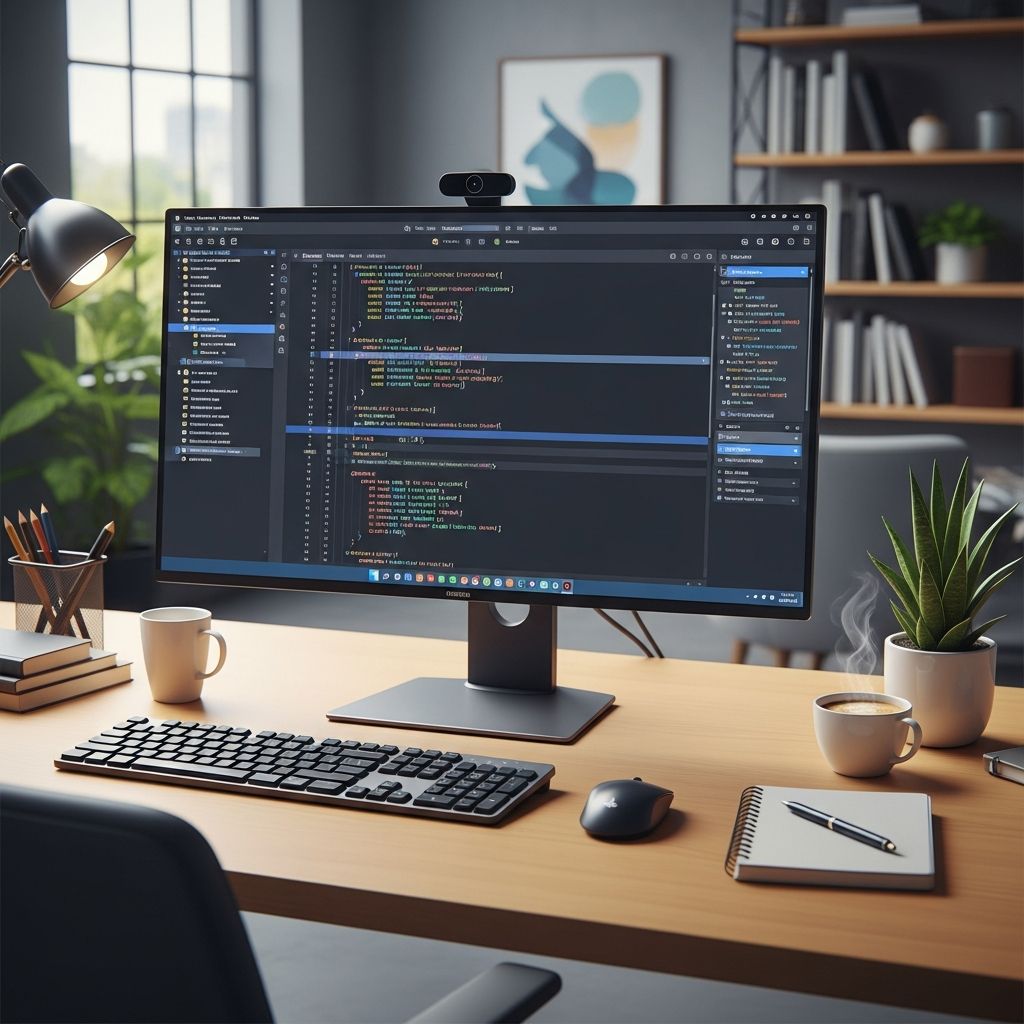
Integrated Development Environments (IDEs) have become indispensable in modern software creation, serving as centralized hubs that unite multiple tools into one seamless interface. These powerful applications help programmers write, test, and deploy code more effectively than using isolated tools.
Defining the Role of IDEs in Software Development
An **IDE** represents a sophisticated software suite designed specifically for developers, encapsulating everything needed to manage the full lifecycle of a program. Unlike basic text editors, IDEs integrate editors, compilers, debuggers, and more into a unified graphical user interface (GUI), drastically reducing context-switching and accelerating productivity.
At their core, IDEs address the complexities of coding by providing an all-in-one solution. Developers can edit source code, automate builds, identify errors in real-time, and even manage version control without leaving the environment. This consolidation is particularly valuable in DevOps practices, where speed and reliability are paramount.
Core Components Powering Every IDE
IDEs are built around several foundational elements that work together to streamline development. Here’s a breakdown of the primary features:
- Source Code Editor: The heart of any IDE, this advanced editor offers syntax highlighting, auto-completion, and refactoring tools to make code more readable and less error-prone.
- Build Automation Tools: These handle compiling code into executable formats, often including linkers that combine object files into runnable programs.
- Debugger: Essential for troubleshooting, debuggers allow step-by-step code execution, breakpoint setting, and variable inspection to pinpoint issues efficiently.
- Version Control Integration: Many IDEs connect directly to systems like Git, enabling commits, branches, and merges without external applications.
Additional capabilities, such as interpreters for scripting languages or GUI builders for interface design, further extend IDE functionality depending on the target language.
Why Developers Can’t Imagine Coding Without IDEs
The shift from command-line tools or simple editors to IDEs marks a significant evolution in developer efficiency. Without an IDE, programmers must juggle separate applications for editing, compiling, and debugging, leading to wasted time and increased frustration.
IDEs shine in their ability to provide immediate feedback. Real-time syntax checking catches mistakes as you type, while intelligent code suggestions reduce boilerplate entry. For teams, shared project templates and plugin ecosystems ensure consistency across projects.
| Traditional Tools | IDE Advantages |
|---|---|
| Multiple apps (e.g., Vim + GCC + GDB) | Single GUI with integrated workflow |
| Manual build processes | Automated compilation and linking |
| Basic text editing | Syntax highlighting, auto-complete |
| Separate debugging sessions | In-app breakpoints and inspection |
This table illustrates how IDEs consolidate fragmented workflows into a cohesive experience, often cutting development time by 20-50% according to industry reports.
Popular IDEs and Their Specialized Strengths
The IDE landscape offers options tailored to various languages and needs. Here’s an overview of standout choices:
- Visual Studio Code (VS Code): A lightweight, extensible editor from Microsoft that supports hundreds of languages via plugins. Ideal for web development and cross-platform work.
- IntelliJ IDEA: JetBrains’ powerhouse for Java, Kotlin, and enterprise apps, featuring deep code analysis and refactoring tools.
- PyCharm: Optimized for Python, with built-in support for data science, web frameworks, and scientific computing.
- Eclipse: Open-source favorite for Java and Android development, known for its robust plugin architecture.
- Xcode: Apple’s exclusive IDE for iOS and macOS apps, integrating seamlessly with Swift and Metal frameworks.
Each excels in specific domains, but most support multi-language projects through extensions, making them versatile for polyglot developers.
Cloud-Based IDEs: The Future of Remote Development
Traditional desktop IDEs are evolving into cloud-native versions, accessible via browsers. Tools like GitHub Codespaces and AWS Cloud9 allow instant setup of full development environments without local installation.
These platforms offer scalability, collaboration features for real-time pair programming, and pre-configured runtimes. They’re especially useful for CI/CD pipelines, where code can be tested in production-like settings directly from the IDE.
Maximizing Productivity: Best Practices for IDE Usage
To fully leverage an IDE, adopt these strategies:
- Customize keybindings and themes for personal comfort.
- Install language-specific plugins for enhanced intelligence.
- Use integrated terminals to avoid app switching.
- Leverage refactoring tools to maintain clean codebases.
- Configure linting and formatting rules for team standards.
Regular updates ensure access to the latest features and security patches, keeping your workflow cutting-edge.
Comparing IDEs vs. Simple Code Editors
Not all coding happens in full IDEs. Lightweight editors like Sublime Text or Atom prioritize speed for quick scripts, lacking built-in compilers but gaining extensibility.
| Feature | Full IDE | Code Editor |
|---|---|---|
| Compiler/Interpreter | Built-in | Via plugins/terminal |
| Debugger | Advanced | Basic or external |
| Project Management | Comprehensive | Minimal |
| Startup Time | Slower | Instant |
| Resource Usage | High | Low |
Choose based on project scale: IDEs for complex apps, editors for prototyping.
Frequently Asked Questions (FAQs)
What exactly makes an IDE different from a text editor?
IDEs go beyond text editing by including compilers, debuggers, and build tools in one app, while text editors focus mainly on code writing with optional extensions.
Is an IDE necessary for learning to code?
No, beginners can start with simple editors, but IDEs accelerate learning through auto-complete and error highlighting.
Can IDEs support multiple programming languages?
Yes, many like VS Code and IntelliJ offer broad support via plugins, though some are language-specific like PyCharm for Python.
Are there free IDEs available?
Absolutely—options like VS Code, Eclipse, and community editions of JetBrains IDEs provide professional features at no cost.
How do cloud IDEs improve team collaboration?
They enable live sharing, simultaneous editing, and instant environment replication, perfect for remote teams.
Getting Started: Choosing Your First IDE
For newcomers, start with VS Code due to its low learning curve, vast extension library, and cross-platform availability. Experiment with themes and install extensions for your primary language to build familiarity quickly.
Advanced users might prefer IntelliJ for its unparalleled code insight or Xcode for Apple ecosystems. Always consider community support, documentation quality, and integration with your version control system.
IDEs continue to evolve with AI-assisted coding, predictive completions, and automated testing, promising even greater efficiencies ahead. Mastering one will transform your development process from fragmented to fluid.
References
- What is an Integrated Development Environment (IDE)? — IBM. 2024. https://www.ibm.com/think/topics/integrated-development-environment
- What is an IDE? Understanding Integrated Development Environments — Codecademy. 2023-10-15. https://www.codecademy.com/article/what-is-ide
- What is an IDE? – Integrated Development Environment Explained — Amazon Web Services. 2024. https://aws.amazon.com/what-is/ide/
- What is an IDE (Integrated Development Environment)? — JetBrains. 2023-11-20. https://www.jetbrains.com/pages/static-code-analysis-guide/what-is-an-ide
- Integrated Development Environment — Wikipedia (primary sources referenced). 2024. https://en.wikipedia.org/wiki/Integrated_development_environment
- What is an IDE? — CircleCI. 2023-05-10. https://circleci.com/blog/what-is-ide/

- Integrated M.A. in Applied Linguistics, University of Hyderabad
- 5+ years in editorial, instructional, SEO, and research-based writing
Sneha is a relationships and lifestyle writer with a strong foundation in applied linguistics and certified training in relationship coaching. She brings over five years of writing experience to theskillvault, crafting thoughtful, research-driven content that empowers readers to build healthier relationships, boost emotional well-being, and embrace holistic living. Her writing and insights reflect the belief that beauty, happiness, and wellness…