
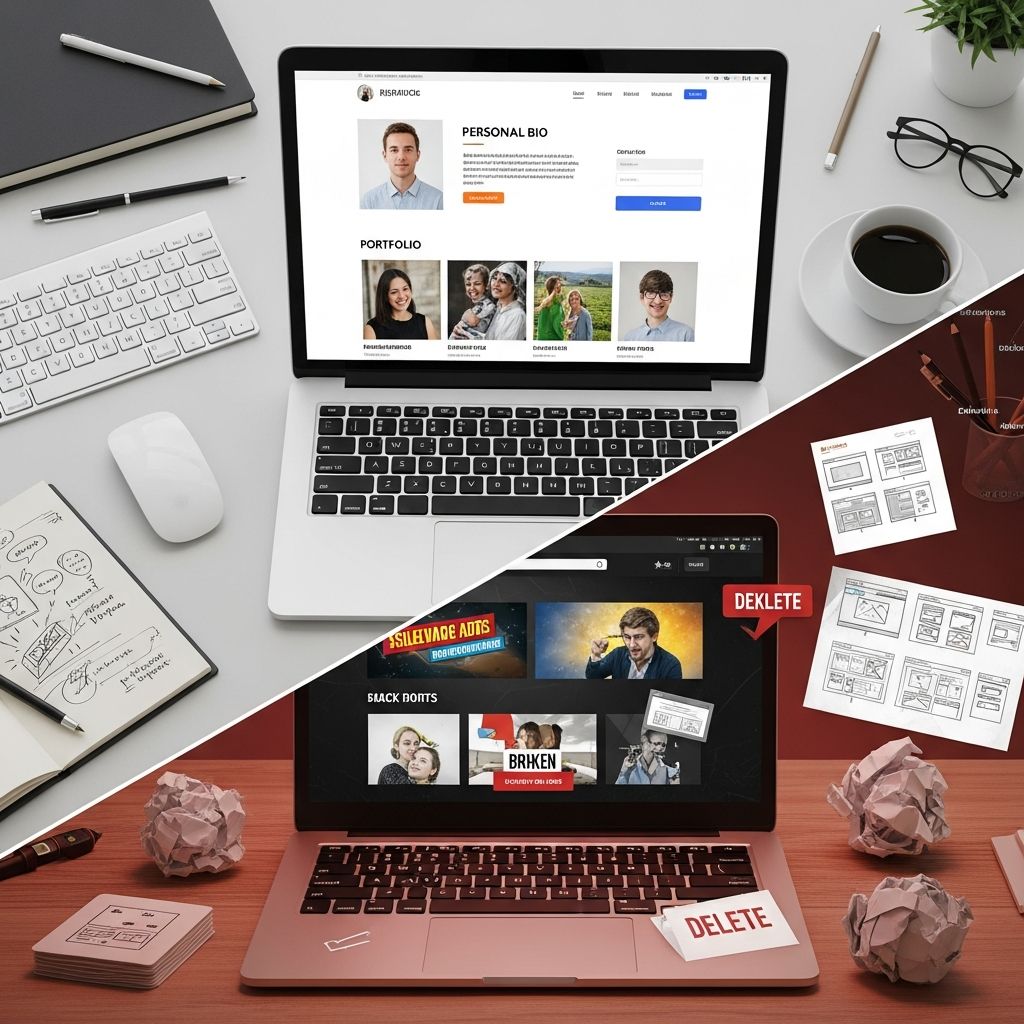
Your personal website can be a powerful asset in your career: it introduces you, showcases your work, and tells your story in a way a resume never can. When it is thoughtfully planned, it helps employers and clients quickly understand what you do, why you are good at it, and how to contact you. When it is cluttered or confusing, it can quietly work against you.
This guide walks you through the essential elements every effective personal website should include, the content you should avoid, and practical tips to make your site clear, credible, and memorable.
1. Clarify the Purpose of Your Personal Website
Before you decide what belongs on your website, define what you want the site to achieve. A focused purpose will guide every content decision.
- Job seekers: Emphasize projects, achievements, and skills that match your target roles.
- Freelancers/consultants: Highlight services, case studies, testimonials, and a clear way to book or contact you.
- Creators: Showcase your work (writing, design, code, art, audio, video) and how people can follow or support you.
- Thought leaders/experts: Focus on insights, articles, talks, and media appearances that show your authority.
Write down one primary goal (for example, “Encourage hiring managers to request an interview”) and refer back to it as you choose sections and content.
2. Core Pages Every Personal Website Should Have
Most effective personal websites cover the same basic questions: who you are, what you do, what you have done, and how to reach you. These answers are usually organized into a small set of core pages.
2.1 Homepage: Your Snapshot and First Impression
Your homepage should act as a concise summary of your professional identity. Research on web usability shows visitors decide within seconds whether to stay or leave, so clarity matters more than cleverness.
- Clear headline: A short phrase that explains who you are and the value you provide (for example, “Product designer helping startups launch user-friendly apps”).
- Supporting sentence: A brief line that adds context such as industry focus, years of experience, or key strengths.
- Professional photo: A simple, well-lit image helps visitors remember you and perceive you as more trustworthy.
- Quick links: Prominent buttons or links to your portfolio, resume/CV, and contact page.
- Short introduction: Two to four sentences that explain what you do, who you work with, and what sets you apart.
2.2 About Page: Your Story and Personality
The About page is where you give more depth and personality than a resume allows. It should still be relevant to your professional goals, not a full autobiography.
- Professional summary: A concise overview of your experience, skills, and current focus.
- Key milestones: A short narrative of how you got where you are (career changes, education, notable projects).
- Values and approach: A few sentences on how you like to work or what you care about in your field.
- Light personal details: One or two specific, humanizing details (for example, languages you speak or hobbies) that help you feel relatable without oversharing.
2.3 Portfolio or Work Page: Proof of What You Can Do
Employers and clients rely heavily on concrete evidence of your skills. A portfolio section gives them that proof in a structured way.
| Element | What to Include |
|---|---|
| Project summaries | Short descriptions of context, goals, your role, and outcomes. |
| Visuals or samples | Screenshots, code snippets, writing clips, designs, or links to live work. |
| Results | Metrics, impact statements, or qualitative outcomes (for example, “reduced onboarding time” or “improved accessibility”). |
| Skills used | Specific tools, technologies, and capabilities demonstrated in each project. |
If you are early in your career, include class projects, personal projects, volunteer work, or practice pieces. The quality of thinking and execution matters more than whether you were paid for it.
2.4 Contact Page: A Frictionless Way to Reach You
Your site should make it extremely easy for someone to contact you without hunting for information.
- Professional email address (ideally some version of your name).
- Simple contact form with a few fields (name, email, brief message).
- Relevant links to profiles like LinkedIn, GitHub, Behance, or other platforms where you are active.
- Optional: A short line about response time or the types of inquiries you welcome (for example, “Open to product design roles and select freelance projects”).
2.5 Resume or CV Section
Many hiring processes still rely on resumes. Having an up-to-date, downloadable version on your website makes life easier for recruiters.
- Offer a PDF download of your resume or CV.
- Mirror the core details in HTML for accessibility and searchability.
- Keep formatting clean and simple so it prints and reads clearly.
3. Elements That Strengthen Your Personal Brand
Beyond the essentials, a great personal website includes signals that build trust and distinguish you from peers with similar skills.
3.1 Testimonials and Social Proof
Short, specific quotes from managers, colleagues, clients, or instructors help visitors evaluate your reliability and working style.
- Use names and roles when you have permission (for example, “Senior Engineer, X Company”).
- Pick testimonials that mention concrete strengths such as communication, problem-solving, or results.
- Group them on a dedicated section or sprinkle one or two on relevant pages (for example, below case studies).
3.2 Skills Overview and Tools List
A structured skills section makes it faster for hiring managers to scan whether you fit their basic requirements.
- Separate core skills (for example, programming languages, design disciplines, research methods) from supporting skills (for example, facilitation, writing, analytics).
- List tools and technologies you use regularly (for example, Figma, Python, Excel, Salesforce).
- Avoid rating yourself with stars or percentages, which can feel arbitrary; let your projects demonstrate level instead.
3.3 Content That Shows Your Thinking
If you enjoy writing or speaking, a blog or articles section can demonstrate how you think about your field. High-quality, relevant content can also help your site appear in search results when people look for expertise like yours.
- Write how-to guides, reflections on projects, or analyses of trends in your industry.
- Focus on clarity over frequency; a few strong, timeless posts are better than many rushed ones.
- Use descriptive titles that match what your target audience might search for.
4. Common Mistakes and What to Avoid
Knowing what to leave out is just as important as deciding what to include. The most frequent problems with personal websites are not technical—they are about distraction, confusion, and inconsistency.
4.1 Cluttered Designs and Overwhelming Layouts
Modern web design best practices emphasize clean layouts, adequate spacing, and clear visual hierarchy because they make content easier to scan and understand.
- Avoid too many fonts, colors, and decorative elements competing for attention.
- Use consistent headings and spacing so visitors can quickly understand what is most important on each page.
- Limit auto-playing media, pop-ups, and animations that distract from your content.
4.2 Outdated or Irrelevant Information
Stale content can give the impression that you are no longer active or engaged. Research on user expectations shows that visitors are frustrated by obsolete information and broken links.
- Remove old jobs or projects that no longer reflect the work you want to do.
- Update dates, technologies, and roles so they are accurate.
- Check for and fix broken links to external sites or old portfolios.
4.3 Oversharing Personal Details
While some personal context is helpful, your site is primarily a professional tool. Excessively personal or controversial information can distract from your qualifications.
- Avoid posting sensitive details (home address, personal phone number, family information).
- Think carefully before sharing strong opinions unrelated to your professional work that may alienate parts of your audience.
- Use a separate space (or privacy settings) for purely personal content meant for friends and family.
4.4 Vague Headlines and Buzzwords
Headlines that rely on generic clichés (“visionary leader,” “results-driven go-getter”) make it harder to understand what you actually do.
- Replace vague statements with specific specialties (for example, “Front-end developer focused on accessible interfaces”).
- Use plain language that non-experts in your field can understand.
- Reference industries or audiences you work with most often.
4.5 Ignoring Mobile and Accessibility
Many visitors will view your site on a phone, and inclusive design is now an expectation rather than an extra. Guidance from web accessibility initiatives emphasizes readable text, keyboard navigation, and descriptive alternative text for images.
- Use a mobile-first layout that works well on small screens and scales up.
- Ensure text contrast is high enough to be readable and font sizes are comfortable.
- Add alt text to images so screen readers can describe them.
5. Practical Tips to Make Your Site More Effective
Once you know what to include and avoid, refine the details so your site is easy to use and easy to maintain.
5.1 Keep Navigation Simple
Visitors should be able to guess where content lives without thinking about it. Usability research recommends clear, descriptive labels over clever wording.
- Use straightforward menu labels such as Home, About, Work, Blog, and Contact.
- Limit your main navigation to a small number of top-level items; group less important information in the footer.
- Ensure the navigation is visible on desktop and easily accessible via a menu icon or bar on mobile.
5.2 Refresh and Maintain Your Content
A personal website is not a one-time project; it should evolve as your skills and goals change.
- Review your site every few months to update projects, roles, or accomplishments.
- Archive older posts or work if they no longer represent your current level.
- Check loading speed and fix issues that slow down the site, such as oversized images.
5.3 Align Your Website with Your Other Profiles
Consistency across platforms strengthens your professional identity and helps people recognize you.
- Use a similar photo, name, and headline on your website and professional profiles.
- Link prominently to your LinkedIn and other key accounts you actively maintain.
- Make sure job titles, dates, and role descriptions match across platforms.
Frequently Asked Questions (FAQs)
Q: Is a personal website really necessary if I have LinkedIn?
A personal website gives you far more control over layout, storytelling, and examples of your work than a profile on any single platform. LinkedIn is valuable for networking and visibility, but your own site lets you curate projects, visuals, and messages in a way that aligns closely with your goals.
Q: How many projects should I include in my portfolio?
Quality matters more than quantity. For most people, four to eight well-documented projects are enough to show range without overwhelming visitors. When you add new work, consider removing older or less relevant examples.
Q: Do I need to know how to code to build a good personal website?
No. Many modern website builders allow you to create professional sites through drag-and-drop interfaces. Basic knowledge of structure and layout is helpful, but you can focus primarily on your content and organization, especially early on.
Q: Should I include personal blog posts that are not related to my field?
If your site is primarily a professional tool, keep the focus on topics that support your career narrative. Personal posts can live elsewhere or be clearly separated if you choose to host them on the same domain.
Q: How often should I update my personal website?
Plan to review your site at least a few times each year, and any time you complete a major project, change roles, or shift your career direction. Regular, modest updates are easier and more effective than trying to overhaul everything at once.
References
- The Definitive Guide to Personal Website in 2025 — Slidde. 2025-01-10. https://slidde.co/blogs/personal-website-definitive-guide
- Personal Website Trends: 10 Examples to Watch in 2025 — TekRevol. 2025-02-05. https://www.tekrevol.com/blogs/personal-website-examples/
- What Pages Should I Have on My Personal Website? Full Guide — Juicer. 2024-09-18. https://www.juicer.io/blog/what-pages-should-i-have-on-my-personal-website
- 11 Website Design Best Practices To Follow In 2025 — ruttl. 2025-03-22. https://ruttl.com/blog/web-design-best-practices/
- 10 Best Personal Website Examples to Inspire You in 2025 — a-fresh.website. 2025-04-30. https://a-fresh.website/blog/10-best-personal-website-examples-to-inspire-you-in-2025
- Web Design Best Practices For Your Next Website Project in 2025 — Elementor. 2025-02-14. https://elementor.com/blog/web-design-best-practices/

- Integrated M.A. in Applied Linguistics, University of Hyderabad
- 5+ years in editorial, instructional, SEO, and research-based writing
Sneha is a relationships and lifestyle writer with a strong foundation in applied linguistics and certified training in relationship coaching. She brings over five years of writing experience to theskillvault, crafting thoughtful, research-driven content that empowers readers to build healthier relationships, boost emotional well-being, and embrace holistic living. Her writing and insights reflect the belief that beauty, happiness, and wellness…