
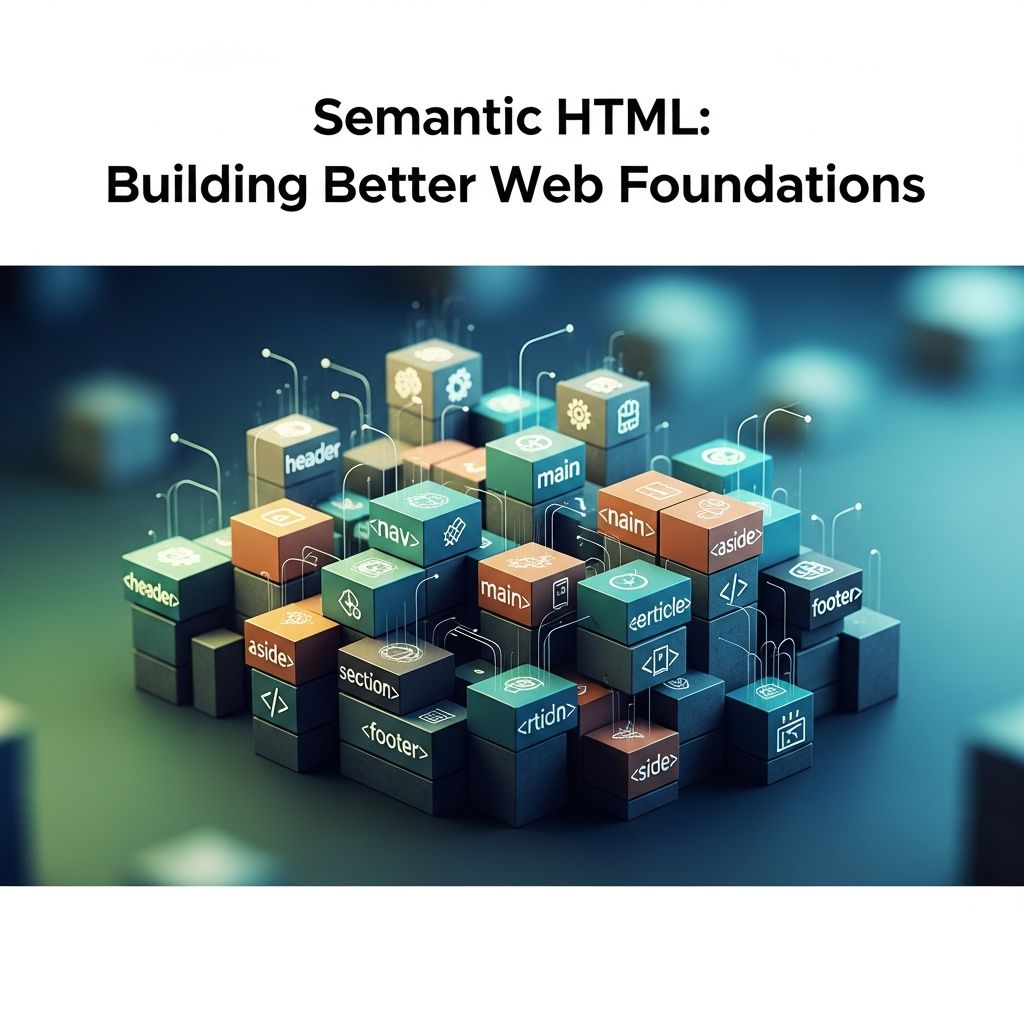
Understanding the Language of Web Structure
The foundation of modern web development rests on a fundamental principle: HTML isn’t merely a collection of visual presentation tools. Rather, it functions as a language with its own vocabulary, designed to communicate meaning and purpose to multiple audiences—whether those audiences are browsers, search engines, assistive technologies, or other developers. When developers write semantic HTML, they’re not just arranging elements on a page; they’re crafting narratives about content hierarchy, relationships, and intent.
Semantic HTML utilizes meaningful tags that explicitly declare the purpose and role of content within a document. Tags like <article>, <nav>, <header>, and <section> convey specific information about how content should be interpreted and processed. This contrasts sharply with non-semantic approaches that rely on generic containers such as <div> and <span> elements, which provide no inherent meaning about their contents.
The Accessibility Imperative
Accessibility represents one of the most compelling reasons to embrace semantic HTML practices. For users relying on assistive technologies—including screen readers, voice interfaces, and keyboard navigation systems—meaningful markup serves as the crucial bridge between their tools and web content.
When developers structure pages with semantic elements, they ensure that assistive technologies can accurately convey the purpose and organization of content. Screen readers depend on structural signals to announce headings, navigation areas, main content regions, and auxiliary information. Without this semantic foundation, users with disabilities encounter significant barriers to comprehension and navigation.
The benefits of semantic HTML for accessibility extend beyond assistive technology users. Mobile applications built with semantic markup require less memory than their non-semantic counterparts, as semantic approaches eliminate the need for numerous arbitrary id attributes that inflate file sizes. Additionally, semantic HTML improves responsiveness because browsers can interpret code more efficiently, leading to better overall user experiences across all device types.
Legal and Ethical Considerations
In many jurisdictions, semantic HTML isn’t simply a best practice—it’s a legal requirement. Accessibility standards and regulations increasingly mandate that websites meet specific accessibility criteria, making semantic HTML implementation essential for compliance. Beyond legal obligations, writing accessible code reflects a commitment to inclusivity and ensures that digital content reaches the broadest possible audience.
Search Engine Optimization Through Meaningful Markup
Search engines like Google employ sophisticated algorithms to understand webpage content and determine its relevance to user queries. Semantic HTML provides critical signals that help these systems comprehend not just what content exists, but how that content is organized and what role it plays within the overall page structure.
When developers use semantic tags, they’re essentially translating their design intentions into machine-readable formats. An <article> tag indicates that the enclosed content represents a standalone piece of information worthy of independent consumption. <header> and <footer> tags clarify the organizational structure of a page, while <nav> elements explicitly identify navigation regions.
This clarity directly impacts search rankings. Search engines can more accurately comprehend the hierarchy and context of webpages built with semantic markup, leading to more precise indexing and improved visibility for relevant queries. While semantic markup doesn’t guarantee top rankings, it establishes a foundation that contemporary search systems can leverage effectively.
Future-Proofing Content Strategy
The SEO advantages of semantic HTML extend beyond current search engine capabilities. As search technology evolves and new systems emerge—including AI agents, voice search interfaces, and specialized task-based systems—semantic markup provides the structural clarity that enables these emerging technologies to extract meaning from web content. Developers investing in semantic HTML today are essentially future-proofing their digital presence.
Code Readability and Team Collaboration
Web development rarely occurs in isolation. Most projects involve multiple developers working collaboratively over extended timeframes, with code often passing between team members or being revisited years after initial creation. Semantic HTML dramatically improves the experience of working within these environments.
When developers encounter a codebase built with semantic HTML, understanding its structure requires minimal cognitive effort. Meaningful element names function as built-in documentation, immediately conveying the purpose of each section. A developer can quickly identify navigation areas, understand the primary content region, and locate sidebars or supplementary information—all without needing to decipher cryptic class names or id attributes.
This clarity translates directly to maintenance efficiency. When updating navigation across multiple pages, developers using consistent <nav> elements can quickly locate all navigation sections. In contrast, projects relying on arbitrary <div> elements with custom classes require significantly more time to identify and modify relevant elements, increasing the risk of errors and inconsistencies.
Reducing Debugging Time
Clean, semantically structured markup is inherently easier to debug. When issues arise, developers can more rapidly identify the source of problems by reading meaningful element names and understanding intended structure. This efficiency compounds across large projects, translating substantial time savings throughout the development lifecycle.
Performance and Browser Rendering Optimization
Beyond accessibility and maintainability, semantic HTML contributes to performance optimization through its natural influence on how browsers process and render content.
Semantic layout tags like <main>, <nav>, <aside>, and <footer> function as block-level elements by default, naturally segmenting page structure. This segmentation aligns with how browsers organize rendering pipelines, enabling more efficient processing. When pages feature clear structural boundaries, browsers can scope style recalculations more effectively and avoid unnecessary reflows.
During the paint and composite phases of rendering, well-structured DOM regions enable browsers to distribute work across multiple threads more effectively. GPU compositing pipelines particularly benefit from clearly defined document regions, especially when paired with CSS optimization techniques like contain: paint or will-change: transform. By creating isolated rendering layers, developers reduce the overhead associated with re-rasterizing large portions of pages.
Building Resilient Web Interfaces
Semantic HTML creates interfaces that maintain functionality and usability even when conditions are less than ideal. In an era where JavaScript frameworks occasionally fail to load, stylesheets encounter delivery issues, or edge-case screen sizes expose layout problems, semantic HTML provides the foundation for progressive enhancement.
A webpage built with semantic HTML remains comprehensible and navigable even when CSS doesn’t load or JavaScript encounters errors. The structural meaning embedded in markup persists regardless of presentation layer availability. This resilience isn’t merely a fallback consideration—it represents a fundamental principle of robust web architecture that benefits users across all contexts and device types.
Comparative Benefits Overview
| Aspect | Semantic HTML | Non-Semantic HTML |
|---|---|---|
| Accessibility | Assistive technologies can parse and communicate structure effectively | Assistive technologies struggle to convey content organization |
| SEO Performance | Search engines accurately understand content hierarchy and context | Search engines must infer meaning from ambiguous markup |
| Code Readability | Developers quickly understand purpose and organization | Developers must decipher arbitrary class names and ids |
| File Size | Efficient structure reduces unnecessary attributes | Multiple id and class attributes increase file size |
| Browser Performance | Clear boundaries enable efficient rendering optimization | Ambiguous structure complicates browser optimization |
| Maintenance | Updates and debugging are faster and more reliable | Changes carry higher risk of introducing errors |
Practical Implementation Principles
Adopting semantic HTML begins with a mindset shift from thinking purely about visual presentation to considering content meaning and structure. Rather than default to <div> elements for every container, developers should ask: What is this content? What role does it play? What’s its relationship to surrounding content?
Key semantic elements serve specific purposes within document structure:
<header>elements contain introductory content or navigation information<nav>elements explicitly mark navigation regions<main>elements indicate the primary content area of a page<article>elements enclose self-contained content pieces<section>elements group related content thematically<aside>elements contain supplementary information<footer>elements mark page footers containing metadata or supplementary navigation
Consistency in semantic markup usage strengthens these benefits across projects. When teams establish conventions around semantic element usage, they amplify the readability and maintainability advantages throughout their codebase.
Addressing Common Concerns
Some developers question whether semantic HTML provides sufficient practical benefit to justify the additional consideration required during development. However, the cumulative advantages across accessibility, SEO, performance, and maintainability create compelling business and user experience cases for adoption.
Semantic HTML doesn’t require additional time investment once developers internalize proper element selection. In fact, writing semantically often reduces development time by eliminating the need for complex naming schemes and reducing debugging requirements. The initial learning curve quickly pays dividends in long-term productivity gains.
Frequently Asked Questions
Q: Does semantic HTML improve search engine rankings?
A: Semantic HTML improves search engine visibility by helping algorithms understand content structure and hierarchy more accurately, which can contribute to better rankings for relevant queries. While semantic markup alone doesn’t guarantee top positions, it provides clarity that search engines reward when evaluating content quality.
Q: Can I use ARIA instead of semantic HTML?
A: While ARIA attributes provide accessibility enhancements, they should supplement rather than replace semantic HTML. Semantic markup forms the foundation of accessibility, and ARIA works most effectively when built atop properly structured semantic HTML.
Q: How does semantic HTML affect website speed?
A: Semantic HTML can improve page performance by enabling more efficient browser rendering. Clear structural boundaries allow browsers to optimize style calculations, reduce reflows, and better manage GPU compositing processes.
Q: Is semantic HTML still relevant with modern JavaScript frameworks?
A: Yes, semantic HTML remains foundational even in framework-heavy applications. It ensures accessibility, improves SEO, and provides resilience when JavaScript encounters issues. Modern frameworks work best when built upon semantic HTML foundations.
Q: What’s the difference between semantic and non-semantic HTML?
A: Semantic HTML uses meaningful tags that convey the purpose and role of content (like <nav>, <article>), while non-semantic HTML relies on generic containers like <div> and <span> that provide no inherent meaning.
References
- Enhancing Accessibility with Semantic HTML — Accessibly. Accessibly App. https://accessiblyapp.com/blog/semantic-html/
- Why Semantic HTML Still Matters — Jono Alderson. https://www.jonoalderson.com/conjecture/why-semantic-html-still-matters/
- What is Semantic HTML & Why Is It Important — Codecademy. https://www.codecademy.com/resources/blog/semantic-html
- Why Semantic HTML Matters: A Guide for New Developers — Telerik. Progress Software. https://www.telerik.com/blogs/why-semantic-html-matters-introductory-guide-new-developers
- The Benefits of Semantic HTML — Tracy Lum. https://www.tracylum.com/blog/2015-12-21-the-benefits-of-semantic-html/
- Explaining the Accessible Benefits of Using Semantic HTML Elements — CSS-Tricks. https://css-tricks.com/explaining-the-accessible-benefits-of-using-semantic-html-elements/

Medha Deb is an editor with a master's degree in Applied Linguistics from the University of Hyderabad. She believes that her qualification has helped her develop a deep understanding of language and its application in various contexts. Medha specializes in the areas of beauty, health, sports, and wellness and is committed to ensuring that the content on the website is…