
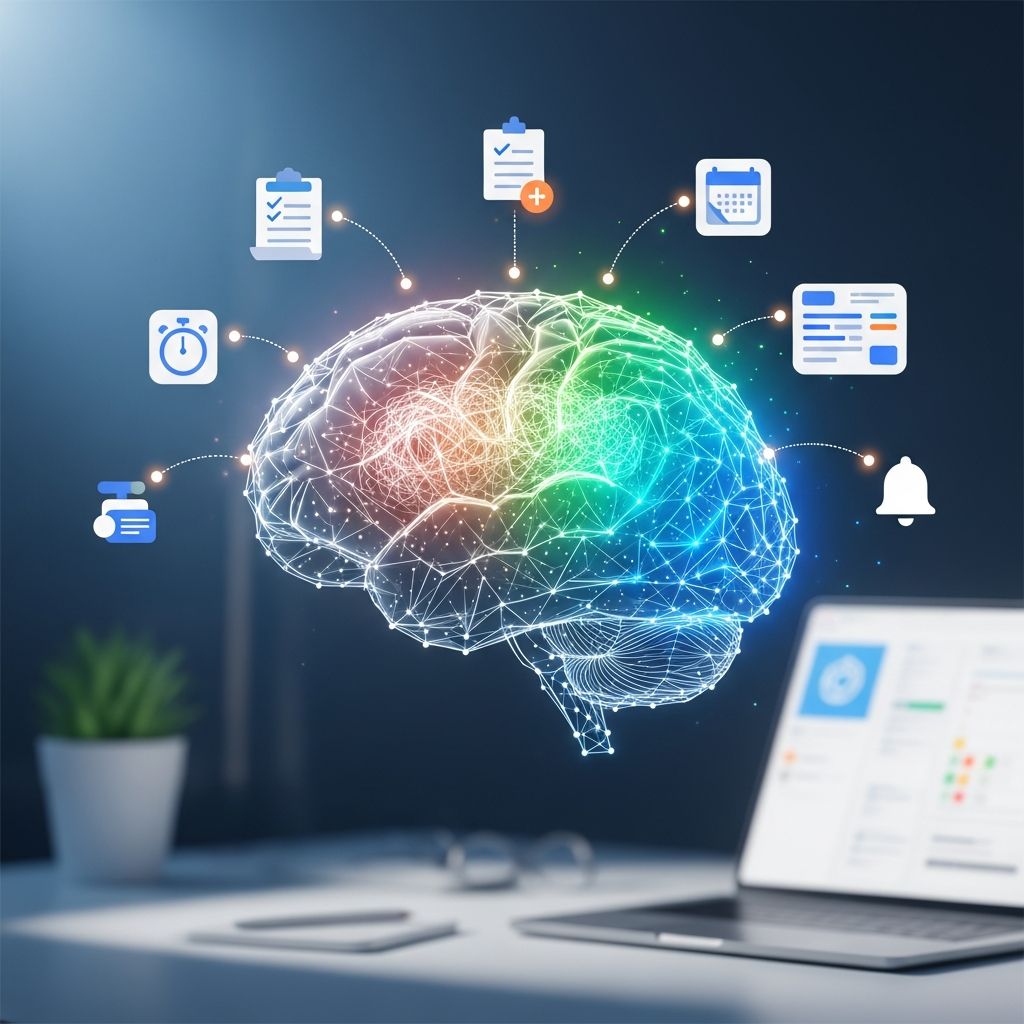
Procrastination is rarely about laziness. More often, it is a tangle of perfectionism, anxiety, low energy, and constant digital distraction. Research shows that procrastination is closely linked with difficulties in emotion regulation, not just poor time management. The right apps cannot fix everything, but they can reduce friction, make starting easier, and give your brain the structure and rewards it craves.
This guide walks you through how procrastination works, the major categories of tools that can help, and practical ways to combine them into a simple, realistic system you will actually use.
Why We Procrastinate in a Digital World
Before installing another app, it helps to understand why we keep putting things off. Studies in psychology suggest a few key drivers:
- Emotion avoidance: People delay tasks that trigger boredom, anxiety, or self-doubt, even when they know the delay will create more stress later.
- Instant rewards vs. long-term goals: Social feeds and entertainment apps deliver immediate dopamine, while meaningful work offers rewards that are delayed and uncertain.
- Unclear next steps: Vague goals like “work on project” overwhelm the brain; clear, small actions are easier to start.
- Faulty time perception: Many procrastinators underestimate how long tasks will take or overestimate how much time they have.
Good tools address at least one of these problems: they clarify what to do next, reduce distractions, or make work feel more rewarding in the moment.
Core App Categories That Help Chronic Procrastinators
Instead of downloading dozens of tools, think in terms of five essential categories. Most people only need one app from each category to build a strong anti-procrastination stack.
| Category | Main Job | Best For |
|---|---|---|
| Task Clarity & Planning | Turn vague goals into clear, doable actions | Overwhelm, scattered to-do lists |
| Focus & Distraction Blocking | Protect your attention from apps and sites | Social media or news rabbit holes |
| Time Tracking & Awareness | Show where your time actually goes | “Where did my day go?” feeling |
| Habit & Motivation Tools | Reward consistency and build routines | Difficulty starting or staying consistent |
| Brain-Friendly Note & Idea Capture | Reduce mental clutter so tasks feel lighter | Spinning thoughts, constant context switching |
1. Task-Clarity Apps: Turning Vague Intentions into Concrete Steps
Chronic procrastinators rarely suffer from a lack of ideas; they suffer from a lack of clear next steps. Short, concrete descriptions such as “draft 5 bullet points for slide deck” are easier for the brain to approach than “finish presentation.” Cognitive research shows that breaking large projects into smaller sub-tasks reduces avoidance and perceived difficulty.
What a Good Planning App Should Do
- Support simple prioritization: Your app should make today’s top 1–3 tasks painfully obvious at a glance.
- Encourage small steps: It should be easy to split big work into tiny checkable actions.
- Handle recurring responsibilities: Repeating tasks (e.g., weekly reports) should be automated so they do not clog your mind.
- Work across devices: So you cannot “forget” a task just because you switched from laptop to phone.
Sample Daily Planning Flow
You can use almost any list app for this flow; the power lies in the structure:
- Brain dump: Quickly list everything on your mind without judgment.
- Pick today’s non-negotiables: Choose up to three high-impact items for today only.
- Slice each into micro-steps: Break each task into actions that take 10–25 minutes.
- Assign time blocks: Roughly place each action in your day (morning, afternoon, or specific hour).
This structure reduces mental ambiguity, which is one of the main psychological triggers for procrastination.
2. Focus Apps: Protecting Your Brain from Digital Temptation
Blocking distractions might feel extreme, but our devices are engineered to grab attention. Experimental work in cognitive science shows that even a silenced phone within view can reduce available working memory and task performance. Focus tools create a friction barrier between you and the apps or websites that typically derail you.
Features to Look For in Focus Tools
- Custom blocklists: Ability to block specific apps/sites that you personally find tempting.
- Timed sessions: Sessions of 20–45 minutes align well with research on sustained attention and the popular Pomodoro technique.
- Scheduling: Pre-set focus hours (e.g., weekdays 9–12) remove the need to “decide” to focus every day.
- Sync across devices: Blocking should work on your phone and your computer, or you will simply escape to the other screen.
Making Focus Sessions Work for You
To get the most out of your focus app, combine it with small behavioral rules:
- Always decide one tiny task before starting a session. Never hit “start” on a focus timer without choosing a very specific action.
- Start with short sessions: Aim for 15–20 minutes at first. Building a streak of successful starts matters more than working for long stretches.
- Reward the start, not only completion: Give yourself a small reward (stretch, tea, a quick walk) every time you honor a scheduled focus block.
3. Time Tracking: Facing Where Your Day Really Goes
Many procrastinators feel chronically busy yet cannot point to what they actually did. Time-tracking apps reveal that gap between perceived and actual use of time, which can be eye-opening and motivating. Self-monitoring has repeatedly been shown to support behavior change across areas like health and productivity.
Why Time Awareness Matters
- Counters time blindness: You see how long tasks really take, so you can plan more realistically.
- Highlights hidden drains: Ten “quick” email checks can add up to hours.
- Provides objective feedback: Instead of “I did nothing,” you can see a breakdown of where your effort went.
Lightweight Tracking Routine
You do not need minute-by-minute tracking to benefit. Aim for a simple rhythm:
- Track only your core work hours to avoid burnout from over-monitoring.
- Tag blocks of time by type (deep work, admin, meetings, personal).
- Review once a week and ask: “What one change would make next week smoother?”
4. Habit and Motivation Apps: Making Consistency Feel Rewarding
Because procrastination is tied to mood and emotion regulation, tools that add rewards, streaks, and social accountability can meaningfully help. Behavioral science shows that immediate, frequent rewards and visible progress increase the likelihood that we repeat an action.
What Makes a Habit App Useful for Procrastinators
- Streaks and visual progress: Seeing a chain of completed days can make you less likely to “break the chain.”
- Reminders that respect your attention: Gentle, well-timed prompts are more effective than constant noisy notifications.
- Gamification (used wisely): Points, levels, or avatars can be motivating, especially if you are driven by competition or collecting achievements.
- Support for tiny habits: Ability to mark very small wins (e.g., “open document,” “study for 5 minutes”) encourages starting.
Designing a Low-Pressure Habit Plan
Use your habit app to track behaviors that make procrastination less likely:
- “Plan tomorrow in 5 minutes” each evening.
- “Do one focus session before opening email.”
- “Prepare workspace” (clear desk, open needed tabs only).
- “Capture tasks immediately” when they pop into your mind.
All of these habits are short, but together they build a powerful anti-procrastination environment.
5. Capture & Note Apps: Emptying Your Head So You Can Start
Chronic procrastinators often carry their entire to-do list in their mind. That mental load creates stress and feeds avoidance. Offloading your ideas, worries, and tasks into a reliable system reduces cognitive load and makes it easier to focus on the next action.
How Capture Tools Support Action
- Instant capture: Quick notes, voice memos, or photos let you save ideas without derailing your current task.
- Simple structure: A small set of notebooks or tags (e.g., Work, Personal, Someday) is usually enough.
- Searchable storage: The ability to find information later is more important than elaborate organization.
The goal is not perfect digital filing; it is removing the excuse of “I will start when I feel more organized.”
Building Your Personal Anti-Procrastination Tech Stack
Instead of chasing the “perfect” productivity app, assemble a practical, low-friction stack from the categories above. One option per category is usually enough.
Example Minimal Setup
- Planning: A simple to-do app with projects and priorities.
- Focus: A cross-device blocker with timed sessions.
- Time awareness: A light automatic tracker or manual time log.
- Habits: A streak-based habit tracker.
- Capture: A synced note app for ideas and reference material.
Low-Friction Rules for Using Your Tools
- Limit yourself to one app switch per year in each category to avoid endless tinkering.
- Spend no more than 10–15 minutes each day maintaining your system (planning, logging, reviewing).
- When something feels cumbersome, change the workflow first, not the app.
Daily Blueprint: From Opening Your Laptop to Logging Off
Here is a sample day showing how these tools can work together. Adapt it based on your schedule and energy patterns.
Morning (First 30–45 Minutes)
- Open your task app and list everything on your mind.
- Choose your 1–3 must-do items for the day.
- Slice each into small actions that can fit into one focus session.
- Schedule one or two focus blocks in the morning when your willpower is highest.
During Focus Blocks
- Start your distraction blocker with a 20–30 minute session.
- Open only the tools needed for your current micro-task.
- Log the time afterward in your tracker (or let it log automatically).
- Mark progress in your habit app if the block was part of a daily commitment.
Afternoon Adjustments
- Review what you have completed and what is left.
- Use one shorter focus block for “resistance tasks” you are still avoiding.
- Capture any new tasks, ideas, or emails in your note app or task list instead of reacting immediately.
Evening Shutdown (5–10 Minutes)
- Glance at your time-tracking summary.
- Set tomorrow’s top 1–3 tasks and micro-steps.
- Mark off your daily habits.
- Close work-related apps to create a clear boundary for rest.
Common App Mistakes Procrastinators Make (and How to Avoid Them)
Digital tools can backfire when used in ways that reinforce procrastination rather than reduce it.
- Endless system tinkering: Spending hours customizing instead of doing real work. Set a timer when experimenting and stop when it rings.
- Over-collecting tasks: Capturing everything but never deciding what to do today. Balance capture with a daily “choose three” routine.
- Too many overlapping tools: Using multiple apps for the same job causes confusion and lost tasks. Consolidate where possible.
- All-or-nothing streak thinking: Giving up when a streak breaks. Instead, treat each day as a fresh experiment.
Frequently Asked Questions
Q: Can apps really fix my procrastination problem?
A: Apps cannot replace self-awareness, rest, or sometimes therapy, but they can significantly reduce friction. Tools that clarify your next step, protect your focus, and make progress visible support the psychological changes needed to procrastinate less.
Q: How many productivity apps should I use at once?
A: Most people do best with 3–5 core tools, each with a clear role. If you are using more than one app per category (for tasks, notes, habits, etc.), consider simplifying to avoid confusion and duplicate effort.
Q: I always abandon new systems after a week. What can I do differently?
A: Start as small as possible: one 15-minute focus session per day, one daily planning ritual, and one simple habit to track. Expect some inconsistency and focus on restarting quickly instead of creating the “perfect” streak.
Q: Is the Pomodoro technique good for everyone?
A: Many people benefit from 25-minute work intervals with short breaks, and time-boxing has been shown to reduce perceived task difficulty. That said, some prefer longer blocks. Experiment with different session lengths and keep whatever helps you start more often.
Q: How do I choose between similar apps?
A: List your top three needs (for example: “block social media,” “see weekly time report,” “sync with calendar”) and test each app against those needs only. Avoid choosing based on aesthetics or niche features you will not use in daily life.
References
- Procrastination and the priority of short-term mood regulation — P. Steel & T. Briceño. 2013-12-01. https://doi.org/10.1037/a0032422
- The behavioral economics of health and health care — K.G. Volpp et al., Health Psychology. 2008-01-01. https://doi.org/10.1037/0278-6133.27.3S.S96
- Implementation intentions and goal achievement: A meta‐analysis of effects and processes — P.M. Gollwitzer & P. Sheeran. 2006-03-01. https://doi.org/10.1002/ejsp.242
- The iPhone Effect: The Quality of In-Person Social Interactions in the Presence of Mobile Devices — A. Przybylski & K. Weinstein, Environment and Behavior. 2013-06-03. https://doi.org/10.1177/0013916513511504
- Procrastination, deadlines, and performance: Self-control by precommitment — D. Ariely & K. Wertenbroch, Psychological Science. 2002-05-01. https://doi.org/10.1111/1467-9280.00441
- Self-monitoring in weight loss: A systematic review of the literature — L.M. Burke et al., Journal of the American Dietetic Association. 2011-01-01. https://doi.org/10.1016/j.jada.2010.10.008

- Integrated M.A. in Applied Linguistics, University of Hyderabad
- 5+ years in editorial, instructional, SEO, and research-based writing
Sneha is a relationships and lifestyle writer with a strong foundation in applied linguistics and certified training in relationship coaching. She brings over five years of writing experience to theskillvault, crafting thoughtful, research-driven content that empowers readers to build healthier relationships, boost emotional well-being, and embrace holistic living. Her writing and insights reflect the belief that beauty, happiness, and wellness…