
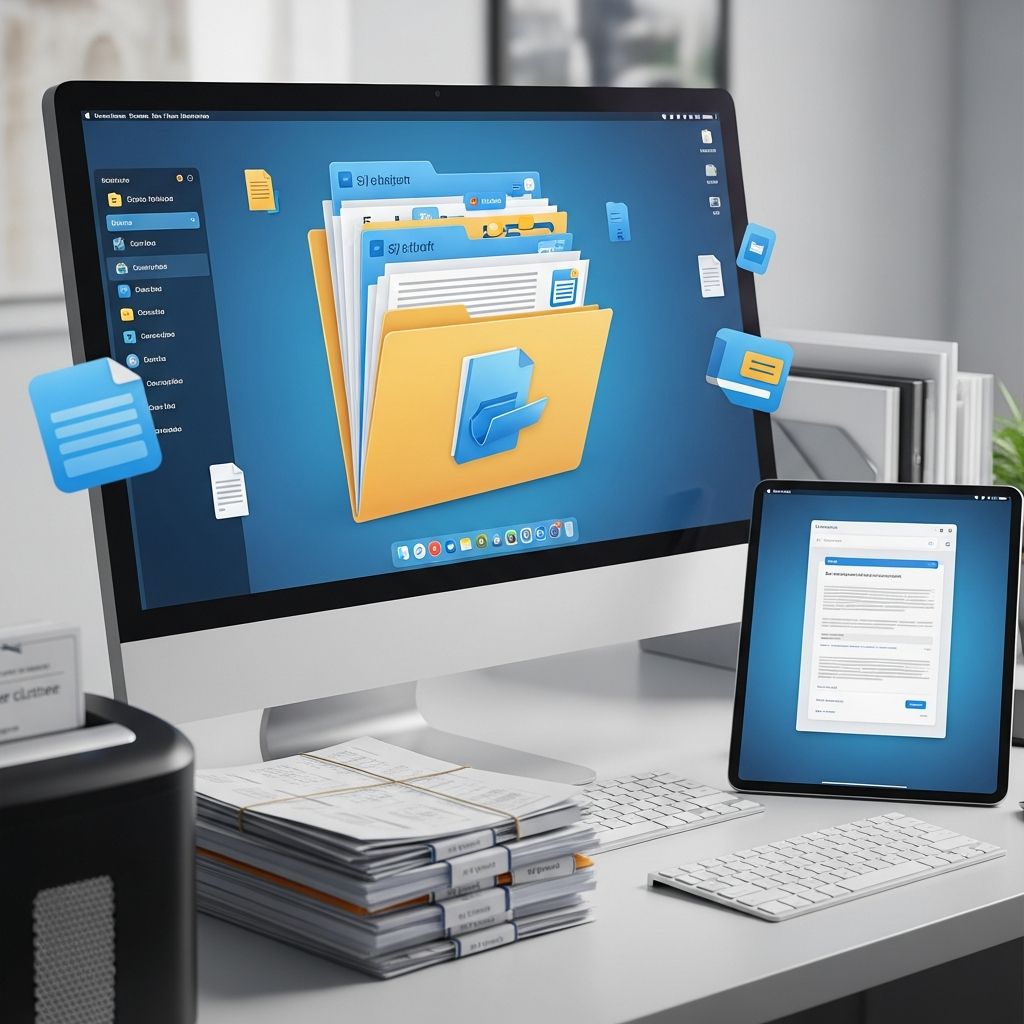
Physical documents accumulate quickly, creating chaos in desks, cabinets, and storage spaces. Transitioning to a digital-first approach eliminates this mess, enabling instant access, secure backups, and effortless collaboration from any location. This guide explores practical steps, essential tools, and best practices to build a robust digital filing system that rivals traditional methods in efficiency.
Why Go Digital: Benefits Beyond Decluttering
Switching to digital documents offers more than just space savings. Businesses report up to 30% productivity gains from reduced search times, while individuals reclaim hours weekly previously lost to rummaging through piles. Digital systems support version tracking, preventing overwrites, and integrate with automation for workflows like approvals and archiving.
Environmentally, going paperless cuts waste; the average office worker uses 10,000 sheets annually, contributing to deforestation. Security improves with encryption and access controls, protecting sensitive data from loss or theft far better than locked cabinets.
Step-by-Step Guide to Digitizing Your Documents
Begin by assessing your current setup. Sort papers into categories: keep, shred, or digitize. Invest in a scanner or use smartphone apps for quick captures. Name files consistently, such as ‘YYYY-MM-DD-AccountName-Type.pdf’, to enable easy searches.
- Scan Efficiently: Apps like Adobe Scan or Genius Scan convert photos to searchable PDFs instantly.
- Organize Folders: Create a hierarchy like Home > Finances > 2026 > Bank Statements.
- Backup Religiously: Use cloud services with automatic syncing to prevent data loss.
- Automate Routines: Set rules for incoming emails to file attachments directly.
Once digitized, purge physical copies after verifying accessibility. This process, done over weekends, yields a clutter-free space in weeks.
Essential Tools for Seamless Digital Filing
Modern document management systems (DMS) combine storage, search, and collaboration. Here’s a comparison of top options tailored for paperless transitions:
| Tool | Key Features | Pricing (per user/month) | Best For |
|---|---|---|---|
| Folderit | Version control, metadata tagging, OCR search, e-signatures, mobile access | From $55 (up to 5 users) | Small teams needing all-in-one DMS |
| DocuSign | Advanced e-signatures, workflows, integrations (Salesforce, Microsoft), GDPR compliant | $8 Personal, $20 Standard, $33 Business Pro | Signature-heavy workflows |
| DocuWare | Workflow automation, secure storage, DocuSign integration, enterprise apps | $25-$100 (custom) | Large organizations |
| FileHold | Indexing, full-text search, scanning, Office integration | $25 starting, $3,750 Express (20 users) | Enterprise with hybrid paper needs |
| ShareFile | Secure sharing, versioning, unlimited e-signatures, collaboration | Custom (volume-based) | High-security file sharing |
These tools outperform basic folders by offering OCR for text extraction from scans, audit trails for compliance, and AI-driven categorization.
Building a Bulletproof Folder Structure
A logical hierarchy is the foundation of digital organization. Start with broad categories like Personal, Work, Finances, Health, then subdivide by year and type. Microsoft recommends automated rules within systems like OneDrive to sort files dynamically.
Example Structure:
- Finances
– Taxes
– 2026
– Receipts
– Forms - Work
– Projects
– ClientX-2026
– Contracts
– Invoices - Personal
– Medical
– Records-2026
Incorporate metadata tags for cross-folder searches, e.g., tagging all ‘invoice’ files regardless of location. Tools like Folderit excel here with intuitive tagging.
Handling Signatures and Approvals Electronically
E-signatures replace printed contracts, speeding processes from days to minutes. Platforms like DocuSign and SignNow provide legally binding options with verification, templates, and tracking. PandaDoc alternatives emphasize unlimited requests and mobile signing for remote teams.
Workflows automate routing: upload a document, assign signers, and receive notifications upon completion. This is crucial for invoices, where average payment cycles drop to two days.
Receipts and Invoices: Taming the Tiny Terrors
Receipts clutter wallets and drawers. Apps like Expensify capture via photo, extract data with OCR, and categorize for taxes. Shoeboxed handles warranties and returns similarly.
Download statements directly into Excel or DMS folders named ‘YYYY-MM-Receipts’. Integrate with accounting software for seamless expense tracking, reducing year-end stress.
Security and Compliance in Your Digital Vault
Protect files with multi-factor authentication, encryption, and role-based access. DocuWare and ShareFile meet standards like GDPR and eIDAS. Regular backups to multiple clouds (e.g., Google Drive + external drive) ensure redundancy.
Audit logs track changes, vital for regulated industries. Train teams on phishing avoidance to safeguard the system.
Overcoming Common Roadblocks to Paperless Success
Resistance stems from habit or tech fears. Start small: digitize one category weekly. Address ‘what if the cloud fails?’ with offline access features in tools like DocuSign.
Cost concerns? Free tiers in Dropbox or Google Workspace suffice for starters, scaling to pro DMS as needs grow. Measure ROI via time saved: one hour daily equals 250 hours yearly.
Advanced Strategies for Power Users
Leverage AI for auto-categorization and search predictions. Zapier integrations connect DMS to email, CRM, and calendars for zero-touch filing.
Implement retention policies: auto-archive files over 7 years to external storage. Use full-text search across scans for instant retrieval, mimicking a personal Google.
Frequently Asked Questions (FAQs)
What’s the fastest way to start going paperless?
Scan high-priority documents first using a phone app, set up cloud folders, and unsubscribe from paper statements via online portals.
Is digital filing secure for sensitive info like taxes?
Yes, with encrypted DMS like Folderit or DocuWare offering better protection than physical storage through access controls and backups.
How do I choose the right DMS tool?
Assess needs: signatures (DocuSign), full DMS (Folderit), or enterprise (FileHold). Trial free versions and check integrations.
Can I still handle hybrid paper-digital setups?
Absolutely—tools like FileHold include scanning and indexing to bridge physical and digital seamlessly.
What about costs for small businesses?
Options start at $8/user (DocuSign) or $25 (FileHold), with free tools like Google Drive for basics.
Maintenance Tips for Long-Term Success
Schedule monthly reviews to delete duplicates and update tags. Train household or team members on protocols. As tech evolves, migrate to newer platforms annually for features like enhanced AI search.
Ultimately, a digital system adapts to growth, unlike static trays. Embrace it for a streamlined, future-proof workflow.
References
- Top 14 PandaDoc Alternatives for Document Management System (DMS) and Electronic Signing Solutions — Folderit. 2023. https://www.folderit.com/blog/top-14-pandadoc-alternatives-for-document-management-system-dms-and-electronic-signing-solutions/
- Top 9 paperless apps to break the paper habit — PandaDoc. 2023. https://www.pandadoc.com/blog/paperless-apps-you-want-for-your-business/
- Clear the Clutter: Digital Alternatives to Paper at Home and Work — Professional Organizer. 2023. https://professional-organizer.com/WordPress/clear-the-clutter-digital-alternatives-to-paper-at-home-and-work/
- The Simplest Filing System in the World – Paper Tiger — Paper Tiger. 2023. http://www.thepapertiger.com
- The 20 best document management software systems in 2026 — Zapier. 2026-01-01. https://zapier.com/blog/best-document-management-software/
- 40 Best Document Management Systems Reviewed for 2026 — The Digital Project Manager. 2026-01-01. https://thedigitalprojectmanager.com/tools/document-management-systems/
- 11 ideas for how to organize digital files — Microsoft. 2023. https://www.microsoft.com/en-us/microsoft-365/business-insights-ideas/resources/11-ideas-for-how-to-organize-digital-files

- Integrated M.A. in Applied Linguistics, University of Hyderabad
- 5+ years in editorial, instructional, SEO, and research-based writing
Sneha is a relationships and lifestyle writer with a strong foundation in applied linguistics and certified training in relationship coaching. She brings over five years of writing experience to theskillvault, crafting thoughtful, research-driven content that empowers readers to build healthier relationships, boost emotional well-being, and embrace holistic living. Her writing and insights reflect the belief that beauty, happiness, and wellness…