
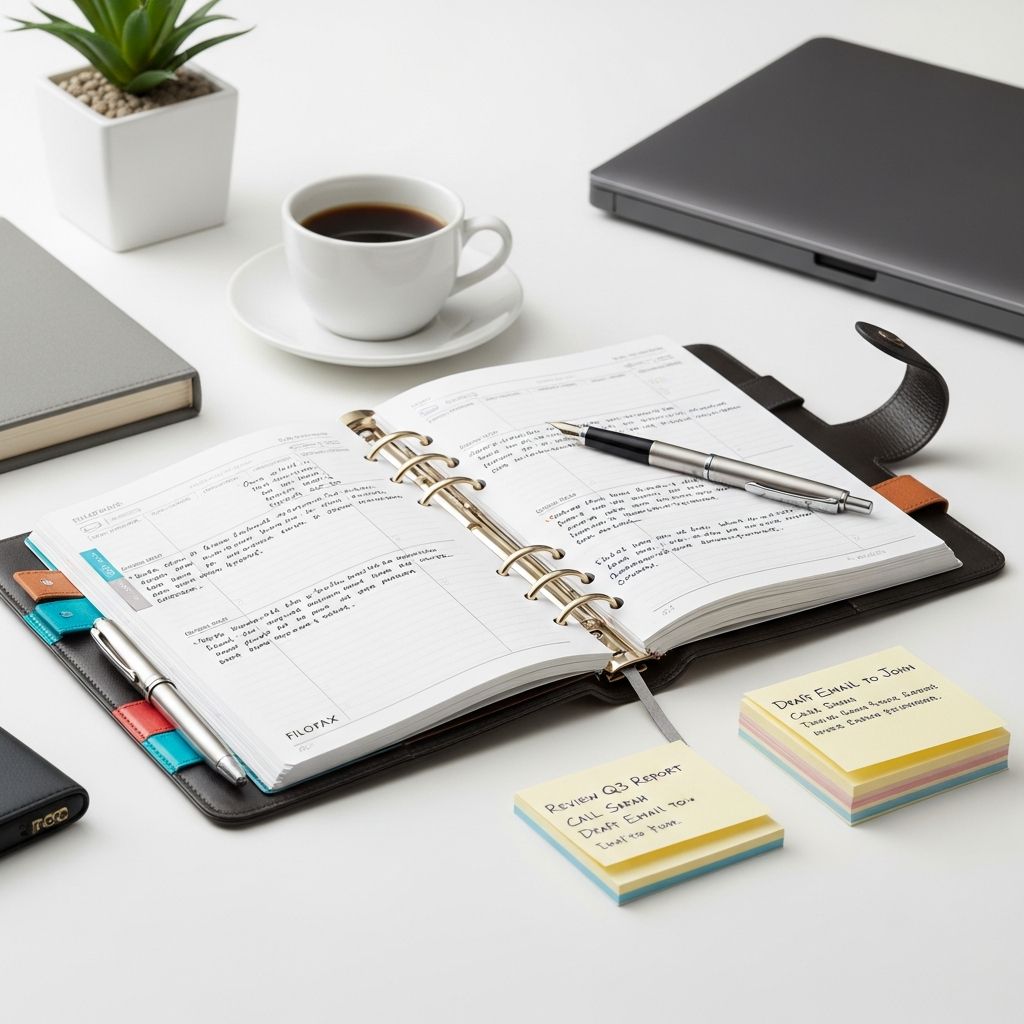
Combining the versatile Filofax ring binder with David Allen’s Getting Things Done (GTD) methodology offers a powerful, analog approach to managing tasks and achieving balance in a fast-paced world. This system emphasizes capturing every commitment on paper, processing them systematically, and reviewing progress regularly to maintain clarity and momentum.
Why Choose Filofax for GTD Over Digital Tools?
Filofax stands out as an ideal GTD companion due to its physical nature, which promotes deeper engagement and reduces digital fatigue. Unlike apps that buzz with notifications, a Filofax demands intentional interaction—writing by hand reinforces memory and provides tactile satisfaction when crossing off items. Its ring-bound design allows endless customization, making it adaptable to GTD’s five core pillars: capture, clarify, organize, reflect, and engage.
- No Battery Dependency: Always accessible, immune to crashes or dead devices.
- Privacy Assurance: Offline storage shields sensitive plans from cyber threats.
- Customization Freedom: Add, remove, or rearrange sections to fit personal workflows.
- Mindful Practice: Encourages focused planning without algorithmic distractions.
Users report heightened productivity after weeks of use, as the system’s durability and aesthetic appeal foster consistent habits. For professionals juggling projects, this setup creates a professional edge in meetings, signaling discipline.
Understanding GTD Fundamentals for Filofax Users
GTD revolves around clearing mental clutter by externalizing tasks. Start with capture: jot every idea, appointment, or obligation immediately. Then clarify: decide if it’s actionable and what next steps are needed. Organize into categories like projects or waiting-for lists. Regular reflection via weekly reviews keeps everything current, enabling confident engagement with priorities.
Filofax enhances this by providing dedicated sections. Official guides recommend tabbed dividers for goals, daily schedules, projects, and notes, aligning perfectly with GTD’s structure. This analog method suits those overwhelmed by apps, offering a sustainable path to ‘mind like water’—responsive yet unburdened.
Selecting the Perfect Filofax Size and Style
Filofax comes in sizes like Pocket, Personal, A5, and A4, each suiting different lifestyles. Pocket fits bags for on-the-go capture; Personal balances portability and capacity; A5 handles detailed planning; A4 suits desk-based workflows.
| Size | Best For | Key Features | GTD Fit |
|---|---|---|---|
| Daily commuters | Compact, lightweight | Quick capture, next actions | |
| Personal | Professionals | Balanced capacity | Full GTD horizons (projects, someday/maybe) |
| A5 | Project managers | Expandable sections | Weekly reviews, trackers |
| A4 | Teams/offices | High volume | Shared references, large calendars |
Opt for leather for longevity and style, or vegan alternatives for sustainability. Quality paper prevents bleed-through from pens or highlighters.
Essential Inserts and Customization for GTD
Stock your Filofax with GTD-specific inserts: weekly/monthly calendars for context, to-do sheets for next actions, project pages for multi-step plans, and reference dividers for someday/maybe or waiting-for items.
- Daily Dashboard: Time-block appointments alongside prioritized tasks; use arrows for focus periods.
- Project Sheets: Outline goals, steps, and status for oversight.
- Contact/Notes: Business card holders double as networking hubs.
- Trackers: Expenses, habits, or fitness logs extend utility.
Color-code with tabs or pens: red for urgent, blue for projects, green for personal. This visual system speeds scanning during reviews.
Step-by-Step Setup: Building Your GTD Filofax
Assemble methodically for seamless use:
- Gather Supplies: Binder, inserts (calendars, lists, blank paper), dividers, pens, highlighters.
- Define Tabs: Inbox (capture), Next Actions, Projects, Waiting For, Someday/Maybe, Calendar, Reference.
- Populate Basics: Current month/year calendars upfront; ongoing master lists.
- Test Flow: Capture a sample task, process it through GTD steps, and file accordingly.
- Personalize: Add motivational quotes or custom trackers.
This mirrors professional systems for goal prioritization and balanced living.
Daily Workflow: Capture to Completion
Begin each day by reviewing the inbox: process items into actionable categories. Block time on calendars for high-priority next actions. Delegate via waiting-for notes. End with a quick scan: what’s advanced? Adjust as needed. Immediate noting prevents overload—trust the system over memory.
In meetings, flip to relevant sections for notes, turning discussions into tasks instantly. The ring system lets you rearrange for focus, like pulling project pages forward during sprints.
Weekly and Monthly Reviews: The Power Habit
GTD thrives on reviews. Weekly: empty inbox, scan all lists, update projects, clear calendar. Monthly: archive completed pages, plan ahead, reflect on wins. This ritual reduces stress, providing control amid chaos. Filofax’s archival quality preserves history—pages become a tangible record of growth.
Advanced Tips for Filofax-GTD Mastery
– Hybrid Integration: Sync key dates to digital calendars sparingly for sharing, but keep core GTD analog.
- ADHD-Friendly Tweaks: Short lists, visual cues, fun stickers for engagement.
- Sustainability: Recycle inserts; minimal e-waste.
- Networking Boost: Contacts section for immediate follow-ups.
Experiment with paper quality—thinner for bulk, thicker for inking.
Real-World Success Stories and Challenges
Users praise Filofax-GTD for boosting output without burnout. One reviewer noted marked organization gains in five weeks. Challenges include initial setup time and habit-building; overcome by starting small. Digital loyalists sync selectively, but many switch fully for focus.
FAQs
Is Filofax better than apps for GTD?
Yes for those seeking distraction-free, tactile planning; it excels in retention and privacy.
How do I handle overflowing sections?
Archive monthly, use multiple binders, or purge non-essentials during reviews.
Can beginners use this system?
Absolutely—start with core tabs and build; official guides simplify.
What’s the cost of a good Filofax?
Entry-level from $30; premium leather $100+, justified by longevity.
Does it work for teams?
Limited sharing, but personal use complements digital collab tools.
Overcoming Common Pitfalls
Avoid over-customizing initially; stick to GTD basics. Carry it always for capture fidelity. If motivation dips, refresh with new inserts or styling.
References
- The Timeless Benefits of Using a Filofax — Philofaxy Blog. 2024-07-01. https://philofaxy.blogspot.com/2024/07/the-timeless-benefits-of-using-filofax.html
- How to get the best out of your Filofax Professional System — Filofax. 2005-05-19. https://philofaxy.com/files/How%20to%20Bookv2.pdf
- 10 reasons to use a filofax — YouTube (BVPDX). Accessed 2026. https://www.youtube.com/watch?v=spYOermGZ1Y
- How to organise your Life with Filofax — Jem Jabella. 2014-01-01. https://www.jemjabella.co.uk/2014/how-to-organise-your-life-with-filofax/
- Review: the Filofax planner — Les Anti-Modernes. 2014-09-01. https://www.lesantimodernes.com/2014/09/review-filofax-planner.html
- A5 Filofax Organisers — Leafletfrog. Accessed 2026. https://www.leafletfrog.co.uk/blogs/news/a5-filofax-organisers/

Medha Deb is an editor with a master's degree in Applied Linguistics from the University of Hyderabad. She believes that her qualification has helped her develop a deep understanding of language and its application in various contexts. Medha specializes in the areas of beauty, health, sports, and wellness and is committed to ensuring that the content on the website is…