
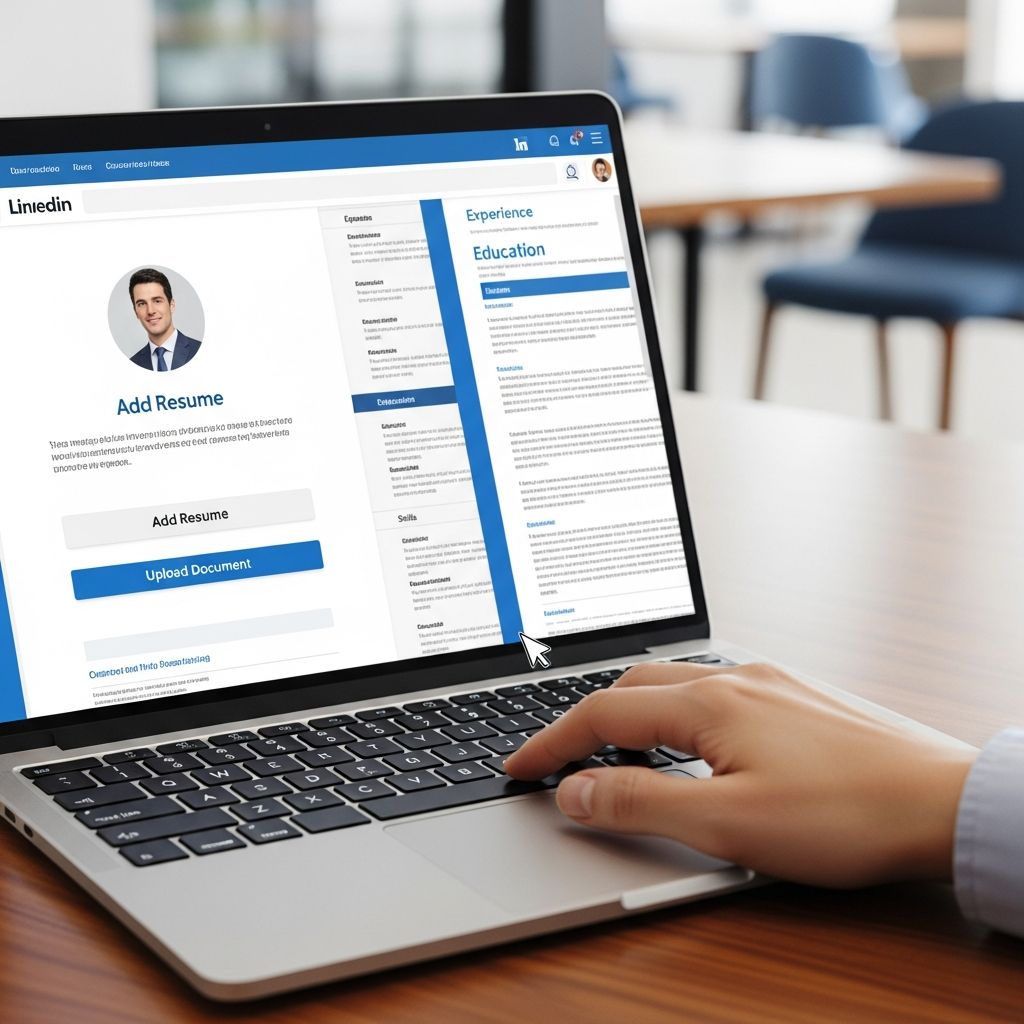
LinkedIn can act as a live, searchable version of your resume and a place to host the actual document recruiters expect to see. Used strategically, uploading your resume to LinkedIn helps hiring managers quickly understand who you are, what you do, and whether you might be right for an open role.
This guide walks you through practical, privacy-aware ways to add your resume to LinkedIn, when you should (and should not) upload it, and how to keep everything consistent and professional.
Why Put Your Resume on LinkedIn at All?
Recruiters and employers rely heavily on LinkedIn to source and evaluate candidates. LinkedIn reports that more than 95% of recruiters use the platform in some capacity when hiring, which means your profile and any attached resume are often reviewed early in the screening process.
Adding your resume to LinkedIn can help you:
- Save time by reusing a stored resume when you apply with Easy Apply.
- Showcase your qualifications immediately to anyone who views your profile.
- Demonstrate consistency between your resume and profile, reinforcing your credibility.
- Highlight tailored versions of your resume for different roles or industries.
However, a resume on LinkedIn is not one-size-fits-all. You need to choose the right placement and privacy level for your career goals.
Four Main Ways to Add Your Resume to LinkedIn
LinkedIn offers multiple points where a resume can appear. Each serves a different purpose and exposes your information to a different audience.
| Method | Visibility | Best For | Key Benefit |
|---|---|---|---|
| Stored resumes in job settings | Private (used only when you apply) | Frequent job applications | Fast Easy Apply submissions |
| Featured section upload | Public on your profile | Open to opportunities, portfolio-style | Immediate access for visitors and recruiters |
| Link in About or Contact Info | Semi-public (click-through) | Discrete access to a live document | Easy to update without editing LinkedIn |
| Resume attached to posts or messages | Limited (network or individual recipients) | Networking, referrals, targeted outreach | Contextual sharing with specific audiences |
Method 1: Store Multiple Resumes in Job Application Settings
LinkedIn allows you to save several resume files in its Job Application Settings, so each time you use Easy Apply, you can pick the most relevant version for that role.
Use this approach when you:
- Apply to many jobs directly from LinkedIn.
- Maintain different resumes for different functions (e.g., marketing vs. operations).
- Prefer not to display your resume publicly on your profile.
Best practices for stored resumes:
- Keep 2–4 versions that target specific roles, not dozens of minor variations.
- Use clear file names such as
Jordan-Lopez-Product-Manager.pdf. - Review quarterly to remove old versions and update achievements.
Many applicant tracking systems (ATS) accept PDF resumes, and PDFs help preserve your layout across devices. When in doubt, choose a simple, text-based PDF over a heavily designed file with images or columns, which may be harder for parsing systems to read.
Method 2: Add a Public Resume in Your Featured Area
The Featured area acts like a personal showcase near the top of your profile. You can highlight articles, links, media – including your resume – so visitors immediately see proof of your experience.
Use a Featured resume if you:
- Are actively open to new roles and want to encourage contact.
- Work in fields where portfolios and work samples matter.
- Want a downloadable snapshot of your experience beyond your profile content.
Tips for an effective Featured resume:
- Upload a polished, generalized resume that fits most of the roles you target.
- Strip sensitive data such as full home address or secondary phone numbers to reduce privacy risks.
- Add a concise, keyword-rich title, for example: “Resume – Senior Data Analyst | SQL, Python, Visualization.”
- Refresh periodically to reflect new roles, certifications, or projects.
Think of this as the resume you’re comfortable sharing with anyone who happens to land on your profile, not the hyper-tailored one you send for a specific opening.
Method 3: Share a Link to Your Resume Instead of a File
Another option is to host your resume in cloud storage and include the link in your About section or Contact Info. This keeps your LinkedIn profile lighter and allows you to update the document in one place.
This method works best when you:
- Want fine-grained control over who can download your resume.
- Frequently update your resume and dislike re-uploading files.
- Prefer to track views or downloads from the storage platform.
Best practices for linked resumes:
- Set permissions so that anyone with the link can view, not edit.
- Use a professional file name that includes your name and target role.
- Write a short description around the link, such as: “View my current resume for product leadership roles here.”
- Check the link regularly to avoid broken or permission-blocked URLs.
Method 4: Use Posts and Direct Messages for Targeted Sharing
Not every resume needs to live on your profile permanently. You can also share your resume in more targeted ways:
- Attach your resume to a LinkedIn post announcing a job search or career transition.
- Send your resume via direct message when networking with recruiters, hiring managers, or referrals.
- Include your resume as a document when commenting on or responding to specific hiring calls (where appropriate).
This approach lets you keep public information lean while still getting your resume in front of the right people at the right time. It is particularly useful when you are passively job searching and do not want to advertise it loudly.
Choosing the Right Level of Visibility
Before uploading, decide how visible you want your resume to be. The table below summarizes how visibility, control, and effort trade off across different methods.
| Visibility Level | Recommended Method | Pros | Cons |
|---|---|---|---|
| High (public to all visitors) | Featured upload |
| |
| Medium (link clicks or network only) | Link in About/Contact or posts |
|
|
| Low (recruiters you apply to only) | Stored resumes for Easy Apply |
|
|
Privacy Essentials Before You Upload
Uploading a resume to a social platform means striking a balance between being easy to contact and protecting your personal data. Cybersecurity and consumer protection experts warn that oversharing details such as full addresses, birthdates, or identification numbers increases the risk of identity theft and fraud.
Consider removing or adjusting these elements on any resume that will be visible beyond a specific employer:
- Street address: City and state are usually enough at early stages.
- Multiple phone numbers: Use one direct line, or rely on LinkedIn messages initially.
- Personal email tied to key accounts: Prefer a separate professional email for job search.
- Photocopies of IDs, signatures, or official numbers: Never include these on your resume.
Also review any embedded metadata in documents, especially if you export from design tools. Use your word processor’s option to inspect and remove hidden data before uploading.
Making Your Resume and Profile Work Together
Your resume and LinkedIn should tell the same professional story, even if they use different formats. Research on hiring shows that inconsistent employment dates or conflicting job titles between documents can raise red flags for recruiters and slow down the screening process.
To keep everything aligned:
- Match job titles and dates between your resume and LinkedIn Experience section.
- Use similar keywords for skills, tools, and responsibilities so you appear in relevant searches.
- Expand selectively: your LinkedIn profile can offer more context, while your resume remains concise.
- Highlight the same signature achievements, even if you describe them with slightly different wording.
If you update your resume with a new accomplishment, certification, or metric, add it to LinkedIn at the same time. This helps maintain a single, trustworthy version of your professional story.
Formatting Tips: File Type, Keywords, and Structure
Whether you upload or link your resume, small formatting decisions can improve both human and machine readability.
- Use an ATS-friendly format: Simple PDFs with clear text, standard fonts, and straightforward headings are safer than heavily designed layouts.
- Mirror job-relevant keywords: Carefully integrate language from job descriptions that genuinely reflect your skills, which helps with automated screening.
- Prioritize impact bullets: Start each bullet point with strong verbs and quantify results where possible.
- Keep it to one or two pages: Most recruiters scan resumes quickly, especially at early stages.
Common Mistakes When Adding a Resume to LinkedIn
A few avoidable errors can undermine your efforts, even if the content of your resume is strong.
- Duplicating the exact same text in every profile section, making your profile look repetitive.
- Uploading an outdated resume and forgetting to replace it when your experience changes.
- Leaving network notifications on while making major changes, which can flood your connections’ feeds with minor edits.
- Using generic file names like
resume-final.pdforCV2023.docx, which look careless to recruiters.
Instead, treat your resume files as part of your personal brand: intentional, clear, and easy for others to understand at a glance.
Frequently Asked Questions About Adding a Resume to LinkedIn
Do I have to upload my resume to LinkedIn to get hired?
No. Many people receive interview invitations and offers based on a strong LinkedIn profile alone. Uploading a resume is optional, but it can streamline applications and make it easier for recruiters to evaluate you quickly.
Should my LinkedIn profile and resume be identical?
They should align but not necessarily match word for word. Titles, employers, and dates must be consistent, but LinkedIn can include richer context, media, and longer descriptions than your resume.
Is it safe to upload my resume to LinkedIn?
Uploading is generally safe if you avoid sensitive details such as full addresses, identification numbers, or other personal data that fraudsters could misuse. You can also choose privacy-friendly options, like limiting your resume to stored Easy Apply versions.
Can I edit an uploaded resume directly in LinkedIn?
No. LinkedIn does not let you edit a file once uploaded. You must update the original document on your computer or cloud, then upload the new version or update the link.
What file type should I use for my LinkedIn resume?
A clean, text-based PDF works well for most situations because it preserves formatting and is typically compatible with resume-screening systems. Avoid image-only PDFs or complex designs that might not parse correctly.
References
- Talent Solutions: Global Recruiting Trends — LinkedIn Corporation. 2022-10-01. https://business.linkedin.com/talent-solutions/resources/talent-strategy
- Best file formats for your resume — Indeed Career Guide. 2023-07-12. https://www.indeed.com/career-advice/resumes-cover-letters/resume-file-type
- Applicant Tracking Systems: What You Need to Know — U.S. Office of Personnel Management (OPM) / USAJOBS Help Center. 2023-04-05. https://www.usajobs.gov/help/faq/application/process/ats/
- Hiring for the Future: How Recruiters Use LinkedIn — Society for Human Resource Management (SHRM). 2023-06-15. https://www.shrm.org/topics-tools/news/hr-magazine/how-recruiters-use-linkedin
- Identity Theft and Your Social Security Number — U.S. Federal Trade Commission. 2023-02-01. https://www.consumer.ftc.gov/articles/what-know-about-identity-theft

- Integrated M.A. in Applied Linguistics, University of Hyderabad
- 5+ years in editorial, instructional, SEO, and research-based writing
Sneha is a relationships and lifestyle writer with a strong foundation in applied linguistics and certified training in relationship coaching. She brings over five years of writing experience to theskillvault, crafting thoughtful, research-driven content that empowers readers to build healthier relationships, boost emotional well-being, and embrace holistic living. Her writing and insights reflect the belief that beauty, happiness, and wellness…