
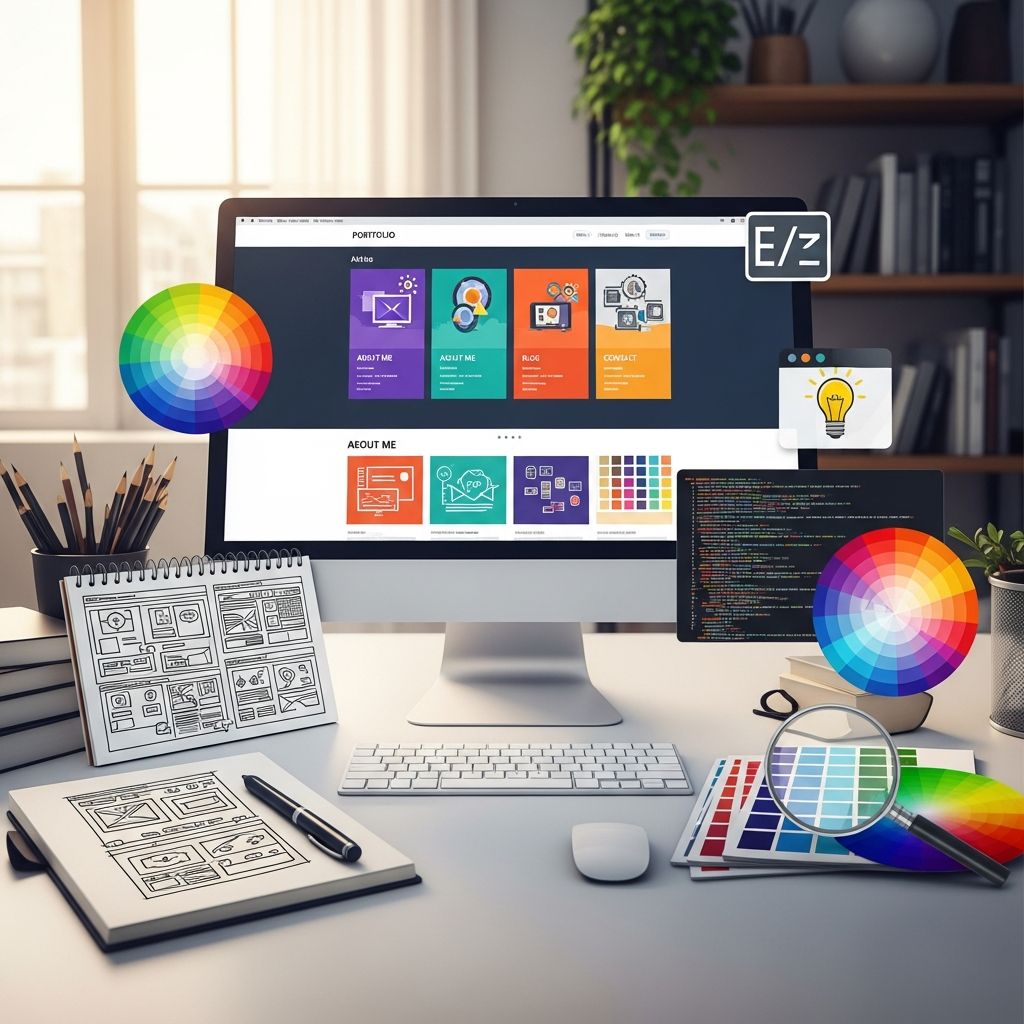
A well-crafted personal website is often the first serious impression you make on recruiters, clients, collaborators, or readers. Used well, it becomes your online hub: a place where your work, personality, and ambitions intersect in a single clear story.
This guide walks through the core ingredients of a strong personal website, drawing on ideas from some of the best examples online while giving you a practical framework you can adapt to any industry or career stage.
Why a Personal Website Matters More Than Ever
Social profiles are useful, but they change constantly and limit how you present yourself. A personal website gives you a stable, searchable, and fully controllable space that can grow with your career.
- Control your narrative: You decide what to highlight, how to frame your experience, and what story visitors walk away with.
- Show, don’t just tell: Portfolios, case studies, or writing samples let people see your capabilities in action.
- Improve discoverability: Search engines often surface well-structured personal sites for name queries and niche expertise, amplifying your visibility.
- Support multiple goals: One site can simultaneously attract clients, employers, speaking invitations, collaborators, or readers.
Step 1: Clarify the Purpose of Your Site
Before you choose fonts or colors, decide what the website should achieve. This single decision will shape your design, content, and calls to action.
| Main Goal | Primary Audience | Measure of Success |
|---|---|---|
| Get a job or internship | Recruiters, hiring managers | Interview requests, portfolio clicks, resume downloads |
| Attract clients or customers | Potential buyers of your services | Inquiry forms, discovery calls, bookings, sales |
| Build a thought-leadership platform | Peers, journalists, event organizers | Newsletter signups, citations, speaking invitations |
| Showcase creative work | Agencies, art directors, collaborators | Portfolio views, project requests, gallery interest |
Once you choose a primary goal, rank everything you plan to include based on how directly it supports that goal. This simple filter keeps your site focused and prevents clutter.
Step 2: Craft a Clear, Memorable First Impression
Visitors will decide within seconds whether your site is relevant and professional enough to keep exploring. Research on web usability has consistently shown that people scan pages quickly, hunting for clear signals of relevance, trust, and next steps.
At the top of your homepage, aim to answer three questions immediately:
- Who are you? Include your name and a short descriptor (for example: “UX Designer and Researcher” or “Freelance Illustrator Focused on Children’s Books”).
- What do you offer? A brief value statement such as “I design intuitive products for health-tech teams” or “I help B2B companies explain complex ideas visually.”
- What should visitors do next? A primary call to action like “View selected projects,” “Book a consultation,” or “Read my latest writing.”
A concise headline with a subheading is often enough. Support it with either a strong photo, a standout visual from your work, or a simple graphic that hints at your personality.
Step 3: Design for Personality and Professionalism
The best personal websites feel like the person behind them: the design choices express personality without sacrificing clarity or accessibility.
Visual Identity Basics
- Color palette: Choose 1–2 main colors and 1–2 accent colors. Use high contrast between text and background to maintain readability and meet accessibility guidelines.
- Typography: Pair a clean, readable body font with a distinctive but legible heading font. Avoid using more than two or three typefaces.
- Photography and imagery: If you use a portrait, make sure it is well lit and feels aligned with your field (formal for corporate roles, more relaxed for creative or independent work).
- Whitespace: Resist the urge to fill every pixel. Generous spacing makes content feel more thoughtful and easier to scan.
Balancing Creativity and Clarity
Interactive elements, animations, or unconventional layouts can be impressive, especially for design or creative portfolios. However, studies on web usability show that people strongly prefer predictable navigation structures and clear labels.
- Use creative flourishes in moderation so they enhance, rather than obscure, your core message.
- Test your site on a few people outside your field. If they struggle to find key information, dial back the complexity.
Step 4: Structure Your Content Around Visitor Needs
Rather than building pages around what you feel like showcasing, build them around what your audience comes to learn. For many personal websites, a simple page structure is enough:
- Homepage
- About
- Work or Portfolio
- Writing, Blog, or Resources (optional)
- Contact
The About Page: Your Story, Focused
An effective About page does more than list credentials. It connects the dots between your background and the problems you can help visitors solve.
Consider including:
- A short, audience-focused introduction (who you are and who you help).
- A concise career story that explains how you arrived at your current focus.
- Highlights such as notable roles, projects, or recognitions.
- A few personal details that humanize you without overwhelming the professional narrative.
- A small call to action at the end (for example, “View selected projects” or “Get in touch”).
The Work or Portfolio Page: Proof of Capability
For most professionals, the work or portfolio section is the heart of the site. Curate carefully rather than listing everything you have ever done.
For each project or example, include:
- Context: Who was the work for? What problem were you solving?
- Your role: Specify what you personally did.
- Process overview: A brief summary of how you approached the work.
- Outcome: Results, metrics, or impact wherever possible. Quantified results strengthen credibility, a principle echoed across marketing and UX research.
- Visuals or samples: Screenshots, photos, or excerpts that make the work tangible.
Optional: Writing, Blog, or Resource Library
Publishing articles, essays, or resources can position you as a thoughtful voice in your field and improve your visibility in search results over time.
- Pick a narrow set of topics connected to your expertise rather than writing about everything.
- Use descriptive titles that clearly state the problem or question your post addresses.
- Link from posts to your services, portfolio, or newsletter where relevant.
Step 5: Make Navigation Intuitive and Accessible
Even the most beautiful personal site fails if visitors cannot find what they need. Clear information architecture and accessibility should not be afterthoughts.
Navigation Best Practices
- Keep the main navigation to 5–7 items with short, plain-language labels.
- Use consistent navigation across all pages.
- Make your name or logo link back to the homepage.
- Ensure that your key call to action (such as “Contact”) appears in the top navigation.
Accessibility Considerations
Beyond being ethically important, accessibility is reinforced by standards such as the Web Content Accessibility Guidelines (WCAG), created by the World Wide Web Consortium.
- Maintain sufficient color contrast between text and background.
- Use proper heading hierarchy (h1, h2, h3) rather than relying solely on visual styling.
- Add descriptive alternative text to images, especially those used as links or key illustrations.
- Ensure the site is usable with a keyboard and that focus indicators are visible.
Step 6: Optimize for Mobile and Performance
Worldwide, a very large share of web traffic comes from mobile devices, and search engines favor mobile-friendly sites in their rankings.
- Responsive design: Use layouts that adapt fluidly to different screen sizes. Test on several phones and tablets if possible.
- Readable text: Increase line height and font sizes on small screens. Visitors should not need to pinch-zoom to read.
- Image optimization: Compress and resize images so pages load quickly. Faster pages reduce bounce rates and improve user satisfaction.
- Minimal scripts: Limit heavy animations or unnecessary plugins that slow down loading.
Step 7: Integrate Basic SEO Without Overcomplicating It
Search engine optimization (SEO) does not need to be mysterious. A few foundational practices can make your site easier to discover.
- Use descriptive page titles: Combine your name with your role or niche (for example, “Alex Chen – Data Scientist & Machine Learning Engineer”).
- Write clear meta descriptions: Summaries that explain what visitors will find on each page, kept within typical character limits used by search engines.
- Structure content with headings: Organized sections help both users and search engines understand your pages.
- Use plain-language URLs: For example,
/portfolio,/about, or/writingrather than strings of random characters. - Link thoughtfully: Include internal links between related pages and, where appropriate, to authoritative external resources.
Step 8: Build Trust with Social Proof and Contact Options
Trust is central to whether someone decides to work with you, interview you, or follow your work. Psychological research on persuasion has long highlighted social proof as a key driver of credibility.
Social Proof Ideas
- Short testimonials from clients, colleagues, or managers.
- Logos of companies, publications, or events you have worked with (where appropriate).
- Selected metrics (for example: “Helped reduce onboarding time by 25%” or “Courses taken by 2,000+ students”).
- Links to selected interviews, talks, or press mentions.
Contact and Conversion
- Include a dedicated Contact page with a simple form and your preferred contact info.
- Provide at least one low-friction way to connect, such as email or a scheduling link.
- If you use a form, explain what will happen next (for example: “I typically reply within two business days.”).
Step 9: Keep Your Site Current and Aligned with Your Goals
A neglected personal website can send the wrong message. Plan for light but regular maintenance.
- Set a recurring reminder (for example, quarterly) to review and update your portfolio, biography, and contact details.
- Archive older projects that no longer represent your best work.
- Consider adding one new piece of content every so often, such as a case study or article, to show that your site is active.
Frequently Asked Questions (FAQs)
How long should it take to build a personal website?
If you use a modern website builder and keep your structure simple, you can often create a solid first version within a weekend. More complex sites with custom design, illustrations, or detailed case studies may take several weeks, especially if you are drafting new content and gathering assets.
Do I need to know how to code to have a professional personal website?
No. Many widely used platforms offer drag-and-drop or visual editors with responsive templates that cover most needs. Coding skills become more useful if you want unusually custom layouts, advanced animations, or integration with bespoke tools, but they are not a requirement for a credible, effective site.
What should I do if I am early in my career and have little to show?
Focus on quality over quantity. You can include academic projects, volunteer work, self-initiated projects, or carefully constructed case studies that simulate real-world challenges. Emphasize your process, thinking, and what you learned rather than trying to appear more experienced than you are.
Is it worth buying a custom domain name?
Purchasing a domain that uses your name or professional identity is usually worthwhile. It looks more polished on resumes, business cards, or social media profiles and can improve recall when someone tries to find your site again. Domain registration is typically inexpensive compared with the long-term benefit of consistent branding.
How much personal information should I share?
Share enough to feel human and approachable, but keep the focus on what is relevant to your professional goals. Avoid posting sensitive details such as home addresses, personal phone numbers (consider a business number or contact form), or information that could be used for identity verification.
References
- Web Content Accessibility Guidelines (WCAG) Overview — World Wide Web Consortium (W3C). 2023-10-05. https://www.w3.org/WAI/standards-guidelines/wcag/
- Search Engine Optimization (SEO) Starter Guide — Google. 2023-08-01. https://developers.google.com/search/docs/fundamentals/seo-starter-guide
- How People Read Online: The Eyetracking Evidence — Nielsen Norman Group. 2019-01-01. https://www.nngroup.com/reports/how-people-read-online/
- Search Engine Optimization (SEO) for Beginners — Bing Webmaster Guidelines. 2022-11-15. https://www.bing.com/webmasters/help/webmaster-guidelines-30fba23a
- Guidance for Web Developers — UK Government Digital Service (GOV.UK). 2023-03-14. https://www.gov.uk/service-manual/technology/using-progressive-enhancement
- The Mobile-First Index — Google Search Central Blog. 2020-03-05. https://developers.google.com/search/blog/2020/03/announcing-mobile-first-indexing-for-the-whole-web
- Harnessing the Science of Persuasion — Robert B. Cialdini, Harvard Business Review. 2001-10-01. https://hbr.org/2001/10/harnessing-the-science-of-persuasion

Medha Deb is an editor with a master's degree in Applied Linguistics from the University of Hyderabad. She believes that her qualification has helped her develop a deep understanding of language and its application in various contexts. Medha specializes in the areas of beauty, health, sports, and wellness and is committed to ensuring that the content on the website is…