
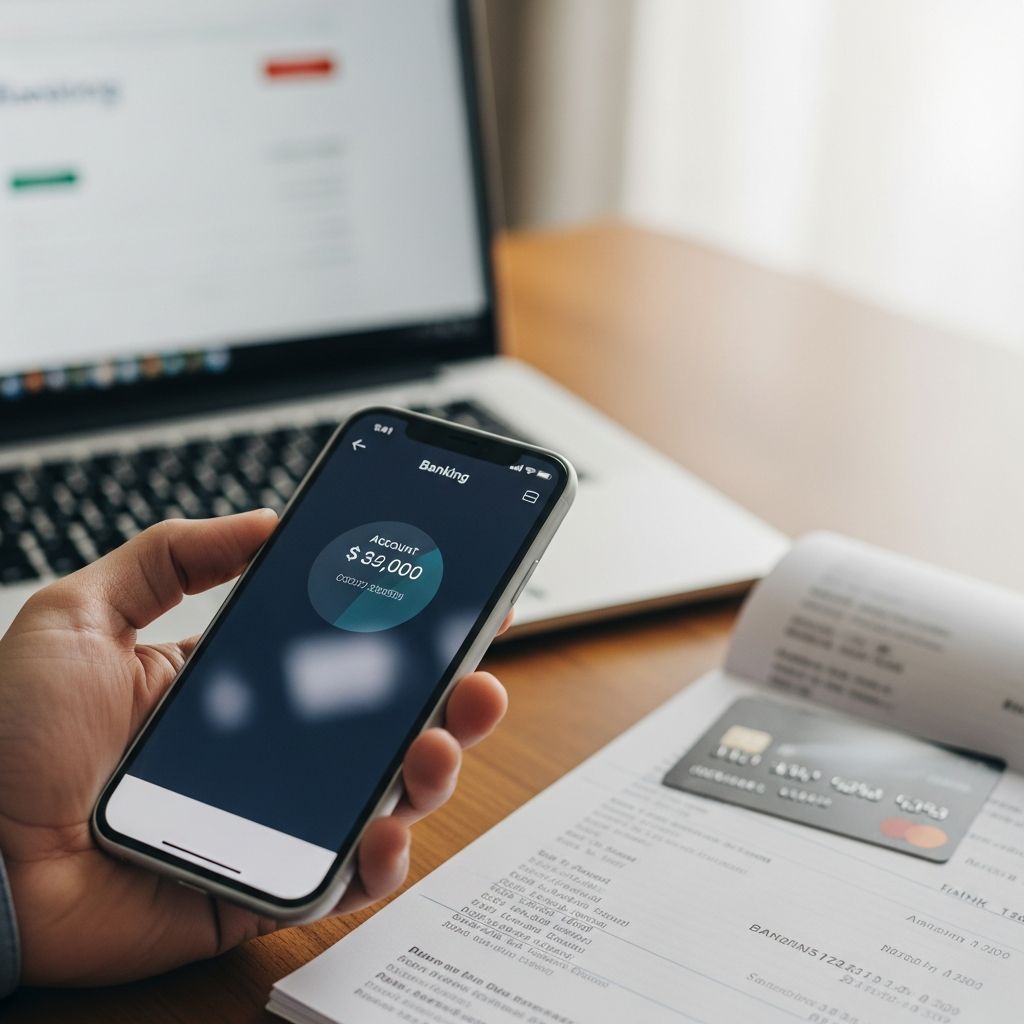
Knowing your exact bank account balance is one of the easiest ways to avoid overdraft fees, detect fraud early, and stay on top of your budget. Modern banks give you multiple ways to see how much money you have, whether you prefer doing everything on your phone or speaking with a real person.
This guide explains the most common methods to check your balance, what each option is best for, and how to stay safe whenever you access your account.
Why Checking Your Balance Regularly Matters
Keeping an eye on your account is about more than curiosity. It directly affects your financial health.
- Avoid overdraft fees: If you spend more than you have, your bank may charge overdraft or non-sufficient funds (NSF) fees, which can be expensive and may hurt your financial standing over time.1
- Catch fraud quickly: Regular checks help you spot unauthorized transactions and report them promptly, which is key to limiting losses and resolving disputes under federal rules in the U.S.2
- Stick to a budget: Knowing your balance helps you compare what you planned to spend with what you are actually spending.
- Track automatic payments: Subscriptions, loan payments, and utilities can hit your account at different times; monitoring your balance helps you make sure the money is there.
Before diving into specific methods, it is useful to understand the difference between two balances you will often see.
Current Balance vs. Available Balance
Most banks show both a current balance and an available balance when you log in or check via ATM.4
| Type of Balance | What It Means | Why It Matters |
|---|---|---|
| Current balance | The total amount in your account, including some pending transactions that may not have fully processed yet. | Useful as a snapshot, but it may not reflect what you can safely spend right now. |
| Available balance | The money you can use or withdraw immediately, after accounting for holds, pending card transactions, and deposits that are not yet available.4 | This is usually the better number to use when deciding whether you can afford a purchase or withdrawal. |
Whenever possible, rely on your available balance when making spending decisions.
Method 1: Using Your Bank’s Website
Most banks and credit unions offer secure online banking portals where you can see your balance in a web browser on a computer, tablet, or phone.3
How to Check Your Balance Online
- Go to your bank’s official website (type the address yourself instead of clicking random links).
- Select the sign-in or log-in button.
- Enter your username and password.
- Find the list of accounts or dashboard.
- Click the account you want to view. You will usually see your current and available balances, plus recent transactions.
Pros of Online Banking
- Accessible from almost any device with a browser and internet.
- Typically offers full details, including statements, transfers, and bill pay features.3
- Good for reviewing several accounts at once (checking, savings, credit cards).
Things to Watch Out For
- Always check that the web address is correct and secure (look for https and your bank’s official domain).
- Avoid signing in on public or shared computers when possible.
- Log out completely when you are done.
Method 2: Mobile Banking Apps
Banking apps are designed specifically for smartphones and are often the fastest way to see your balance on the go.3
Steps to View Your Balance in an App
- Download your bank’s official app from a trusted app store.
- Open the app and sign in using your online banking username and password.
- Set up extra security if offered, such as fingerprint, face recognition, or a one-time code.
- Your account list and balances usually appear on the home screen; tap an account for more detail.
Why Mobile Apps Are Popular
- Speed: Quick access to balances and recent activity.
- Extra tools: Many apps let you deposit checks, send money, or lock your card if it is lost.3
- Alerts: You can typically enable push notifications for low balances, deposits, or large transactions.
Security Tips for Mobile Banking
- Use a strong phone screen lock (PIN, password, or biometric).
- Keep your phone’s operating system and the banking app updated to get the latest security fixes.
- Only download apps from official stores and your bank’s own links.
Method 3: ATMs (Automated Teller Machines)
ATMs do more than dispense cash; they can also show your account balance.
How to Check Your Balance at an ATM
- Insert your debit or ATM card.
- Enter your PIN.
- Select a menu option such as “Balance inquiry” or “Check balance.”3
- Choose whether to view the balance on-screen, print a receipt, or both.
Benefits of Using an ATM
- Convenient if you are already at a machine to withdraw cash.
- Does not require a smartphone or computer.
- Available 24/7 in many locations.
Important Considerations
- Possible fees: If you use an ATM outside your bank’s network, you may be charged for balance inquiries or withdrawals.2
- Cover the keypad when entering your PIN and be aware of your surroundings.
- Avoid using machines that look tampered with or damaged.
Method 4: Phone Banking and Calling Customer Service
If you are not comfortable online or do not have reliable internet access, you can still check your balance by phone.
Automated Phone Systems
Most banks offer a 24/7 automated phone line.
- Call the phone number listed on your debit card or bank statement.
- Follow the voice prompts to choose account information or balance inquiry.
- Enter identifying details such as your account number, card number, or a phone banking PIN.
- Listen carefully as the system reads your current or available balance.
Speaking With a Representative
- Available during customer service hours.
- Useful if you have questions about specific transactions or fees.
- You may be asked additional security questions for verification.3
Method 5: Visiting a Branch in Person
For those who prefer face-to-face help, visiting a local branch to speak with a teller is still an option at many institutions.
What to Bring
- A government-issued photo ID (such as a driver’s license or passport).
- Your debit card or account number.
What You Can Ask For
- Your current and available balances.
- A printed list of recent transactions.
- Help understanding specific charges or fees.
- Assistance setting up online banking or alerts if you have not used them before.
This method can be slower than checking online, but it provides personal guidance if you are unsure about anything on your account.
Method 6: Paper and Electronic Statements
Monthly statements are not a real-time way to check your balance, but they are useful for tracking your account over time.
How Statements Help
- They show your balance at the start and end of the statement period.
- You can review all deposits, withdrawals, card transactions, and fees for that period.
- They are helpful for resolving disputes or proving payment history.
You can usually choose between paper statements by mail and electronic statements available through online banking or your mobile app.
Method 7: Balance and Activity Alerts
Many banks let you set up automatic alerts that keep you informed without manually checking your account.3
Common Types of Alerts
- Low balance alerts: A message when your balance falls below a certain amount.
- Deposit alerts: Notifications when a paycheck or other deposit posts.
- Large transaction alerts: Warnings when a transaction exceeds a threshold you set.
- Daily or weekly summaries: A regular snapshot of your available balance and recent activity.
Why Alerts Are Helpful
- Reduce the risk of overdrafts by warning you before your balance gets too low.
- Help you spot possible fraud quickly when an unexpected large purchase appears.
- Keep you aware of your finances with minimal effort.
Comparing Your Options
The table below summarizes the strengths of each method so you can pick what works best for you.
| Method | Best For | Key Advantages | Potential Drawbacks |
|---|---|---|---|
| Online banking website | Detailed review of accounts on a computer | Full features, printable statements, secure access | Needs internet and a secure device |
| Mobile banking app | Quick checks on the go | Fast, convenient, often includes alerts and deposits | Requires a smartphone and app updates |
| ATM | Checking while withdrawing cash | No internet required, widely available | Possible out-of-network fees, safety concerns at some locations |
| Phone banking | People without internet or smartphones | Accessible from basic phones, available 24/7 via automation | Menus can be slow; limited detail vs. online |
| Branch visit | In-depth questions and personal help | Face-to-face support, detailed explanations | Limited hours, travel and wait times |
| Statements | Recordkeeping and reconciling accounts | Good for budgeting and documenting payments | Not real time; shows the past, not your live balance |
| Alerts | Passive tracking and fraud monitoring | Automatic notifications for key changes | Still need to log in for full details |
Staying Safe While You Check Your Balance
Any time you access your bank, you are handling sensitive information. Following basic security practices helps protect your money.
Create Strong Sign-In Details
- Use unique, complex passwords for your banking accounts and avoid reusing them on other sites.
- Turn on multi-factor authentication (MFA) when available so that a thief would need more than just your password.1
Use Secure Connections
- Avoid checking your balance on public Wi-Fi networks unless absolutely necessary.
- If you must use public Wi-Fi, consider using a reputable virtual private network (VPN) for extra protection.
Watch for Scams
- Be cautious of unexpected emails or texts asking you to click a link and sign in to your bank account.
- When in doubt, type your bank’s web address manually or call the official phone number on your card.
- Never share your PIN or full password over email, text, or on calls you did not initiate.
Frequently Asked Questions
Q: How often should I check my bank account balance?
A: Many people find it helpful to review their balance and recent transactions at least once a week. If you are trying to control spending closely or have had fraud before, checking daily—especially via mobile app or alerts—can provide extra peace of mind.
Q: Does checking my balance affect my credit score?
A: No. Looking at your checking or savings balance does not involve a credit check and has no impact on your credit score. Your bank accounts and your credit report are tracked separately by different systems.
Q: Is it safer to check my balance on an app or a website?
A: Both can be safe if you use your bank’s official channels, keep your software updated, and protect your login information. Many security experts note that well-designed mobile banking apps can be particularly secure because they are sandboxed and can use device-level protections, but you should still use a strong screen lock and enable available security settings.
Q: What if my available balance looks wrong?
A: First, review your recent transactions for pending card purchases, holds at gas stations or hotels, or large automatic payments. If you still cannot explain the difference, contact your bank quickly. In many countries, consumer protection rules limit your liability for unauthorized electronic transfers if you report them promptly.2
Q: Can I check my balance without internet access?
A: Yes. You can use an ATM, call your bank’s telephone banking line from a regular phone, or visit a branch and ask a teller to provide your balance. Some institutions also offer basic text message services for balance inquiries in certain regions.
References
- Tips for Safe Online Banking — Federal Deposit Insurance Corporation (FDIC). 2021-04-01. https://www.fdic.gov/resources/consumers/consumer-news/2021-04.html
- Electronic Fund Transfers (Regulation E) — Consumer Financial Protection Bureau (CFPB). 2023-06-02. https://www.consumerfinance.gov/compliance/compliance-resources/deposit-accounts-resources/electronic-fund-transfers-regulation-e/
- How to Check Your Bank Account Balance — Experian. 2022-02-14. https://www.experian.com/blogs/ask-experian/how-to-check-bank-account-balance/
- How to Check My Bank Account Balance — Huntington National Bank. 2023-01-10. https://www.huntington.com/learn/checking-basics/account-balance

- Integrated M.A. in Applied Linguistics, University of Hyderabad
- 5+ years in editorial, instructional, SEO, and research-based writing
Sneha is a relationships and lifestyle writer with a strong foundation in applied linguistics and certified training in relationship coaching. She brings over five years of writing experience to theskillvault, crafting thoughtful, research-driven content that empowers readers to build healthier relationships, boost emotional well-being, and embrace holistic living. Her writing and insights reflect the belief that beauty, happiness, and wellness…