
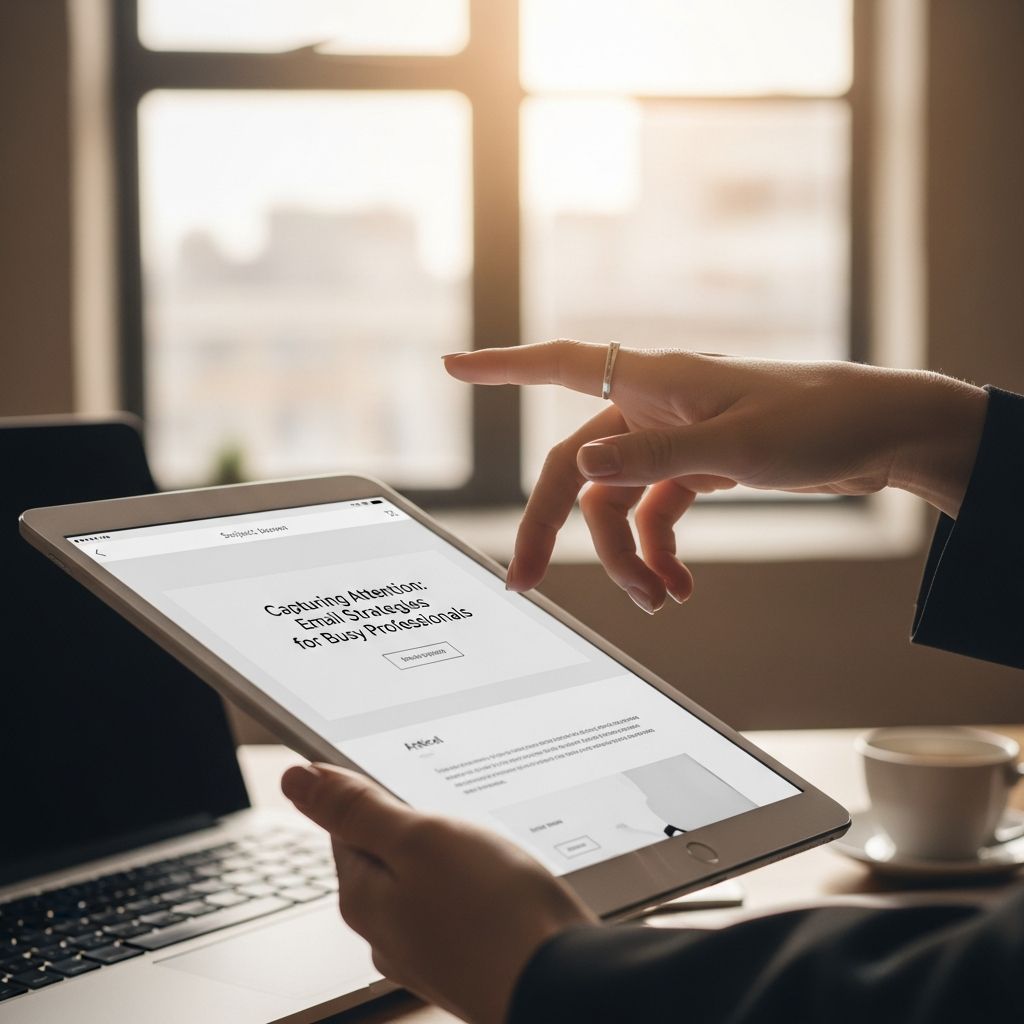
The Challenge of Email Overload in Modern Workplaces
The average professional receives approximately 120 emails per day and spends roughly 11 hours per week managing their inbox. This reality has fundamentally changed how we must approach email communication. When attention is a scarce resource, the responsibility falls on the sender to make their message impossible to ignore—not through sensationalism, but through clarity, respect, and strategic presentation.
Many communicators fail to recognize that email success isn’t about what you want to say; it’s about making it easy for a busy person to understand your message, assess its relevance, and act on it quickly. The difference between an email that gets deleted and one that gets a response often comes down to a few critical decisions made during composition.
The Foundation: Subject Lines That Demand Attention
Your subject line is your first and often only opportunity to capture a busy person’s attention. Yet many professionals treat subject lines as an afterthought—a placeholder rather than a strategic tool. In reality, the subject line is the most critical element of your email because it determines whether your message gets opened at all.
A strong subject line serves three purposes: it communicates purpose, conveys urgency when relevant, and sets expectations. Instead of vague phrases like “Quick question” or “Let’s meet,” use concrete language that immediately tells the reader what they’re dealing with and why it matters to them. For example, “Decision needed on Q1 budget by Friday” is infinitely more useful than “Budget question.”
Quantifying time commitment in your subject line is particularly effective. Phrases such as “3 quick questions” or “[URGENT: 2-minute review needed]” give busy people critical information at a glance. This transparency respects their time and helps them prioritize. Additionally, if your message is time-sensitive, this information belongs in the subject line, not buried in the body. Harvard communication experts recommend using brackets to highlight deadlines or specific requests: [DEADLINE: Friday EOD] or [SIGNATURE REQUIRED].
Structure and Scannability: Guiding the Reader’s Eye
Most busy professionals don’t read emails; they scan them. They’re looking for the key information—what you want, why it matters, and what action is required. Your email structure must account for this scanning behavior by presenting information in order of importance and making the text visually digestible.
The inverted pyramid structure, borrowed from journalism, works exceptionally well for professional emails. Place your most essential information in the opening sentence or paragraph. A busy person should be able to understand your core message even if they only read the first few lines. Additional context, background, and supporting details should follow in descending order of importance.
Breaking up dense text into short paragraphs—ideally one or two sentences each—dramatically improves readability. Long blocks of text create visual fatigue, particularly for people reading on mobile devices. Similarly, bullet points and numbered lists transform complex requests into scannable information. If you have five questions, presenting them as a numbered list makes it far more likely the recipient will address each one, rather than burying them in paragraph form where some may be overlooked.
Strategic use of formatting—bolding key terms, using italics for emphasis, and incorporating line breaks—helps guide the reader’s attention to what matters most. However, moderation is essential. If everything is bolded, nothing stands out. Avoid unconventional fonts, bright colors, or other visual gimmicks that can appear unprofessional or trigger spam filters.
The Power of Brevity: Saying More by Saying Less
Brevity isn’t just a stylistic preference for busy professionals; it’s a core value. People appreciate emails that respect their time by conveying information efficiently. This doesn’t mean every email must be one sentence, but rather that every sentence should earn its place.
Before hitting send, edit your email at least once to remove unnecessary words and information. Common filler phrases that add length without adding value include “generally,” “actually,” “basically,” “kind of,” “fundamentally,” “first and foremost,” and “each and every.” Removing these words reduces your email’s length without compromising meaning.
Consider also whether an email is the right medium for your message. Complex discussions, significant decisions, or detailed explanations are better suited to phone calls, video meetings, or in-person conversations. Email excels at conveying specific information, making simple requests, and documenting decisions—not for extensive back-and-forth discussions.
Directness Without Harshness: Finding the Right Tone
Being direct—getting to the point without unnecessary pleasantries or storytelling—is essential for busy audiences. However, directness must be balanced with professionalism and congenial tone to avoid emails that feel cold or demanding.
Examine the difference between these approaches:
| Approach | Example | Why It Works (or Doesn’t) |
|---|---|---|
| Too Casual | “Hey, can you send me that report?” | Lacks urgency and professionalism |
| Too Demanding | “I need this report immediately.” | Feels abrupt; lacks context or appreciation |
| Balanced | “Could you share the Q4 report by end of day? I need it to finalize the stakeholder presentation.” | Clear, time-bound, includes context |
A professional tone strikes a middle ground: it’s respectful and courteous without being obsequious. Avoid overusing “please” or apologetic language that positions you as desperate for a response. Instead, focus on what value the recipient gains from responding or what opportunity you’re presenting. Even a simple phrase like “I thought you’d find this interesting given your work on [specific topic]” demonstrates that you’ve done your homework and respect their expertise.
Building Genuine Context and Personal Connection
Before sending an email to a busy professional, demonstrate that you understand why you’re contacting them specifically and that you’ve invested effort in making the ask relevant to them. Generic emails that could be sent to anyone are easier to ignore than personalized messages that show genuine consideration.
Begin by establishing the context in which you know this person or why you’re reaching out to them. This isn’t about writing “Hey [Name]! I need you to…” to a stranger. Rather, reference something specific about their work, a previous conversation, or a mutual connection that prompted your outreach. For example: “After reading your article on remote team productivity, I have a question about implementation in distributed organizations.”
The key is balancing personalization with brevity. A paragraph acknowledging the recipient’s expertise or previous work is appropriate; a lengthy life story is not. Keep this section to 2–3 sentences maximum, then transition to your actual request.
Structuring Requests: Making Action Easy
The ultimate goal of most professional emails is to prompt some action from the recipient. Whether you’re requesting feedback, a decision, information, or a meeting, make it as painless as possible for them to comply.
Frame requests around the value or benefit to the recipient rather than framing them as impositions. “Could you review this proposal so we can move forward with implementation?” is more compelling than “Can you review this?” The additional context explains why their time matters—not just that you want something.
When you have multiple requests, present them as a numbered list rather than burying them in paragraph text. This allows recipients to respond systematically and gives them a template for their reply. If your request is truly complex or detailed, consider attaching a separate document rather than writing an extremely long email.
Finally, consider doing the “legwork” yourself to minimize the recipient’s effort. Rather than asking “When are you available to meet?” and then waiting for their response, suggest specific times: “I’m available Tuesday at 2 PM or Wednesday at 10 AM. Which works better for you?” This dramatically increases the likelihood of a timely response.
Technical Considerations for Email Deliverability
Even the most well-written email is useless if it lands in spam or gets lost in a busy inbox. A few technical practices improve the chances your message reaches its destination and gets noticed:
- Use a clear, professional email address and display name so the recipient immediately recognizes who the message is from
- Include a confirmation of receipt request only when genuinely necessary (such as sending important documents)
- Avoid excessive attachments or unusually large files that might trigger spam filters
- Keep your email plain text or simple HTML formatting; avoid rich formatting that can appear unprofessional
- Include a professional email signature with relevant contact information
Building Better Email Habits
Improving your email communication isn’t about following arbitrary rules; it’s about developing habits that demonstrate respect for others’ time and attention. The next time you draft an email, pause before sending and ask yourself: Is my subject line meaningful? Have I led with my main point? Would a list make my requests clearer? Can I trim any unnecessary words?
Small improvements compound over time. People notice when you send thoughtful, well-structured emails—they save time, reduce miscommunication, and often generate faster responses. Conversely, poorly written emails create extra work by forcing recipients to request clarification or send follow-up messages.
Frequently Asked Questions
Q: How long should my email be?
A: There’s no fixed limit, but aim for clarity over brevity. A long email that is well-structured, scannable, and contains necessary information is more effective than a short, unclear email. Generally, if your message is longer than three paragraphs, consider whether a phone call or meeting would be more appropriate.
Q: Should I use “Please” in my emails?
A: While “please” isn’t inherently wrong, overusing it can make your email sound desperate. Instead, focus on the value or benefit of compliance. Frame your request positively and explain the context and impact.
Q: What if I need to send a time-sensitive email?
A: Include time sensitivity in your subject line with a bracket notation such as [URGENT: Decision needed by 5 PM today]. Then, ensure your opening sentence clearly restates the deadline and what you need.
Q: Is it okay to use emojis or GIFs in professional emails?
A: Generally, avoid emojis and GIFs in formal professional communication. They can appear unprofessional and may not render correctly across all email clients. Stick to clear, professional language and formatting.
Q: How should I follow up if I don’t get a response?
A: Wait 3–5 business days before following up, and keep your follow-up brief. Reference your original email and reiterate the key request or deadline. Avoid accusatory language; assume the person is simply busy.
References
- How to Write the Perfect Email (That Actually Gets Read) — Sparring Mind. https://www.sparringmind.com/perfect-email/
- Writing Professional Emails: Effective Strategies and Etiquette — MIT Communications Lab. October 3, 2025. https://mitcommlab.mit.edu/be/2025/10/03/writing-professional-emails-effective-strategies-and-etiquette/
- How to Email Busy People — Wittenbrock Design. https://www.wittenbrockdesign.com/blog/how-to-email-busy-people/
- A Blueprint for Writing Effective Emails — Harvard Medical School Office of Recruitment. https://learn.hms.harvard.edu/insights/all-insights/blueprint-writing-effective-emails

Medha Deb is an editor with a master's degree in Applied Linguistics from the University of Hyderabad. She believes that her qualification has helped her develop a deep understanding of language and its application in various contexts. Medha specializes in the areas of beauty, health, sports, and wellness and is committed to ensuring that the content on the website is…